Resurrect old PCs: 5 reasons to try GentleOS and How to get it started
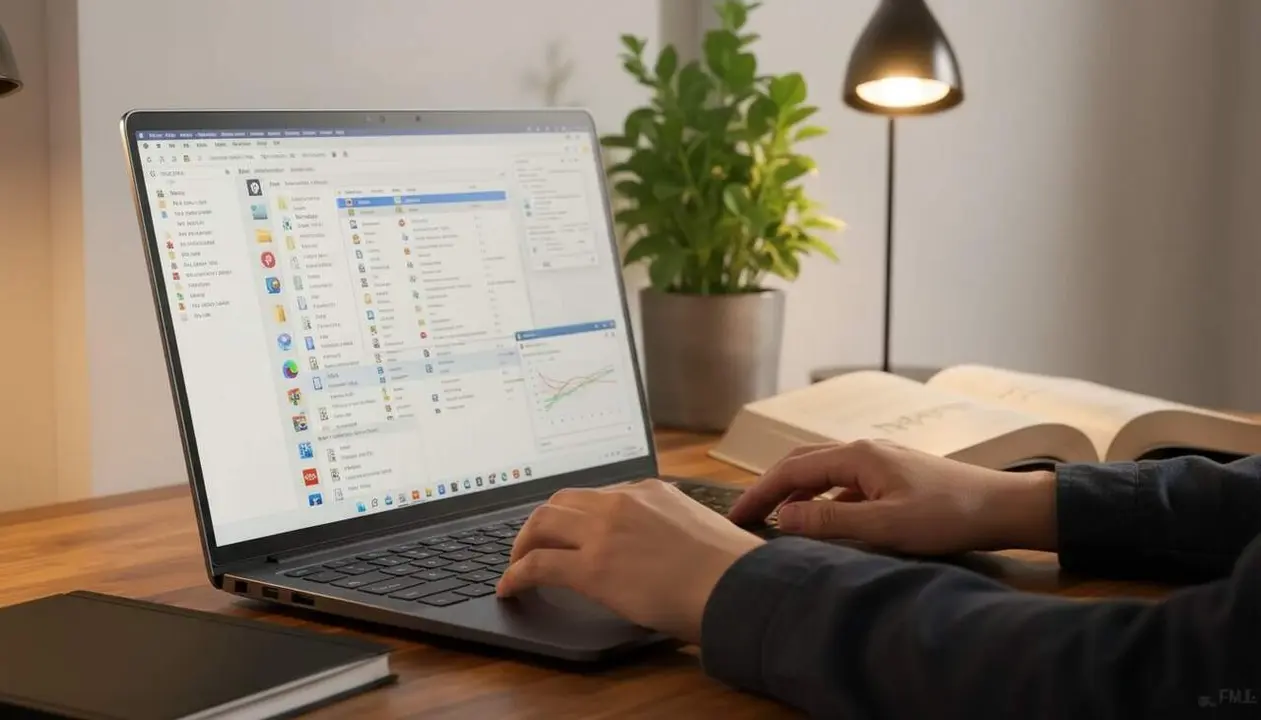

According to the official project documentation and the report cited in the source, GentleOS is designed to run on classic 32-bit PCs and has a variant for older architectures called GentleOS/16. The source specifies concrete requirements such as an Intel i386 CPU, 4 MB of RAM, and a VGA 640 × 480 display.
What does GentleOS offer and why does it work where others fail? GentleOS reuses lightweight design concepts and an architecture aimed at limiting resource usage, allowing for basic UI and applications on very limited hardware.
What is GentleOS and why should you care
Why does this matter for your old computer?
This section explains why GentleOS can be a practical solution for those who keep a classic laptop or PC: it restores utility without hardware investments and facilitates educational or recreational experiences on original hardware.
What features does it include?
The source states that GentleOS provides a clean graphical interface and basic applications: clock, calendar, calculator, games like Solitaire, Snake, and Memory, and small drawing tools. It does not aim to compete with modern systems but to offer a functional retro experience.
Who can benefit and in what environments
Who gains the most from GentleOS?
GentleOS fits collectors, educators, and enthusiasts of historical computing who want to test and demonstrate hardware without physically modifying the system. This is important to museums and educational workshops where historical integrity is valuable.
Can it run on old laptops like yours?
If your laptop has a CPU compatible with i386, 4 MB of RAM, and VGA output, the source confirms it has a real chance of running. However, you must check the specific model and the manufacturer's boot policy; the source does not offer an exhaustive list of compatible models.
How to get GentleOS up and running (guideline process)
What basic steps should you follow?
The official documentation does not detail every installation step in the provided source; below is a guideline procedure that should be cross-checked with official documentation before applying it.
To activate GentleOS on an old PC, follow a general guide and verify each step with the official source. This does not replace the project documentation.
- Consult the official project documentation to obtain the installation image and specific notes.
- Prepare boot media (USB or floppy, depending on hardware) using tools compatible with the image (such as image writing tools — the source does not specify particular names).
- Access the BIOS or UEFI of your device and configure the boot order to read the media you prepared.
- Boot the device and follow the on-screen instructions; the source specifies a simple graphical interface but does not detail installation menus.
- Once started, check the VGA resolution and the basic applications (clock, calculator, games) indicated in the documentation.
Limitation: the source does not describe a detailed installer nor specific menu paths; for exact steps, refer to the official project documentation.
Requirements and settings you need to check
The source states explicit minimum requirements: Intel i386 CPU, 4 MB of RAM, and a VGA 640 × 480 display. Additionally, GentleOS uses a monolithic architecture to optimize performance on limited hardware.
How to check if your device is compatible?
Quick signs confirming compatibility:
- CPU identified as i386 or compatible in the system information.
- Physical memory approximately 4 MB or more according to BIOS review.
- VGA output and support for 640 × 480 on the screen or adapter.
If your device meets these points, the boot probability is high; if any element is missing, the source indicates it might be necessary to resort to the GentleOS/16 variant for even older hardware.
Platform and status comparison
| Platform / Version | Affected | Fix Available |
|---|---|---|
| 32-bit PC (i386) | Yes | Available in project updates |
| GentleOS/16 (Intel 80186) | Yes | In development according to documentation |
How to correctly verify the installation?
After booting, check for the appearance of the graphical interface, access to basic applications, and that the resolution shows as 640 × 480; the source describes these basic tests as indicators of operation.
What problems can be expected?
The source acknowledges errors and areas for improvement in the project; issues may appear with specific video drivers or input limitations on very old hardware. Developers indicate that corrections and new applications will be incorporated over time.
Check if you are Affected (checklist)
- Is the device from before 2000? If yes, it is an ideal candidate.
- Is the CPU i386 or equivalent? If yes, GentleOS might run.
- Do you have a method to boot from external media? Necessary for most installations on old hardware.
- Do you have backups of the original system? Recommended before making changes.
If you confirm most of these points, you have a good chance of successfully installing GentleOS; if not, review the documentation or consider using emulators on a modern computer.
Prevention and Maintenance: keep a data backup, update when the project publishes revisions, activate physical protections on the device, and review application permissions when possible. Pay attention to signs of error: repeated boot failures, system error messages, or erratic interface behavior indicate the need for technical consultation.
Final thoughts: GentleOS offers a simple and effective way to revive historic computers, with applications and an interface designed for limited hardware; the source emphasizes that the project is evolving and that vigilance and patience will be necessary during the implementation process.