WhatsApp Has a New Design That Looks Like a Movie — and You Can Enable It Now
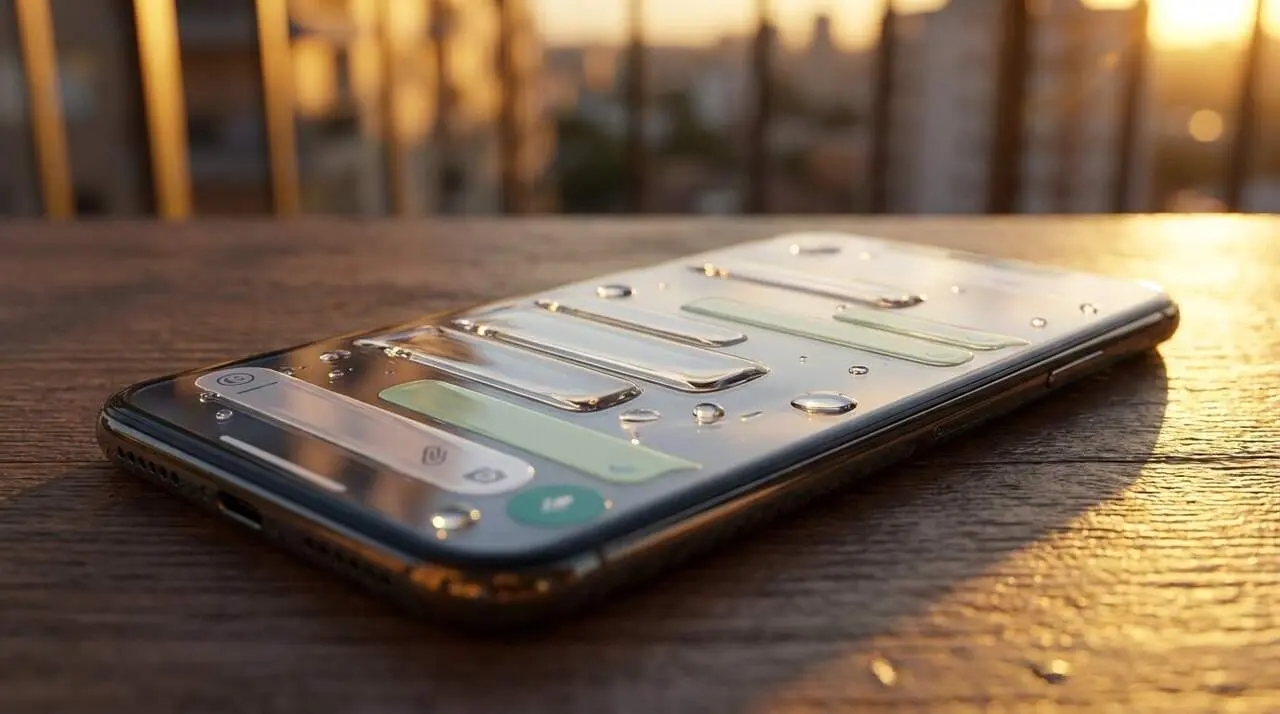

Have you ever seen that new WhatsApp look that seems made of glass? It’s called Liquid Glass mode and it’s revolutionizing the way we use the app. Without much warning, WhatsApp is rolling out a design that features transparency and smoother animations, but not everyone can access it instantly.
Luckily, there are ways to try activating this modern style before it reaches everyone. In this article, we’ll explain how to do it and what to expect from this redesign that will change your WhatsApp experience.
What is Liquid Glass mode on WhatsApp?
Main features of the new design
Liquid Glass mode introduces an effect of translucent layers that give a sense of depth and visual lightness. This translates into:
- Elements with a glass finish and subtle transparencies.
- Smoother and more fluid animations in navigation.
- Automatic adaptation to the system’s light and dark modes.
- Floating navigation bar with a semi-transparent effect.
- Buttons and menus with reflections and blurred edges.
- Modernized keyboard more harmonized with the interface.
Key areas affected by the redesign
The changes are not only aesthetic but also improve usability. The most visible parts are:
- The navigation bar: now it floats and has a lighter appearance.
- The buttons and menus: more attractive and easier to use.
- The keyboard: looks more integrated with the rest of the app.
- Interactive features like the voice note player are in the process of being updated.
How to activate Liquid Glass mode on WhatsApp
Update WhatsApp to the latest version
The first and most essential step is to update WhatsApp through the Play Store (Android) or App Store (iPhone). Without this, you won’t be able to enjoy the new design.
Once the app is updated, just open it and check if the change is active. If Liquid Glass does not appear yet, be patient because the rollout is gradual and depends on the company’s policy.
Wait for the gradual rollout
WhatsApp chooses to activate this feature progressively to ensure everything works correctly. There is no manual way to enable Liquid Glass mode before WhatsApp decides to for your account.
This means that after updating, it may take days or weeks to see the redesign. Meanwhile, it’s recommended to keep the app updated and watch for any visual changes being added.
Additional tips and security on WhatsApp
Stay secure while enjoying the new design
With the rise of digital fraud attempts, it’s easy to worry about security while exploring new features. WhatsApp includes tools to check devices linked to your account and prevent unauthorized access.
How to manage linked devices
To verify who has access to your session, open WhatsApp, tap the three dots and select "Linked Devices". Here you will see the devices that have logged into your account, such as computers, tablets, or other phones.
If you detect any unknown device, you can log out remotely so its access is blocked immediately, and it can only be reactivated with the verification code.
| Step | Action |
|---|---|
| 1 | Update WhatsApp to the latest available version. |
| 2 | Open the app and check if Liquid Glass mode is active. |
| 3 | If it doesn’t appear, wait for the gradual rollout that WhatsApp performs. |
| 4 | Regularly check "Linked Devices" to ensure security. |