Xiaomi HyperOS Launcher: the new Liquid Glass aesthetic and how to easily install it
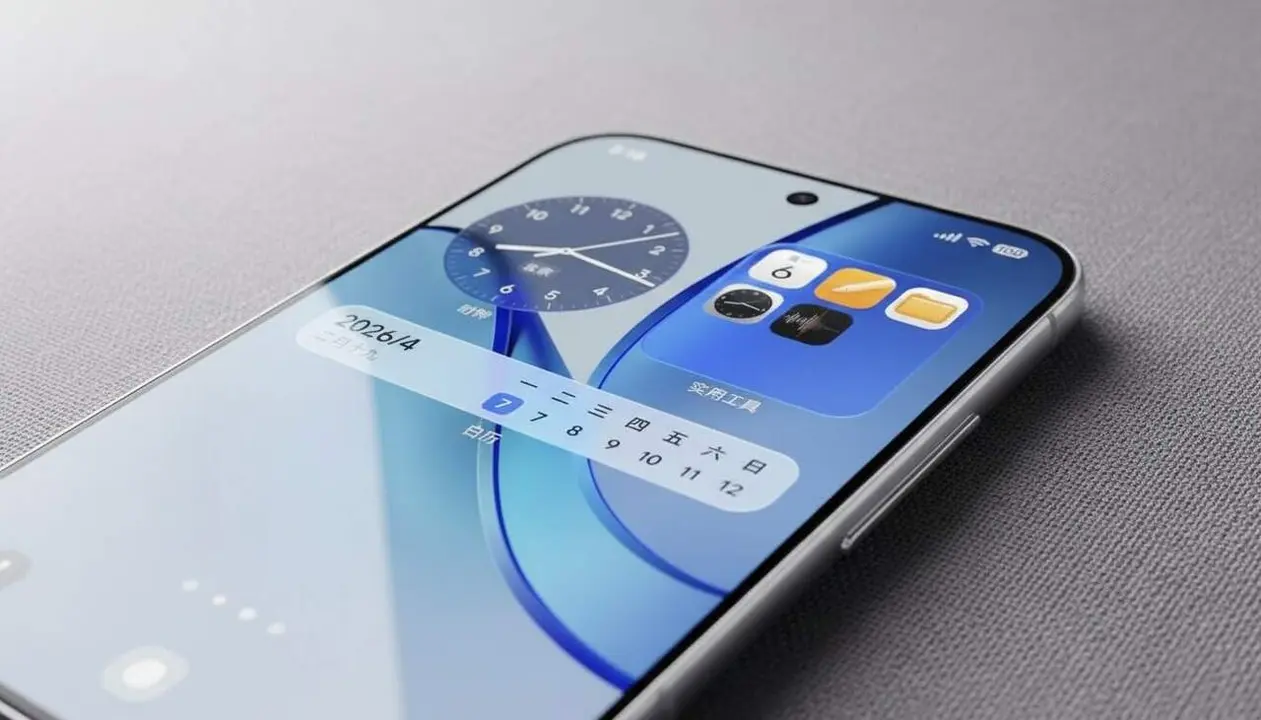

The new version of HyperOS Launcher brings a revamped visual experience inspired by iPhone. This update affects Xiaomi devices with HyperOS 3 and 3.1 and aims to improve system fluidity and stability.
Xiaomi has officially released this update that integrates the Liquid Glass aesthetic, very popular on iOS, to offer a more modern and attractive look. But, how does this affect users and how is it applied?
What does the new HyperOS Launcher Update bring?
Why is it relevant for Xiaomi users?
With the arrival of version 8.01.02.xxxxx, Xiaomi intends not only to give a fresh visual touch with Liquid Glass, but also to fix bugs and optimize stability. This is key for those who use their Xiaomi with HyperOS 3 or 3.1 and want a smoother and more stable experience.
What does the Liquid Glass aesthetic consist of?
Liquid Glass is a design that simulates translucent and shiny surfaces, very characteristic of Apple iOS. Although it has received criticism for being too similar to iPhone, it adds a modern and clean touch to the launcher interface.
How to know if your Xiaomi device is Affected?
Which models and Versions support this Update?
The new version is aimed at selected models running HyperOS 3 or HyperOS 3.1. Compatibility depends on region, model, and installed build.
How to check your HyperOS system Version?
To make sure you can install the update, check the version by going to Settings > About phone > HyperOS Version. If you have 3 or 3.1, you are within the indicated range.
How to install the new version of HyperOS Launcher?
What steps to follow to update manually?
Manual installation of the new launcher involves downloading a secure APK file and replacing the previous version to avoid conflicts:
- Download the APK from reliable sources like MemeOS Enhancer or MemeOSUpdates.com.
- Enable permissions to install apps from unknown sources from Settings > Security.
- Uninstall any old version of HyperOS Launcher to avoid errors.
- Open the downloaded APK and follow the instructions to install or update the launcher.
How to verify that the installation was successful?
- The interface shows the Liquid Glass aesthetic with translucent and modern elements.
- The system runs smoother and more stable without freezes or errors.
- The launcher version matches the RELEASE-8.01.02.5329 build or higher.
| Platform / Version | Affected | Fix available |
|---|---|---|
| HyperOS 3.0 | Yes | Update 8.01.02.5329 |
| HyperOS 3.1 | Yes | Update 8.01.02.5334 |
| Earlier versions | No | Not available |
To keep the device secure and optimized, it is essential to install official updates like this one. It is also recommended to enable two-step verification (2FA), make periodic backups, and review the permissions of installed apps.
If you notice any serious issue after installation, do not hesitate to seek professional help or contact Xiaomi technical support. An update of this kind should improve the experience, not worsen it.
The reality is that this update not only transforms the aesthetics of your Xiaomi but also helps ensure a more stable experience with fewer errors. Don’t miss the chance to update and enjoy what the new version of HyperOS Launcher offers.
Frequently Asked Questions
- How can I know if my Xiaomi is compatible with the new version of HyperOS Launcher?
- Check the system version at Settings > About phone > HyperOS Version. If it is 3 or 3.1, the new version is compatible.
- Is it safe to install the APK from external sources?
- Only download the APK from official or recognized platforms like MemeOS Enhancer to ensure the file’s safety and integrity.
- What do I do if the update causes errors or freezes?
- Uninstall the new version and restart the device. If problems persist, contact Xiaomi technical support.