Why put a coin on the WiFi router and what it really provides
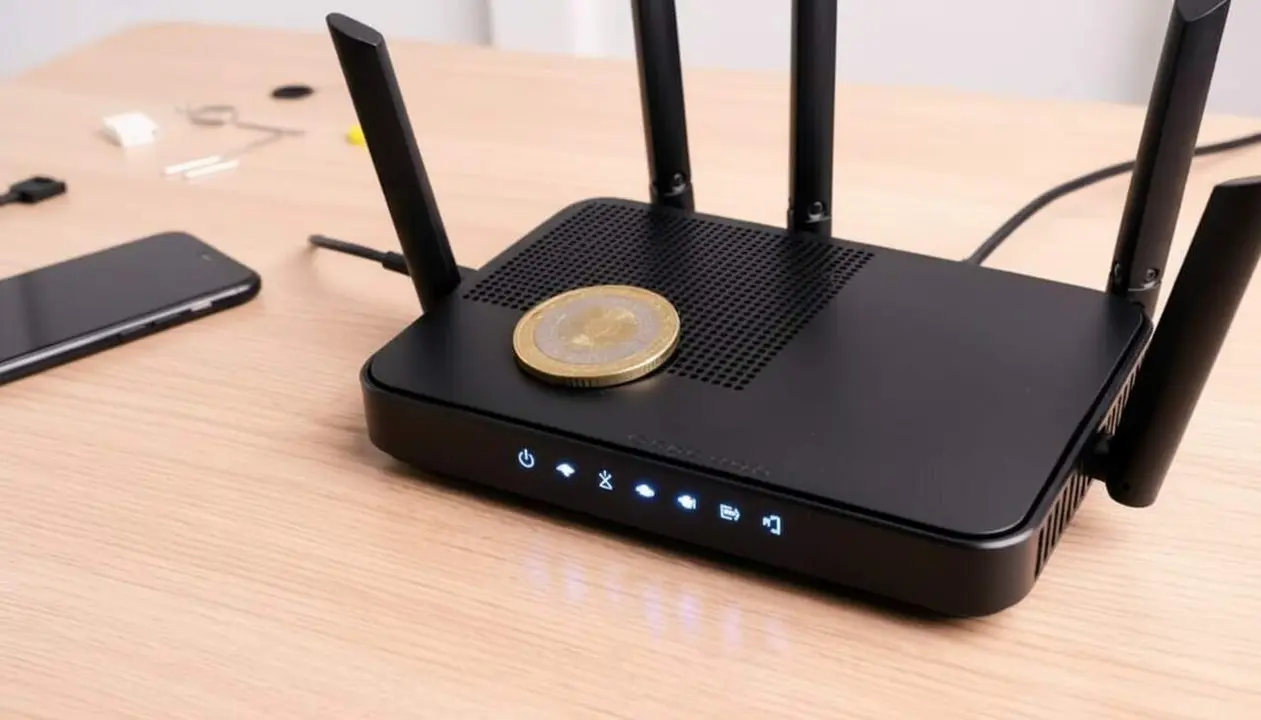

The router is the key device that distributes the internet signal at home, connecting mobiles, computers, and other devices. However, connection quality can vary depending on the device’s location and surrounding objects.
According to several users, placing a coin on the router can modify how the WiFi signal waves distribute indoors, making them reach certain areas with greater strength. Nevertheless, from a technological point of view, there is no solid evidence that this technique actually works, since metal can interfere with or block the electromagnetic waves transmitted by the router.
Why placing a coin on the router is not the ideal solution
How metal affects the WiFi signal
Metals, like a coin, can act as barriers or reflectors of the radiofrequency waves emitted by the router. This can cause the signal to be diverted or weakened instead of improved, especially if the metal is very close or partially covers the device.
Possible issues with using a coin
Moreover, placing objects on the router can hinder ventilation, causing overheating and potentially reducing the device’s performance or lifespan.
How to effectively improve your WiFi connection
Expert-recommended tips
- Place the router in a high and central spot in the house to better distribute the signal.
- Avoid placing it near large metallic objects, thick walls, or appliances that generate interference.
- Periodically restart the router to optimize its function.
- Update the device or use repeaters to extend coverage in large homes.
Steps to configure and verify the connection
- Check that the router is located in an open and well-ventilated space.
- Avoid covering it with any object, especially metallic.
- Use apps or tools to measure signal strength in different areas of the house.
- Set up the 5 GHz band if the device supports it, as it offers less interference.
Where not to place the router at home
Areas to avoid
Experts recommend not placing the router in the kitchen, as appliances can interfere with the signal. It is also not advisable to situate it near windows or large metallic objects, since the signal can disperse or receive interference from other public networks.
Ideal locations
The best places are central, open, and elevated areas within the home, allowing a more even distribution of the WiFi signal.
| Platform / Version | Placing coin | Actual improvement |
|---|---|---|
| Standard home router | Often done | No technical evidence |
| Professional router | Rarely | Not recommended |
To maintain a stable connection, don’t forget to update the router’s firmware, enable two-factor authentication (2FA) for network security, review access permissions, and back up the configuration. If you experience frequent drops or very low speeds despite these steps, it is advisable to consult a specialized technician.
The reality is that placing a coin on the router is not a scientifically validated method to improve the WiFi signal. Better focus on proper placement and configuration of the device to ensure a more reliable and faster internet experience.