Why activate airplane mode on flights? the secret of the Iberia pilot
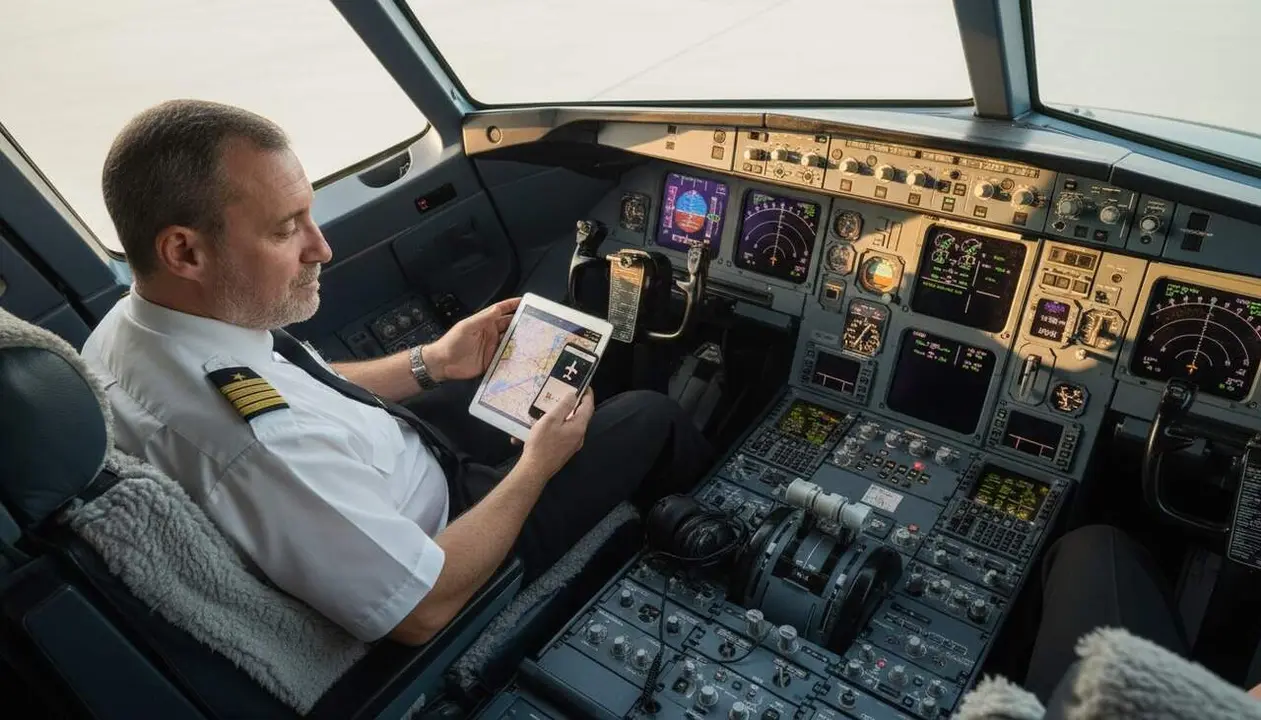

Rafa San Julián, Iberia pilot, clearly explains the reason why airplane mode must be activated during the flight. The information comes from 'Mundo Deportivo', which interviewed the pilot and collected his opinion about the possible interference of mobiles with aircraft equipment.
San Julián admits that in the past mobiles could cause interference with certain plane equipment, but warns that today these systems are much more protected and less vulnerable. Even so, the recommendation to activate airplane mode has not changed.
Why is it so important to activate airplane mode?
What happens if airplane mode is not activated?
Mobiles emit signals with a power that could interfere with the plane's electronic devices, especially communication and navigation systems. Although current technology has greatly reduced this risk, it cannot be guaranteed that unexpected interference will not occur with new equipment. For this reason, activating airplane mode limits the emission of these signals.
How are planes protected against interference?
Modern planes have shielding and protection systems that minimize vulnerability to electromagnetic signals. In addition, international procedures and regulations impose the use of airplane mode to avoid any risk, including unexpected ones.
How to correctly activate airplane mode?
What steps to follow to put your phone in airplane mode?
- Open the settings of your mobile device.
- Look for the option Airplane mode or Airplane mode.
- Activate this option before takeoff, and keep it active throughout the flight.
- If you need to use Wi-Fi or Bluetooth during the flight, check the specific instructions from the airline.
How to check that airplane mode is activated?
- Look at the airplane icon in the mobile's status bar.
- Try to make a call or send a message; they should not work.
- Confirm that data and Wi-Fi connections are disabled (unless the flight allows Wi-Fi).
How to know if your device can cause interference?
What signs indicate that a mobile is affecting the plane’s equipment?
Generally, pilots and the crew do not notice obvious interference, as systems are protected.
But if interference occurs, it could be noticed as interference in communications or electronic instruments, although this is very rare nowadays.
How to avoid risks on flights?
- Always activate airplane mode before takeoff.
- Follow crew instructions and airline regulations.
- Update your device software to ensure it behaves correctly in aeronautical environments.
| Mobile Device | Likelihood of Interference | Recommendation |
|---|---|---|
| Old models without airplane mode | High | Avoid use during the flight |
| Modern models with airplane mode | Good protection | Always activate airplane mode |
To protect your safety and that of others, the simplest thing is to activate airplane mode when flying, even if the technology seems advanced.
Airplane mode not only avoids possible legal problems but also helps prevent possible interference and saves battery. Furthermore, it prevents the mobile from continuously searching for signal in an environment without coverage, which can be annoying and inefficient.
Always check that your device is in airplane mode before takeoff and stay attentive to the crew’s instructions.
It may seem a simple gesture, but it is key to ensuring a flight without incidents and maintaining the quality of aeronautical communications.