What does the N you see on your Android phone mean and what is it for
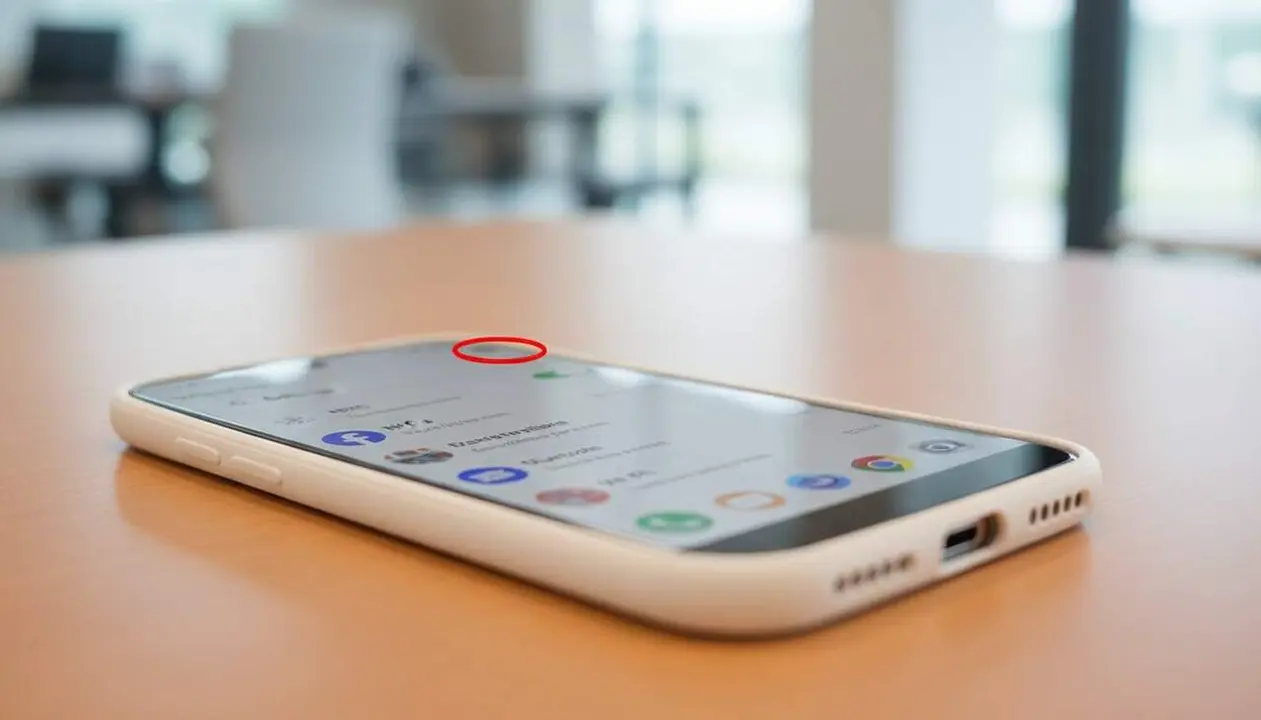

Imagine that your mobile phone allows you to pay or identify yourself with a simple gesture? If you have ever seen the letter N in the notification bar of your Android, you have surely wondered what it means and what it is for. This small icon hides a technology that can change the way you interact with your environment.
This letter represents the NFC connection, a feature that almost all modern smartphones include and that opens the door to mobile payments, document reading, and much more. But do you really know how it works and when it is useful? We explain it to you in detail.
What the N icon is and what it indicates on your Android mobile
Definition and function of NFC
The icon in the shape of a letter N appears when the Android system detects that the NFC connection is activated. NFC stands for Near Field Communication, a wireless technology that allows data exchange between devices a few centimeters apart.
This means that, for example, you can bring your mobile phone close to an NFC tag or another compatible device for immediate and secure communication without the need for cables or an internet connection.
Why the N icon does not always appear
Although NFC is present in many devices, not all show the N icon permanently in the notification bar. In some mobiles, it is only seen when you pull down the notification menu or activate the quick settings panel.
This depends on the brand and model of your phone, as well as the version of Android you have installed. Not having seen it does not mean you cannot use NFC, but rather that the system does not show the icon by default.
What the NFC and the N icon activated are for
Mobile payments and other daily uses
The best-known function of NFC is the ability to make payments by bringing the mobile phone close to the terminal, avoiding having to take out the physical card. But that is just the tip of the iceberg.
- Payments with Google Wallet, Bizum, and other banking apps.
- Reading and validating the electronic ID for administrative procedures.
- Using the mobile as a ticket or pass for public transport.
- Quick exchange of information with other devices or programmable tags.
Security and energy consumption
Many wonder if having NFC activated can affect the battery or security. The reality is that the consumption is very low, so you will not notice any significant impact on your mobile’s autonomy.
On the other hand, no purchase or action can be made without your explicit authorization, such as a PIN, fingerprint, or facial recognition. NFC is not a danger if used with the security measures offered by official applications.
How to activate or deactivate the N icon and NFC connection on your Android
Steps to activate or deactivate NFC
Do you want to control when the icon is displayed and when NFC works? You can easily do it from the quick settings menu or by following this usual path:
- Open Settings on your mobile.
- Select Connected devices.
- Go to Connection preferences.
- Activate or deactivate NFC according to what you want.
This way, you can decide if your mobile is available for NFC payments or readings only when you want it to be.
What to do if you do not see the N icon but want to use NFC
If the N does not appear on the screen, check that NFC is activated in the settings. In many models, the system does not show any icon by default, but the function remains active.
You can also use specific applications to manage NFC or consult the manufacturer’s manual to adjust how the icon is displayed.
| Advantages of having NFC activated | Possible drawbacks |
|---|---|
| Fast and secure payments | Minimal battery consumption |
| Facilitates procedures and identification | Icon may bother some users |
| Useful for transport and access | Requires enabling authentication for security |
NFC technology is a discreet but powerful tool that, when you know what it is for, can make life much more comfortable. Remember that the N icon only confirms that you have this connection active, but its possibilities go far beyond.
Keep NFC activated if you use the mobile to pay or for other services that depend on this technology, but if you prefer to deactivate it, the process is simple and will not affect your daily life.
The next time you see that small N on the screen, you will know that your mobile is ready to connect with whatever is nearby, making your experience faster and more secure.