The secret of USB-C: why its orientation affects power?
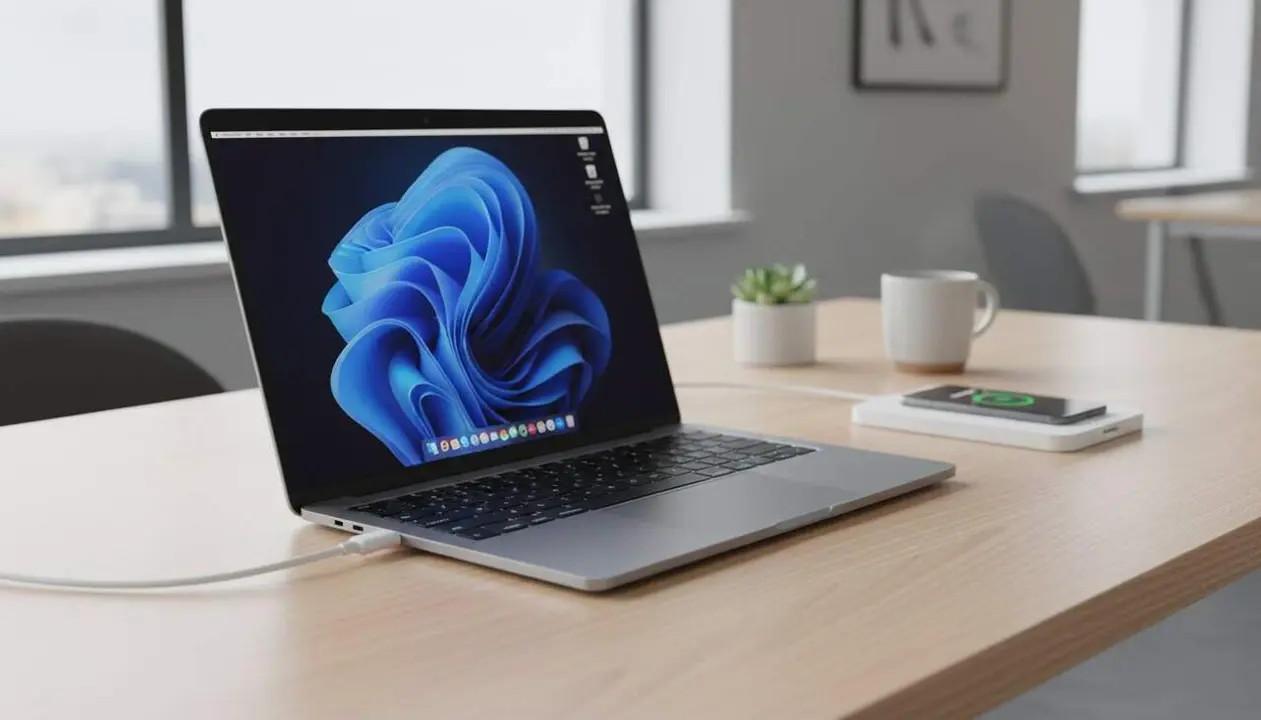

The USB-C cable is reversible, but only in a specific orientation does it offer full power and speed. This peculiarity goes unnoticed by many, but it has a direct impact on the performance of our devices.
Many believe that flipping the USB-C cable doesn’t change anything, but the reality is that its internal function is not symmetrical. This difference can mean the difference between optimal charging or slower charging, and between fast or limited transfers.
How does the USB-C connection really work?
Why does the orientation of the USB-C cable matter?
Although USB-C is reversible by design, internally it is not the same in both positions. The pins that carry power and data are not distributed symmetrically, and this can affect their efficiency.
This means that a cable or port may work better in one orientation, especially if there is any issue like damaged pins or dirt. For our reader, understanding this detail helps detect problems and choose cables and devices better.
What internal architecture does USB-C hide?
USB-C contains multiple pins with specific functions: some for power, others for data transfer, and others to manage communication between devices.
This complexity means the system must internally adjust according to the connector’s orientation. So, not everything is as simple as it seems at first glance.
Common problems related to orientation and quality
What problems can appear depending on the cable’s position?
If the cable or port are not in perfect condition, some contacts may fail in one orientation but work fine in the other.
This can translate into slower charges or loss of speed in data transmission. It is a useful clue to diagnose malfunctions or defects.
How to detect if a USB-C cable has problems?
A common trick is to flip the cable and see if the connection improves. If charging or transfer speeds get better when changing position, there is probably a pin with issues.
To avoid this, it is advisable to ensure cable quality and port cleanliness to maintain efficiency.
Tips to get full power from USB-C
How to ensure the best connection with USB-C?
The best way to make the most of the power is to use high-quality cables and ports, keep them clean and in good condition, and check that the connection is stable in both orientations.
This will avoid surprises like slow charging or erratic transfers that seem inexplicable.
Why aren’t all USB-Cs the same?
There are cables that do not meet the full standard or that use low-quality components, which limits their efficiency.
Investing in certified cables and caring for ports is key to ensure that USB-C technology fulfills its promise of convenience and power.
| Aspect | Impact on USB-C performance |
|---|---|
| Cable orientation | Can affect charging and transfer speed if there is any issue with the pins |
| Cable quality | Low-quality cables can limit power and speed, regardless of orientation |
| Port condition | Dirty or damaged ports can cause failures or performance drops |
Have you ever noticed that flipping the USB-C cable improves charging? Now you know why it’s not a coincidence. This information can save you frustrations and help keep your devices performing at their best.