
Why limiting the Battery charge to 80% can extend the life of your mobile?
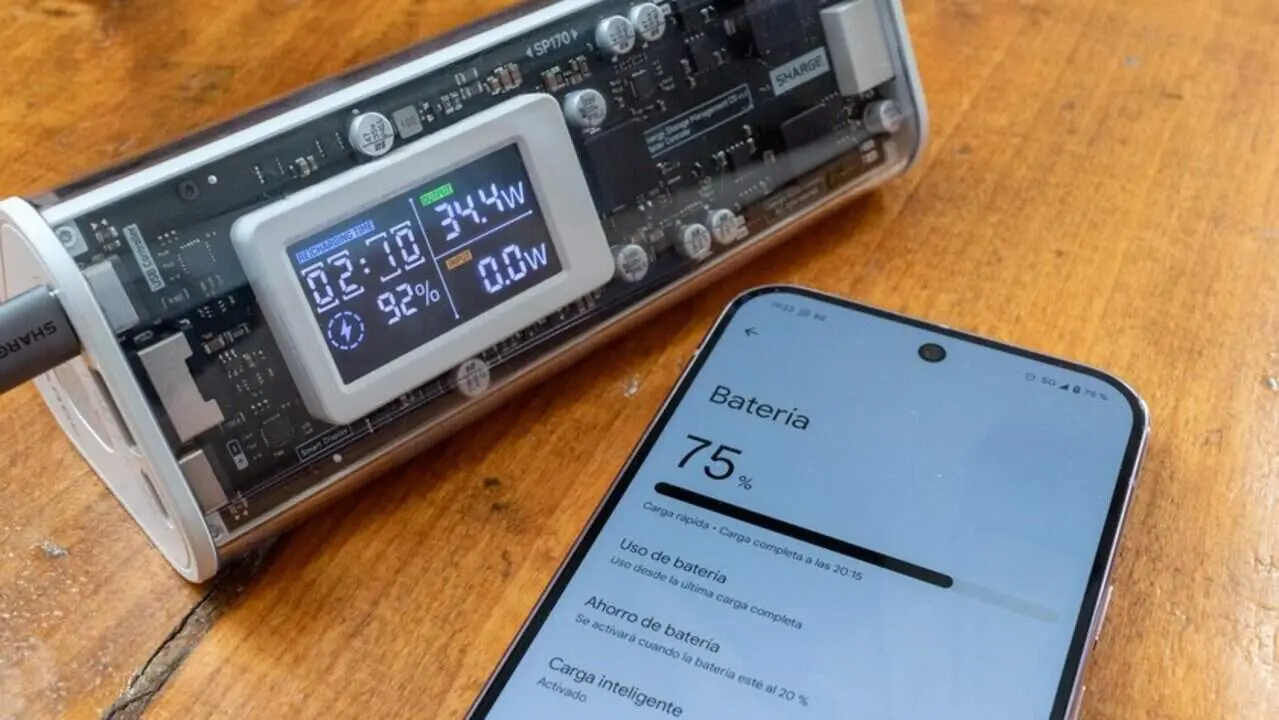

Limiting battery charge to 80% is an option that many phones offer to preserve their health in the long term. This feature is especially interesting for those who use their phone for years and want to avoid rapid battery degradation.
But, when is it advisable to activate this limit and what effects does it have on daily autonomy? Here we explain what you need to know before deciding.
Why do phones integrate the 80% charge limit?
How does full charging affect battery life?
Manufacturers have found that charging the battery to 100% accelerates its wear. This happens because lithium-ion batteries, common in phones, suffer stress when they reach their maximum capacity, progressively losing their actual charging capacity.
Limiting charge to around 80% reduces this stress and allows the battery to maintain its original capacity for longer, avoiding premature performance changes and the need to replace it.
Which devices offer this option?
Although it depends on the manufacturer, many mid-range and high-end phones include this feature in their operating systems, especially models with Android 10 or higher and Apple devices with recent iOS.
However, activation and configuration of this limit vary and need to be checked on each specific model.
When is it advisable to activate the 80% charge limit?
Which users can benefit the most?
The limit is ideal for users who usually end the day with plenty of battery and charge their phone every night as a routine. In these cases, not losing a few hours of autonomy the first day compensates because the battery will better maintain its health over the years.
When can it be counterproductive?
If you have trouble making the battery last through the day, limiting the charge can be a nuisance, because you will reduce immediate autonomy by up to 20%, which can cause worry or the need for intermediate recharges.
So, if you prioritize daily use over durability, it might not be worth activating it.
How to activate and check this feature on your phone?
Step-by-step to configure the charge limit
- Go to Settings on your device.
- Look for the Battery section.
- Within it, locate the option Charge Limit, Battery Management, or Battery Health.
- Turn on the switch to limit the charge to 80% or a similar percentage indicated by the brand.
- Confirm that the function is enabled and that charging does not exceed this limit.
How to know if your phone is affected or not?
- The phone offers a specific option to limit charge to 80% or a similar value.
- The battery shows improved durability after a few months of use with the feature activated.
- If you have autonomy problems, it may not have been activated and you need to consider whether to turn it on or not.
- If you can't find the option, your model probably does not include it or it is hidden in advanced settings.
| Model / Operating System | Limit Availability | Typical Percentage |
|---|---|---|
| Android 10 and later | Yes | Approximately 80% |
| iOS (iPhone) | Yes (optimized charging function) | Variable depending on use |
| Old Android models | No | N/A |
Remember that, although limiting charge helps, heat is the main enemy of the battery. Do not overuse fast charging or expose the phone to high temperatures during charging, as this harms long-term health.
Perform periodic updates, activate two-factor authentication (2FA), and review app permissions to help keep the device secure and optimized.
If you notice abnormal performance or very short battery life, consult a professional to rule out more serious problems.
The reality is that limiting charge to 80% can be a smart strategy for many users but not for everyone, depending on their real needs for autonomy and daily use.
Frequently Asked Questions
- How does limiting charge to 80% affect daily autonomy?
- It reduces immediate autonomy by about 20%, which can mean fewer hours of operation in a day.
- Which phones have this feature available?
- Most models with Android 10 or higher and iPhones with recent iOS offer this option, although it varies by manufacturer.
- Is it better to limit charge or always charge to 100%?
- If you want to preserve battery life in the long term and do not need full daily autonomy, limiting charge is better.