AirDrop now available on more Android phones: compatible models and how to use it
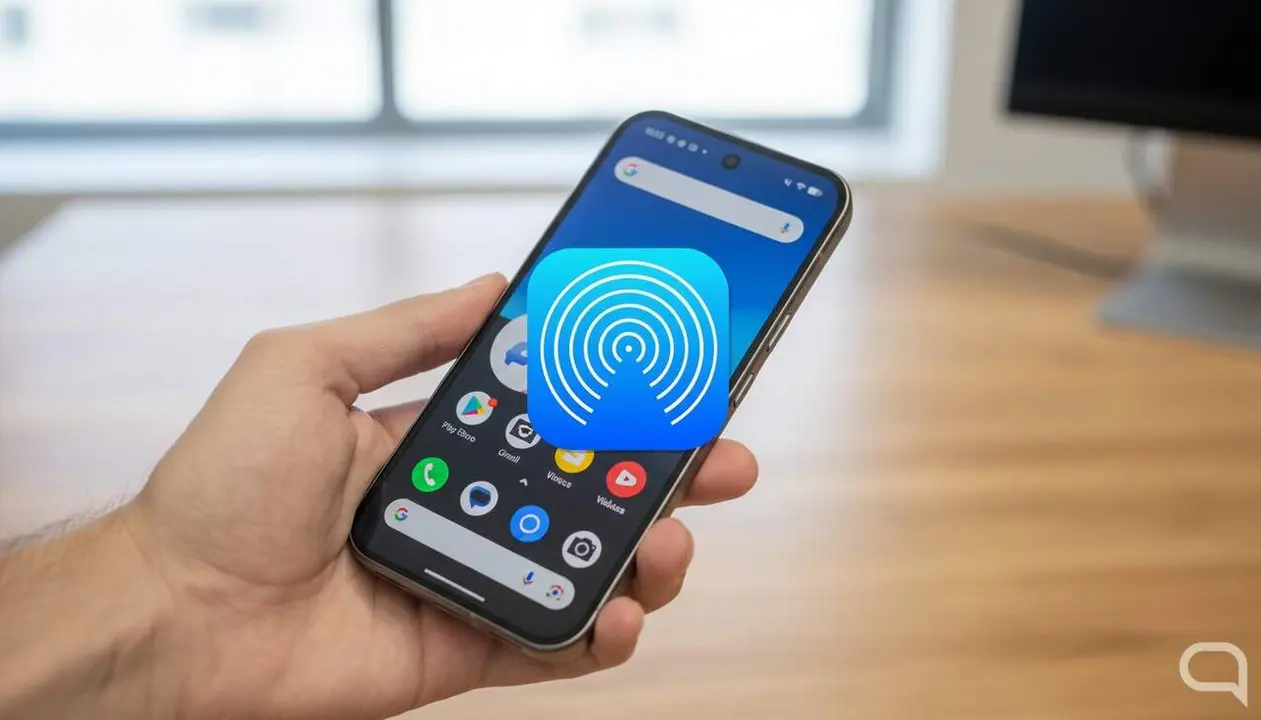

Recently, AirDrop ceased to be an exclusive privilege of Apple devices. Have you heard that you can now send photos and videos directly from your Android phone to an iPhone without any hassle? Yes, it’s easier than it seems.
With the Quick Share update, Android’s transfer feature, more and more smartphones from brands like Google, Samsung, Oppo, and Vivo can use AirDrop. Want to know if your phone is compatible and how to make the most of it today?
Pixel phones compatible with AirDrop
Pixel models that can already do it
Google has been key in bringing AirDrop to Android. The following Pixel models can already share files with Apple devices without additional apps, just by activating Quick Share:
- Pixel 9, 9 Pro, 9 Pro XL, and 9 Pro Fold
- Pixel 10, 10 Pro, 10 Pro XL, 10 Pro Fold, and 10a
How to take advantage of AirDrop on Pixel
Simply go to Settings > Quick Share and activate the Share with Apple devices option. Then, from the gallery or any file app, share and choose Quick Share to send to a nearby iPhone or Mac.
Samsung smartphones with AirDrop
Samsung models that support AirDrop
Samsung has integrated this compatibility with its One UI 8.5 layer or higher versions. Here are some of the models that already make it possible:
- Galaxy S24, S24+, S24 Ultra
- Galaxy S25, S25+, S25 Ultra
- Galaxy S26, S26+, S26 Ultra
- Galaxy Z Fold 6 and 7, Galaxy Z Flip 6 and 7
Activate AirDrop on Samsung
Follow the same procedure: go to Settings > Quick Share and enable Share with Apple devices. Sending is immediate and works with Apple devices in sight.
Other Android brands that are already compatible
Oppo and Vivo expand the list
Recently, brands like Oppo and Vivo have joined the party. For example, the Oppo Find X9 Ultra and the Vivo X300 Ultra already allow sending files to Apple devices with the same ease.
How to use AirDrop on these phones
As with Pixel and Samsung, you need to activate Quick Share and select the option to share with Apple devices. The transfer is as simple as selecting the file and choosing the receiving Apple device.
| Brand | Compatible models |
|---|---|
| Google Pixel | Pixel 9, 9 Pro, 9 Pro XL, 9 Pro Fold, 10, 10 Pro, 10 Pro XL, 10 Pro Fold, 10a |
| Samsung | Galaxy S24, S24+, S24 Ultra, S25, S25+, S25 Ultra, S26, S26+, S26 Ultra, Galaxy Z Fold 6 and 7, Galaxy Z Flip 6 and 7 |
| Others | Oppo Find X9 Ultra, Vivo X300 Ultra |
Want to try it right now? Just go to Settings > Quick Share and activate the option to share with Apple devices. Select the photo or video you want to send, choose Quick Share, and pick an available Apple device from the list. That’s it, as simple as that.
AirDrop is no longer just for Apple users. Interoperability between Android and iOS has become a reality, and now you can share files across both ecosystems with a couple of taps. If you have a compatible phone, take advantage of this feature and say goodbye to complicated third-party apps!