7 tablets that leave the laptop at home: Keyboard included, lightweight and easy to use
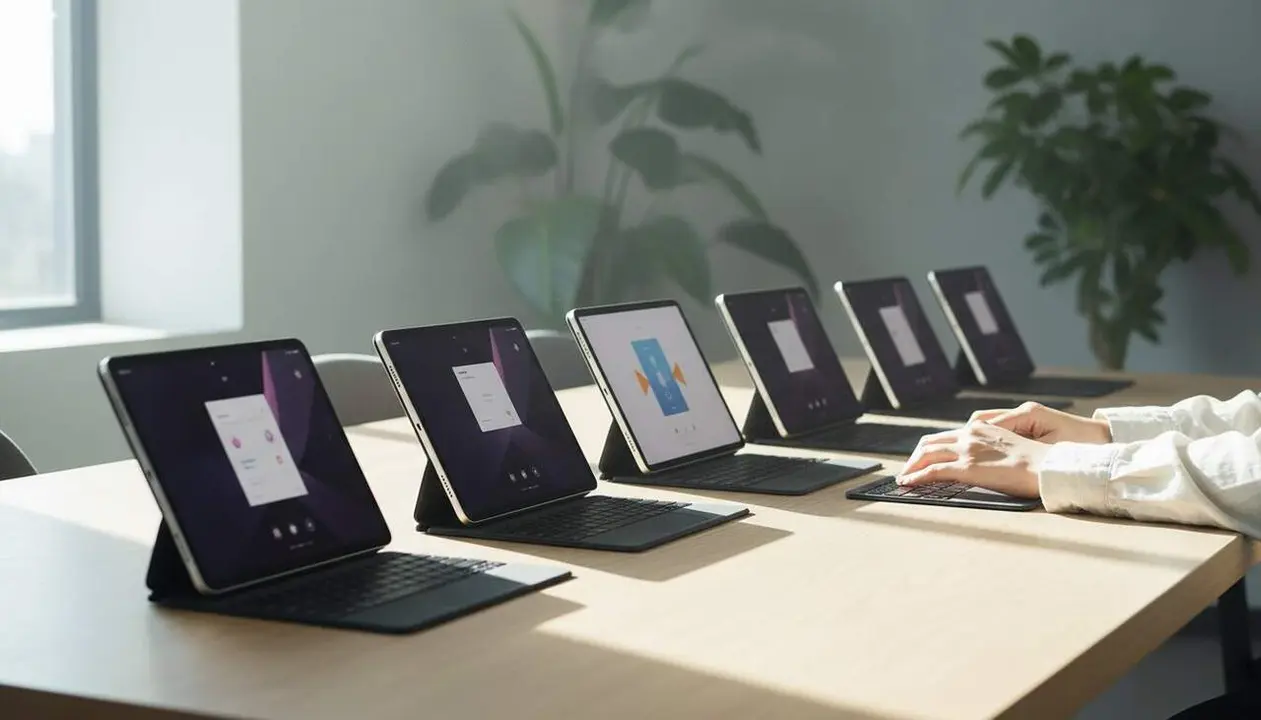

Yes: there are tablets that can replace the laptop for household tasks and short trips—seven models with keyboard and light weight analyzed. This guide compares what’s inside the box and explains why physical memory, the type of keyboard, and battery life are the factors that make the difference.
I’ll start with an anecdote: the family tablet always ends up with fingerprints on the case. That means the purchase has to be practical, not just attractive in the photo. Here you will find which features really matter, who each model is for (children, readers, travelers), and how to get the tablet ready to use in minutes.
Source: article by Alejandra Santisteban Guiu, published on 08/23/2026; the information has been taken literally from the text provided by the reader and has been organized and explained to make it practical.
What these tablets offer and why it matters
Why does physical memory matter?
This question matters because physical memory (RAM) dictates if the tablet can handle multiple apps open: 8 GB allows working with documents, video calls, and browser; 3–4 GB makes the device work well for a single task. If you want the tablet to remain useful in two years, check the RAM.
Which keyboards are sold and how do they work
Some keyboards (like the Lenovo Idea Tab folio) connect via metal contacts: no Bluetooth, no pairing, just attach and type. Other packs include Bluetooth keyboards that require pairing. This affects daily ease of use and the need to charge an extra device.
How to choose according to use: who benefits
Which to choose for kids and family?
For kids, durability and included accessories matter. The TABWEE T80 comes with a case, protector, keyboard, mouse, and charger: all designed for family routine and not worrying too much if it ends up under the sofa.
Which one for reading and which for writing?
If you read a lot in the sun or with side lighting, the TCL NXTPAPER (matte screen with ink modes) is the best. If you write continuously, the Lenovo Idea Tab stands out for its Folio keyboard and 8 GB configuration. Choose according to main use, not just product photo.
How to set it up and check that it works
How to pair or attach the keyboard?
If the keyboard is magnetic with contacts, just slot it into the physical connector; test typing and that's it. If the keyboard is Bluetooth: activate the tablet’s Bluetooth and pair it.
How to check performance and battery life?
Run quick tests: open three apps you would use (browser with tabs, text editor, video call) and evaluate if there are delays. Try playing a video for 30 minutes to see if the screen and speaker respond as expected.
Practical steps to get the tablet ready
- Turn on the tablet and follow the initial setup assistant.
- If there’s a keyboard with contacts, physically attach and check typing; if Bluetooth, go to Settings > Bluetooth > Pair device.
- Restore or install your main account: Google or corresponding account.
- Activate power-saving options as needed: Settings > Battery > Power saving.
- If the model supports SIM (Blackview Mega 2), insert the SIM: turn off, open SIM slot with tool, insert card, and restart.
- Install key apps and test video call or editing to validate performance.
How to know if playback will be clear?
Check if the model indicates Widevine L1: Widevine L1 (certification allowing high-quality video playback) guarantees sharp image on platforms that restrict resolution without this certification; Blackview Mega 2 has Widevine L1 according to the source.
Checklist: signs that this model works for you
- We have 8 GB of RAM: the tablet supports multitasking (Lenovo Idea Tab, TCL NXTPAPER).
- Attached physical keyboard: comfortable typing without carrying an extra device.
- Weighs less than 500 g: you’ll use it by hand and your arm will tire less.
- If you travel often: has SIM slot or 4G (Blackview Mega 2).
- If you read a lot: matte screen or ink modes (TCL NXTPAPER).
| Model | Memory (RAM) | Approximate weight | Keyboard included |
|---|---|---|---|
| Lenovo Idea Tab | 8 GB | -- | Yes (Folio with contacts) |
| TCL NXTPAPER 11 Plus | 8 GB | 490 g | Case (keyboard separate) |
| Blackview Mega 2 | 6 GB | -- | Basic pack |
| TABWEE T80 | 6 GB | 523 g | Yes (full pack) |
| Teclast P30T | 3 GB | -- | Full pack |
| PRITOM TAB11 | 4 GB | -- | Not specified |
| POPUX P10 Pro | 6 GB | -- | Full pack |
Note: memory and battery data have been taken literally from the source; some weights or specific details were not mentioned in the original text and have not been invented.
Practical recommendations for each profile
If you write documents and want speed: prioritize 8 GB and keyboard with contacts. If you read a lot outdoors: matte screen and ink modes. If you want connectivity on the go: look for 4G or SIM. And if the tablet is for kids: look for packs with case and accessories.
When to replace the tablet with a laptop?
If you need advanced desktop software, specific ports, or power for professional editing, a laptop is still necessary; for household tasks and mobility, a tablet with keyboard and 8 GB may be enough.
To keep the tablet useful and secure: update the system regularly, enable backups, and protect access with PIN, biometrics, or facial unlock. Review app permissions and do not install software from unknown sources. Back up important files.
Final thought: by choosing memory and keyboard type well, you can turn a tablet into the home’s central tool: lightweight, shared, and ready to study, read, or work occasionally. Smart buying prevents short-term replacements and makes technology work for everyone.
Frequently Asked Questions
- What is the difference between keyboard with contacts and Bluetooth keyboard?
- The keyboard with contacts connects physically and does not require pairing or extra charging; Bluetooth must be paired and charged separately.
- Is 8 GB of RAM essential?
- 8 GB offers room for multitasking (documents, video calls, browser). For basic and child use, 4–6 GB can be acceptable.
- How do I know if a tablet has Widevine L1?
- The comparative source explicitly indicates Widevine L1 for some models (for example, Blackview Mega 2); if not mentioned, check the manufacturer’s specifications.