7 amazing features of iOS 27 that will transform your iPhone 18
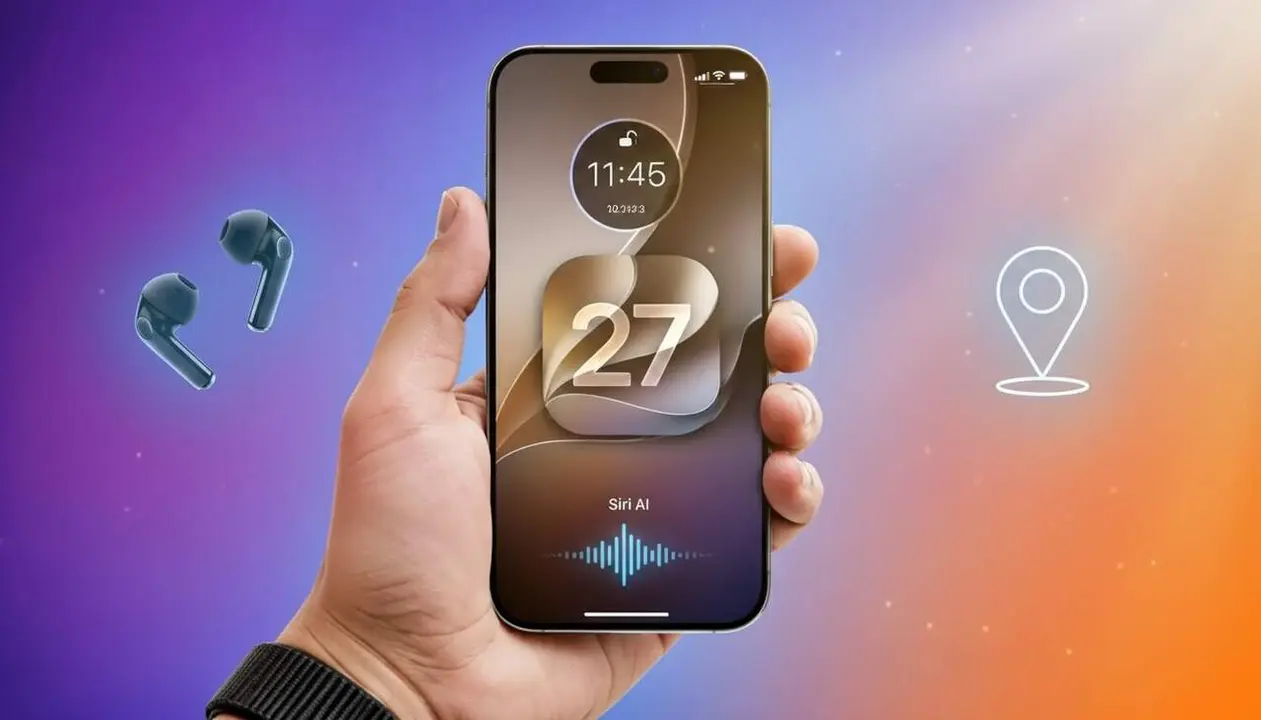

If you have an iPhone and are thinking about updating, these features will make your life easier. Source: news by Pedro Venegas published on August 31, 2026; the text has been summarized from this official information about iOS 27.
I started testing some betas and, after rereading the official list, it is clear that many novelties are small but cumulative: lock screen customization, three-band equalizer for AirPods, independent volumes, and improvements in Find My. Now I’ll explain what they are, why they matter, and how to activate them.
Key features of iOS 27
Why do these new features matter in your daily life?
This set of changes transforms routine activities: checking the weather, replying to messages, or listening to music. If you use the iPhone every day, you will notice improvements in audio control, speed for copy/paste, and a lock screen that adapts to you.
What are the 7 main features?
The most relevant ones described in the source are seven: enhanced Weather app, new timer, four new options for the lock screen, resizable clock, improvements in Messages, optimized copy and paste, more configurable Liquid Glass effect, independent volumes, improvements to Find My, and three-band equalizer for AirPods. Here I break them down with practical impact.
- Enhanced Weather app: more detailed information for selected areas; it saves you time when planning outings.
- New timer design: more intuitive interface to manage alarms and cooking.
- Lock screen: four new options and resizable clock to make it truly yours.
- Messages: quick actions that speed up conversations and common tasks.
- Copy and paste: more efficient text movement between apps.
- Liquid Glass: more control over transparency and appearance.
- Independent volumes and equalizer: specific control for alarms, calls, notifications, and system sound; AirPods include a three-band equalizer.
Some features seem small but, combined, they change the feeling of using the iPhone.
How these new features affect your iPhone
How will you notice the difference from day one?
The difference is visible in customization and sound. For example, adjusting the lock screen clock or having separate volumes avoids interference between an alarm and a video call.
Are these features for everyone?
Mostly yes. The novelties will apply to compatible devices updating to iOS 27. Certain audio advantages require compatible AirPods; Find My improvements apply to registered devices. If you use the iPhone as a main tool, you will notice the rise in ergonomics.
How to activate and customize the new features
What steps must be taken to activate the new functions?
Most activate by updating to iOS 27 and entering the corresponding settings; below you have clear steps for the main options.
Step-by-step to customize screen, sound, and Siri AI
Follow this practical guide to configure the highlighted features. Each menu path is marked in bold for easy location.
- Update at Settings > General > Software Update and install iOS 27.
- To adjust the lock screen: Settings > Wallpaper or tap the lock screen and select Customize to choose one of the four options and change the clock size.
- For independent volumes: Settings > Sounds & Haptics and configure alarms, calls, and notifications separately.
- Equalizer for AirPods: Settings > Bluetooth > tap the information icon of the compatible AirPods and access Equalizer to adjust bass, midrange, and treble.
- Improved copy and paste: try selecting text in an app and use the new Copy and Paste options in the contextual menu to move content efficiently.
- Find My improvements: Settings > Your Name > Find My to check the new shared locations management.
Verify each change and try the equalizer on a track you know to notice the qualitative jump.
Checklist to confirm if it affects you
- You have received the iOS 27 update at Settings > General > Software Update.
- You see the four options for the lock screen when you tap Customize.
- You can adjust volumes separately in Sounds & Haptics.
- Equalizer option visible in AirPods settings (if they are compatible).
- Copy/paste functions with improved contextual menu between apps.
| Platform / Version | Affected | Available |
|---|---|---|
| iOS 27 | Yes | Official update |
| macOS 27 | Yes (compatible features) | Joint update |
| watchOS 27 | Yes (limited parts) | Joint update |
This table compiles the information provided by the source: features are expected on iOS 27 and the corresponding versions of macOS and watchOS. No additional lists or specific dates not appearing in the original text have been invented.
Some quick recommendations: back up before updating, check your AirPods compatibility, and spend five minutes reviewing Sounds & Haptics and the new lock screen to adapt it to your daily routine. If you detect persistent problems, consult authorized technical support (service) or bring the device to an Apple store.
Reflect: these updates are not visual gimmicks; they are improvements that enhance productivity and comfort. Try them calmly, adjust the equalizer according to your ear, and review location permissions for Find My. The key words of this article are iOS 27, customization, and Siri AI, and it’s time for you to explore them at your own pace.
Frequently Asked Questions
- When will I be able to install iOS 27 on my iPhone?
- The installation will be available when Apple releases the official update; check Settings > General > Software Update.
- Do I need new AirPods to have the three-band equalizer?
- Only some compatible AirPods will show the equalizer option; check the device’s Bluetooth settings to confirm.
- Will the new lock screen remove my current customizations?
- Not necessarily; you will be able to choose between the new options and keep or modify your previous settings.