6 surprising ways to see your mobile screen on the TV
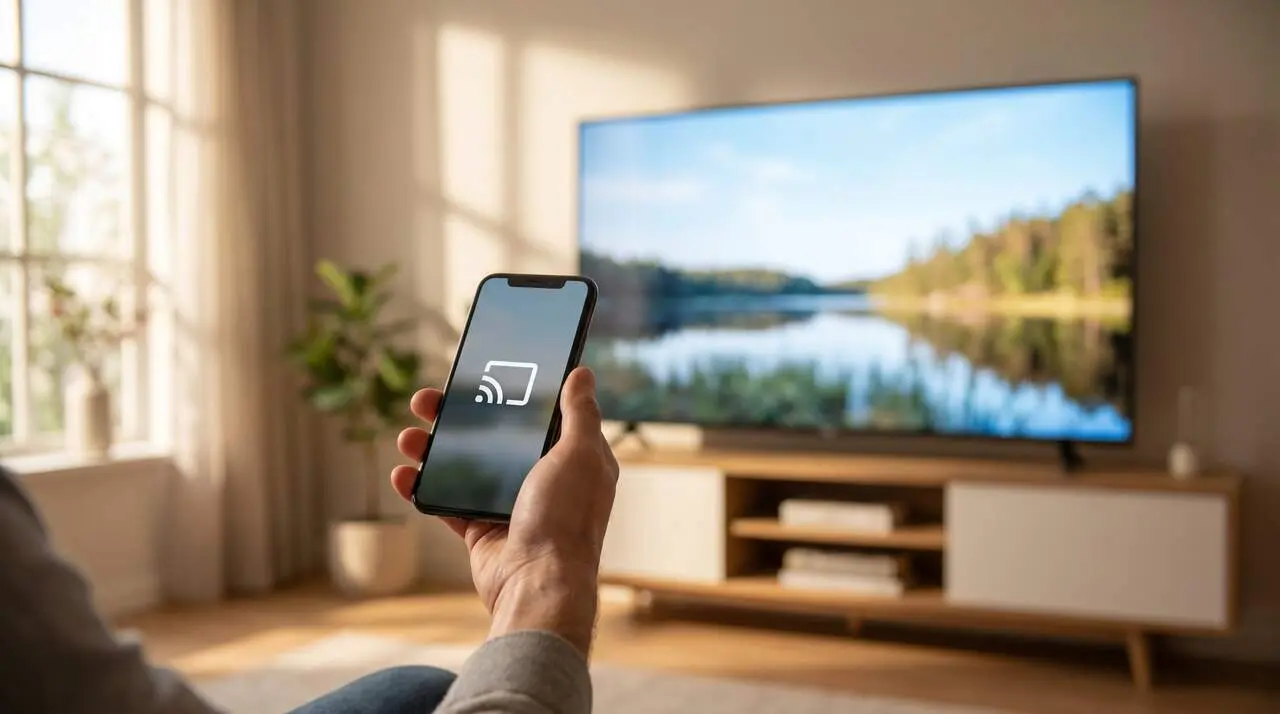

Imagine you have a stack of photos or a video that you want to share with friends and family on a big screen. But instead of passing around your phone, why not directly show what you have on your phone screen to the TV?
Much easier than it seems, seeing your phone screen on the TV can transform the way you enjoy content. Whether you have Android or iPhone, we present 6 practical ways to achieve it without complications.
Screen mirroring and wired connection: the basic options
Screen mirroring on Smart TV
Most smart TVs include the screen mirroring function. This technology allows you to display in real time everything happening on your phone directly on the TV.
If you have an Android device, you just need to activate the function from the quick settings or notification panel, where you will find the option 'Cast' or 'Transmit'. In the case of an iPhone, the star tool is AirPlay, which connects the phone with compatible TVs or an Apple TV.
HDMI cable and adapter connection
For those who prefer a more stable connection with no delays, the HDMI cable option is unbeatable. You just need an HDMI cable and a specific adapter: USB-C to HDMI for Android or Lightning to HDMI for iPhone.
This combination transmits image and sound directly, with high quality and without interruptions. That said, it means having a visible cable, but the reliability is worth it.
Devices and apps to send content from your phone
Streaming devices: Chromecast, Fire TV Stick, and more
A very popular resource is streaming devices, like Google Chromecast, Amazon Fire TV Stick, or Roku. Connected to the TV’s HDMI port, they allow you to stream content from your phone through compatible apps or the 'Cast' function.
These devices, which are controlled with remotes or from the phone itself, offer access to platforms like Netflix, YouTube, or Spotify without the need for cables.
Brand-specific apps
Many TV brands, such as Samsung with SmartThings, LG with LG ThinQ, or Sony, offer proprietary apps that make it easy to share screens or send multimedia files.
These apps allow you to connect the phone and TV with just a few steps, creating a smooth experience without the need for additional accessories.
Other technologies for sharing screen and content
DLNA and WiFi Direct for wireless connections
If you don’t want to depend on cables or external devices, some TVs and phones allow you to share files and multimedia content via technologies like DLNA or WiFi Direct.
These options create a direct connection between devices, which can be ideal for viewing photos, videos, or listening to music without complications.
Bluetooth connection: limited but useful options
Although less common, some Smart TVs allow connecting the phone via Bluetooth to play music or display images. It’s not as complete as other methods, but can be useful in specific situations.
While each method may vary depending on the TV model and the phone’s operating system, all these options are easy to use and allow you to enjoy content on a big screen.
| Method | Advantages | Requirements |
|---|---|---|
| Screen mirroring | Wireless, fast, and simple | Compatible Smart TV and phone with the function |
| HDMI cable + adapter | Stable connection and high quality | Specific cable and adapter |
| Streaming devices | Access to many apps, easy control | HDMI device and WiFi connection |
| Brand apps | Direct and simple connection | Specific apps and compatibility |
| DLNA / WiFi Direct | No cables or additional devices | Compatible TV and phone |
| Bluetooth | Ideal for music and photos | Smart TV with Bluetooth |
The reality is that today we have several ways within reach to see the phone screen on the TV, adapted to different needs and equipment. Now it just remains to choose the one that best suits your device and style.