How to turn an old mobile into a WiFi repeater and improve coverage at home
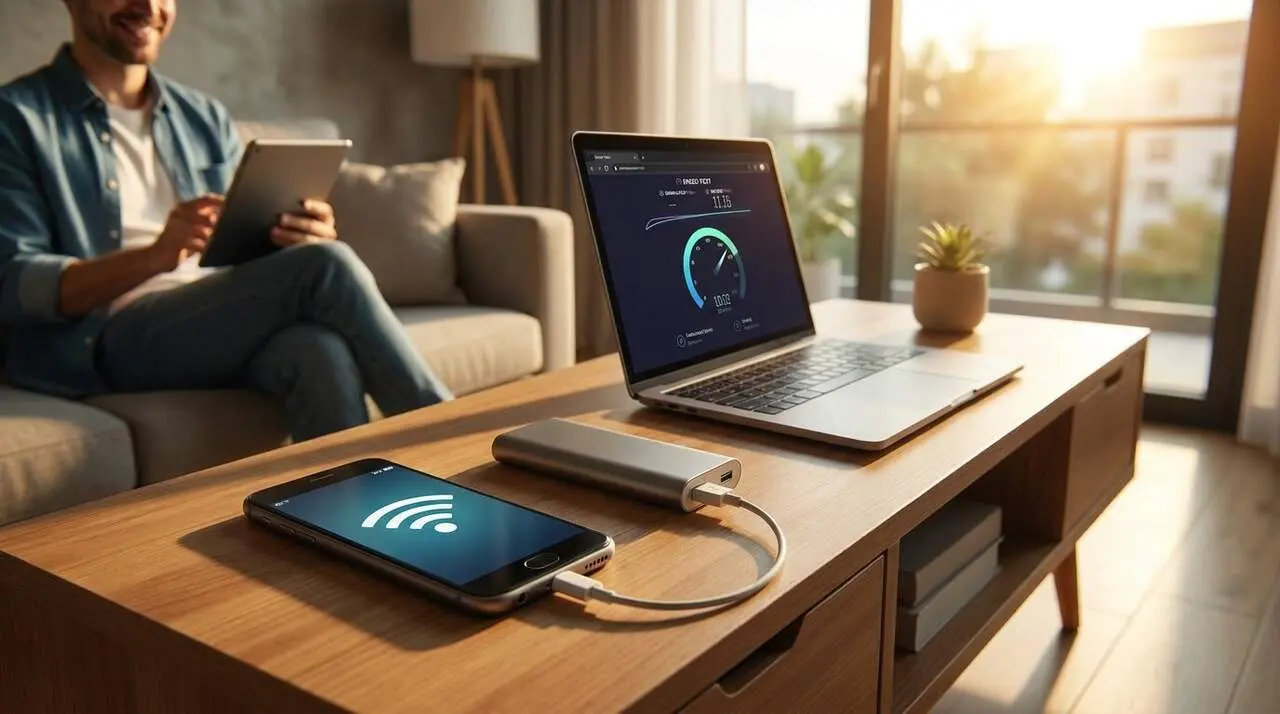

Yes: you can reuse an old Android phone to extend your home WiFi coverage without technicians or large investments. This guide explains the opportunity and who it interests: people with areas of their home with weak signal who have a functional Android device and access to the Play Store.
Many routers do not reach all rooms. This leaves you with truncated video calls, slow downloads, and buffering streaming. This technique transforms the old phone into an intermediate access point (repeater) to boost the connection where you need it.
Source: elEconomista.es (article published on 08/26/2026). The base content of this piece comes from this source; any additional detail is practical context to help you apply the solution at home.
What it is and why it matters to you
Why does it matter to the reader?
If you have rooms with weak signal, losing connection affects work and leisure. Recovering coverage with a device you already have can save you from using a purchased amplifier and make the solution more flexible depending on where you place the phone.
How does a phone operate as a repeater?
A phone configured as a repeater picks up the router’s WiFi and re-broadcasts it as a new network (SSID). This way, devices far from the router connect to the new coverage created by the phone.
How to do it step by step
What materials do you need?
Only an old Android phone that works and has access to the Play Store, the home WiFi network, and a charger (keeping the phone’s battery stable is key).
Steps to configure NetShare
The source recommends the NetShare app to turn the phone into a repeater. Here are the practical steps (organized and easy):
- Open Play Store on the old phone and search for “NetShare” (the free app mentioned in the source).
- Download and install NetShare; accept the requested permissions (network access and hotspot creation).
- Connect the old phone to the home WiFi network (the same one you want to extend).
- Open NetShare and press Start WiFi Hotspot (or the equivalent option within the app).
- Note the network name (SSID) and password generated by the app; they appear inside the application.
- On the device you want to connect to the improved coverage area, search for the new network and connect with the indicated password.
- Place the old phone in an intermediate location between the router and the area with poor coverage; test and readjust the position to optimize.
Quick note: Keep the phone connected to power if you plan to leave it running for long periods (to avoid the battery shutting it off).
How to check and optimize coverage
How do I know if it’s working?
If you see better speeds or fewer interruptions in the previously problematic area, the setup worked. To validate quickly, do a browsing test and a short video call.
Tips to improve performance
Position and obstacles (walls) influence a lot. Move the phone 1–2 meters toward the central area with poor coverage and test again. Avoid placing it behind metal objects or in closed cabinets.
Quick verification (list of signs confirming whether you are affected or not):
- Weak signal in specific areas: devices show only 1-2 bars.
- Interruptions in video calls or streaming that pixelates in certain rooms.
- Slow copies or downloads with pauses when moving far from the router.
- If you don’t have any of these signs, you almost certainly don’t need a home repeater.
Practical test: connect the old phone to WiFi, activate the hotspot from NetShare, and try to see the change on a laptop or tablet in the problem area.
| Platform / Version | Affected | Solution Available |
|---|---|---|
| Android (with Play Store) | Yes | Install NetShare and activate hotspot |
| Other devices | Not mentioned in the source | Check app compatibility |
Why does this specifically matter to your home? Because many households have areas with insufficient coverage and, if you already have an old phone, the solution is quick and cheap. If you’re looking for an economical alternative to commercial amplifiers, this option may be the most accessible.
How to ensure maintenance and security: keep the app and operating system updated, change the hotspot password if you share it, and avoid using open networks without encryption.
An expert tip: if you have several old phones, try different locations to compare coverage; a small adjustment can make a big difference.
When to seek professional help? If you receive constant error messages, intermittent connections despite relocation, or problems with the main network, consult your operator’s technical service or a home network technician (the problem might not be coverage alone).
Additional security and maintenance tips: update apps and system, use strong passwords, check app permissions, and back up contacts from the old phone if it still contains personal data.
Final reflection: Turning an old phone into a WiFi repeater is a practical, economical, and low-risk solution that can improve your connected experience at home. Android, NetShare, and a device simply placed correctly can solve specific coverage issues without major expenses; try it and adjust the position until you find the optimal balance.
Frequently Asked Questions
- Do I need a very modern phone to do this?
- No, just a functional Android phone with access to the Play Store and WiFi. Many old devices work well for this purpose.
- Is it safe to leave the repeater phone active all night?
- It’s best to keep it plugged in and well ventilated; change the password periodically and ensure the app is updated.
- Can I use an iPhone for the same procedure?
- The source does not mention iPhone; the guide describes using an Android device and the NetShare app, so equivalent iOS apps would need to be checked.