How to recover the Google Maps speedometer on Android Auto: the ultimate trick
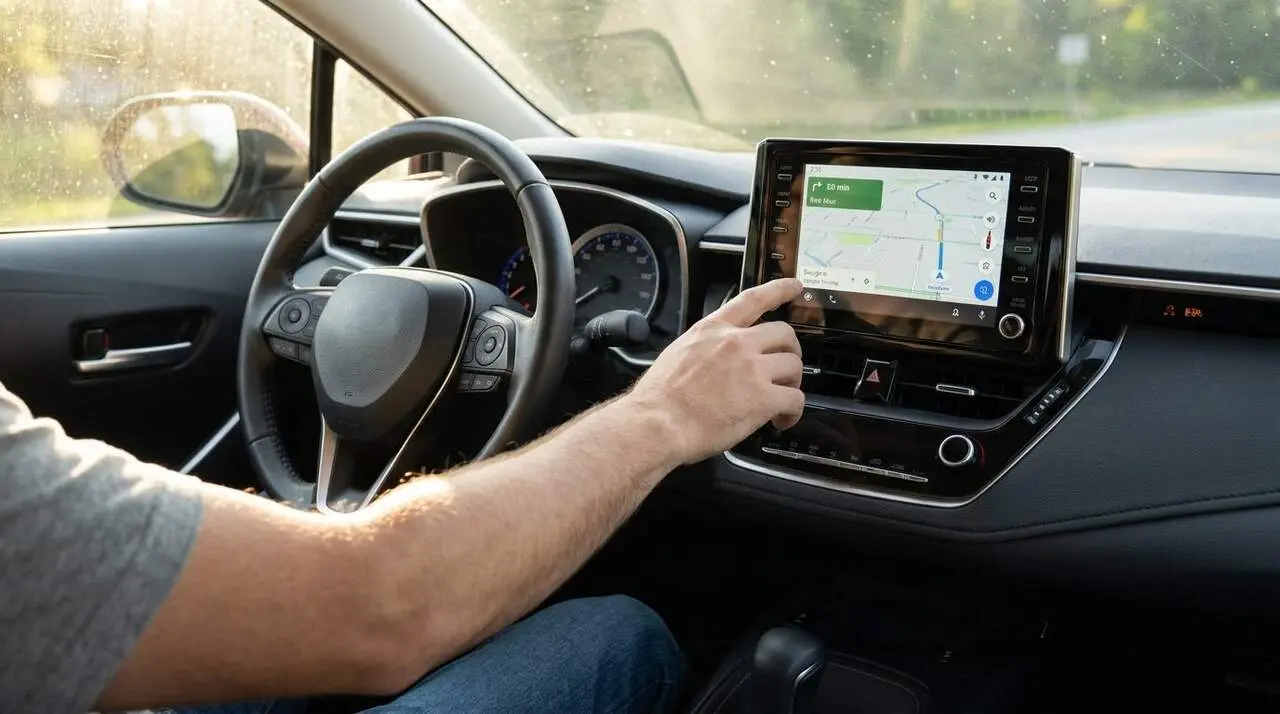

The Google Maps speedometer has disappeared for many Android Auto users due to a cache conflict that hides the speed overlay. According to reports gathered on platforms like Reddit and confirmed by specialized media, the feature crashes due to an internal desynchronization between the mobile app and the car’s infotainment system.
Why Has the Speedometer Disappeared from Your Screen?
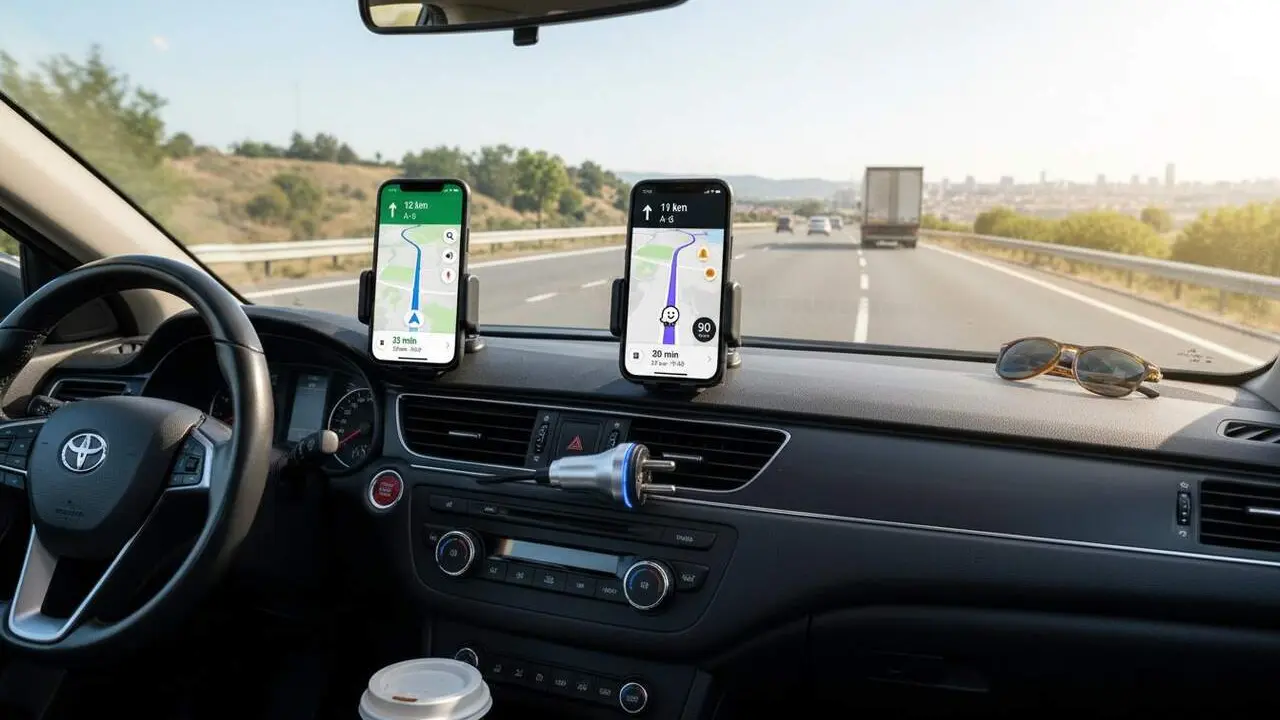
The reality is that this is not a change on the company’s servers. Interestingly, the issue lies in the accumulation of temporary data. When Google Maps tries to project the information onto the vehicle’s screen, this data conflict prevents elements like the speedometer or radar alerts from loading properly. This is especially frustrating because many drivers had already gotten used to this assistance that Waze has offered for some time.
How Does This Affect Your Safety Behind the Wheel?
For many, having speed measured by GPS is a vital safety tool. Unlike the car’s dashboard, which usually has a margin of error, GPS provides an exact figure that helps to respect legal limits. Losing this feature is not just aesthetic but removes a layer of visual alert that warned when the speed limit was exceeded in monitored zones.
Is This a Widespread Error or Just on My Phone?
Although Google has not yet issued an official statement, complaints number in the thousands. The problem seems to affect users with the latest versions of Android 14 as well as those still using earlier versions, indicating that the official patch might take a few days to reach affected devices remotely.
The Manual Method to Immediately Recover the Function
If you don’t want to wait for the official update, there is a temporary solution that has worked for the vast majority of affected drivers. It involves performing a clean "reset" of the involved applications to eliminate the software conflict. Follow these detailed steps:
- Disconnect the phone from the car and turn off Bluetooth to ensure the session has fully closed.
- Go to the Settings on your mobile phone.
- Enter the Applications section and search for Google Maps.
- Inside Storage, press the buttons for Clear cache and Clear data.
- Repeat exactly the same process with the Android Auto app (or Android Auto Services).
- Reconnect the phone to the vehicle and start a new route.
What to Do If the Problem Persists After the Reset?
In some cases, the error may reappear after a few hours of use. If this happens, the recommendation is to check if you have any pending updates in the Google Play Store. If the speedometer still doesn’t show up after clearing the cache, it might be necessary to wait for Google to release a definitive fix from their servers, as it could be a specific incompatibility with your car’s firmware.
| Affected Element | Status of the Problem | Temporary Solution |
|---|---|---|
| GPS Speedometer | Disappeared | Cache Cleaning |
| Traffic Signs | Intermittent | App Restart |
| Radar Alerts | Active (generally) | No Changes Needed |
The best way to keep the system stable is to periodically review location permissions, ensuring they are set to "Always allowed." Additionally, it is advisable to have the car’s system updated to the latest version available from the manufacturer. If speed accuracy is critical for your daily journey, remember that Waze remains a robust alternative while Google resolves this technical incident that has clouded one of the most anticipated releases of the year.
Frequently Asked Questions
- Why don’t I see the speedometer if I have the latest version of the app?
- It is a cache conflict between the phone and the car. Clearing data for Google Maps and Android Auto usually resolves it immediately.
- Will clearing Google Maps data erase my favorite addresses?
- No, your saved addresses and history are linked to your Google account and will reappear when you log in again.
- Does the speedometer work without having an active route?
- Yes, one of the new features of this function is that it allows you to see speed in free driving mode, as long as the overlay is correctly enabled in navigation settings.