Google Maps or Waze: the ultimate trick to save Gasoline and battery this 2026
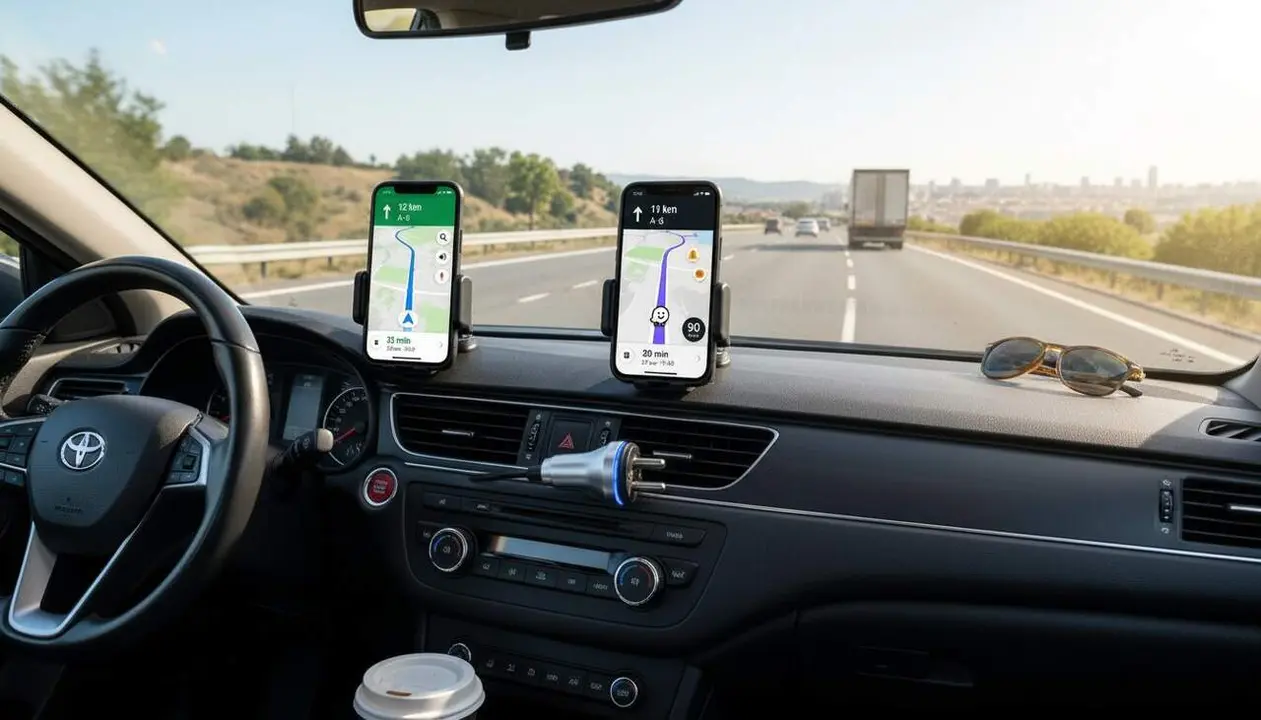

Google Maps and Waze offer opposing strategies to save: the former bets on routes with less slope and constant speed, while the latter prioritizes avoiding idling in traffic jams. According to the information originally published by Autopista, the key is not which app is better, but what kind of driver you are and what engine powers your vehicle.
Waze's strategy: the power of the community against consumption
Waze stands out for its instant reaction capability. Its structure is based on a social network of drivers who report in real time about any obstacles. This data is vital because, as we already know, every minute you spend stopped in a traffic jam is literally throwing money away, whether in the form of gasoline or electric battery cycles.
Why is Waze better for urban trips?
Waze’s dynamic management allows you to change course in a few seconds if it detects an incident. If your priority is not to get stuck in a deadlock where the engine consumes without moving forward, this is your tool. Waze will suggest shortcuts through secondary streets that, although they may seem longer, keep the vehicle moving, avoiding constant starts and stops that heavily penalize urban consumption.
How to configure real-time alerts?
- Open the Waze app on your device.
- Go to Settings > Map Display.
- Select Reports to activate traffic and accident alerts.
- Turn on the Automatic alternative routes option to avoid areas of severe congestion.
Google Maps and its pure efficiency algorithm
On the other hand, Google Maps has evolved towards a deep analysis model. It’s no longer just about arriving faster, but arriving better. The app now allows you to register your car’s engine type (combustion, hybrid, or electric) to fully customize the route, understanding that an electric car regenerates energy in the city while a diesel is more efficient at sustained highway speeds.
What does the green leaf icon mean?
This is the flagship function for saving. When you search for a destination, Google Maps marks with a green leaf the route that consumes the least energy. Often, this path is not the fastest, but it is designed to avoid large slopes or abrupt speed changes. It is the cornerstone for those who want to cover more miles with a single tank or charge.
How to activate the eco route on your phone?
- Enter Google Maps and tap your Profile Picture.
- Go to Settings > Navigation Settings.
- Scroll down to Route Options.
- Activate the tab Prefer routes with more fuel savings.
- Select your Engine Type (Gasoline, Diesel, Electric, or Hybrid) to fine-tune the calculation.
| Feature | Google Maps | Waze |
|---|---|---|
| Saving priority | Energy efficiency (Eco routes) | Avoid traffic jams (Real time) |
| Engine customization | Yes (Electric, Hybrid, etc.) | No (Generalist) |
| Artificial Intelligence | Integration with Gemini | Community alerts |
The final decision: When to use each app
The reality is that the duel between these two giants does not have an absolute winner, but usage situations. If you move around an unknown city during rush hour, Waze will save you from burning fuel uselessly in a gridlock. On the other hand, if you plan a long road trip, Google Maps and its terrain study will help you stretch the vehicle’s range thanks to its topographic analysis.
To keep your vehicle in optimal saving conditions, remember to periodically check tire pressure and avoid carrying unnecessary load, in addition to using Google’s AI features to locate the cheapest gas stations or charging points along the route. The combined use of this technology and smooth driving is the ultimate key to reduce your monthly transportation expenses.
Frequently Asked Questions
- Does Google Maps’ eco route really save gasoline?
- Yes, the algorithm prioritizes routes with constant speed and less incline, which can reduce consumption by up to 10% on long trips compared to the fastest route.
- Does Waze consume more phone battery than Google Maps?
- Generally yes, since Waze keeps the screen active and constantly updates community data, so it is recommended to keep the phone connected to the car charger.
- Can I see gas station prices on both apps?
- Yes, both applications allow you to search for gas stations and compare prices in real time, an essential function to save before putting your foot on the accelerator.