Why smartphones should bring back the microSD slot to save money and space
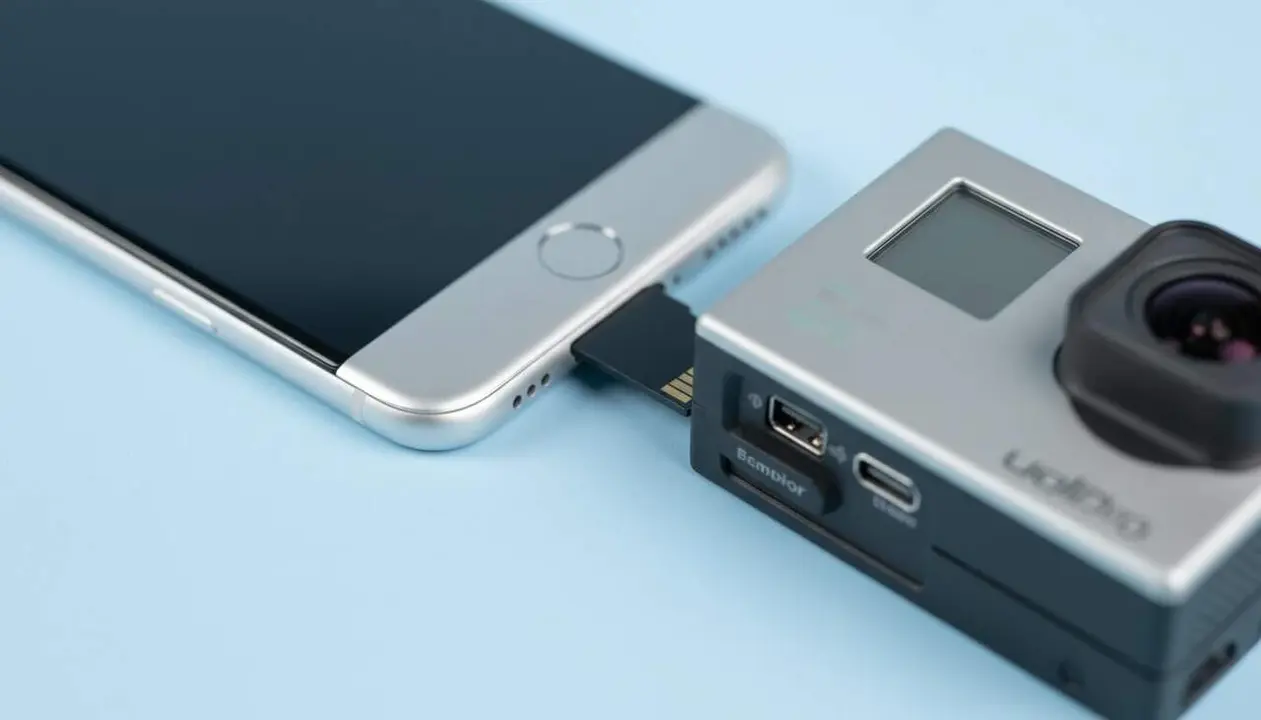

Internal storage in smartphones has become so expensive that many users cannot afford to expand it. With apps getting heavier and the increasing demand for memory due to artificial intelligence, the need for space grows relentlessly.
But, did you know that bringing back the slot for microSD cards could be the key to saving money and having more capacity without paying an exorbitant surcharge? The debate is on among experts and consumers.
Why does recovering the microSD slot in mobiles matter?
How does the rise in storage costs affect users?
The prices of versions with more internal memory have risen to limits many cannot bear. Upgrading from a phone with 256 GB to one with 512 GB can mean an extra cost of up to 200 dollars, a figure much higher than the actual cost of the additional storage.
For many, this is an obstacle that limits storage capacity and forces reliance on cloud services or external solutions, often less convenient or slower.
What makes microSD an attractive option?
MicroSD cards offer a much more affordable expansion, even with current prices that have also risen. With the price difference between internal versions, you can buy not one but two 512 GB microSD cards, which multiplies capacity at a much lower cost.
Nonetheless, many manufacturers have removed this slot for design reasons or water resistance, but the economic cost for the consumer has clearly increased.
How does artificial intelligence influence storage demand?
Why does AI drive up memory prices?
Memory chips are a limited resource that is currently in high demand by data centers dedicated to artificial intelligence. This demand causes scarcity that raises prices not only for smartphones but also for microSD cards and external SSDs.
But despite the rise in cost, external expansions are still cheaper than increasing the phone's internal memory.
How will this affect everyday users?
As AI becomes present in more services and apps, the weight of data and the need for space increase. This means storage stops being just a matter of convenience and becomes a real necessity to be able to make full use of the device.
How can you start using microSD again today?
What steps to check if your phone can use microSD?
- Check if your device has a microSD card slot on the side or under the cover.
- Consult the manual or the official specifications from the manufacturer on the website.
- If your phone is old, it probably has one; otherwise, you may need to consider buying a phone that does.
How to correctly install and use a microSD Card?
- Turn off the device before inserting the card to avoid errors.
- Insert the microSD card into the slot, making sure it is properly placed.
- Turn on the phone and go to Settings > Storage to format the card if necessary.
- Set the default storage for photos, videos, and apps if the system allows it.
How to know if your current situation benefits from a microSD?
- If you have a phone with little internal memory and don't want to spend much, you are affected.
- If you rely exclusively on the cloud and have a limited connection, microSD is very useful.
- If your phone does not have a microSD slot, you won’t be able to take advantage of this option.
- If you usually take many photos, videos, or download heavy apps, you urgently need more space.
| Model / Version | Has microSD slot | Expansion option |
|---|---|---|
| Old phones (up to 2023) | Yes | MicroSD card up to 1 TB |
| Current phones (2024-2026) | Not often | Only internal storage expandable |
To avoid problems in the future, always keep your device updated, activate two-factor authentication for security, and review permissions of apps that consume storage. Regular backups will also help you not lose important data.
If you notice your phone is very slow or you can no longer install apps due to lack of space, it may be time to consider a device with microSD or adopt external storage alternatives.
The reality is that restoring the slot for microSD cards is not just a matter of nostalgia but a practical and economical solution to face the rising cost of internal storage. The consumer should have the option to choose, not to pay more for the same capacity.
Frequently Asked Questions
- Why do manufacturers remove the microSD slot from phones?
- Mainly for a more compact design and to protect water resistance, although this increases storage costs for users.
- How can I know if my microSD is compatible with my phone?
- Check the manufacturer’s specifications and make sure the capacity and card type (SDHC, SDXC) are compatible.
- Is a microSD card better or cloud storage?
- MicroSD offers fast access and offline use, whereas the cloud depends on the internet and may have recurring costs.