Why Microsoft removes the 32 GB RAM recommendation for Windows 11 and what it means for you
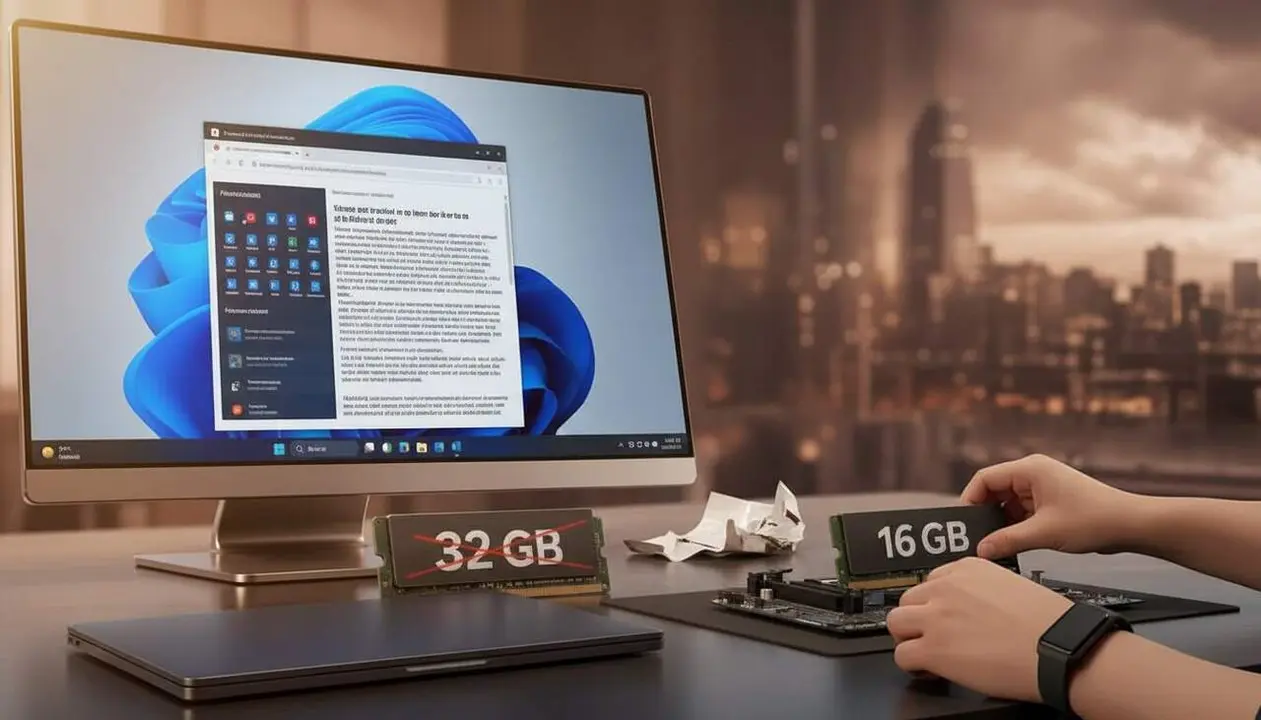

Microsoft has quietly removed several guides that recommended 32 GB of RAM for Windows 11. This decision became known through an analysis of the deleted content, which explained that 16 GB was sufficient for most uses, but 32 GB guaranteed a smoother experience in gaming and intense multitasking, such as keeping Discord or browsers open while gaming.
The main reason is the global RAM supply crisis, which is affecting availability and cost, forcing manufacturers and Microsoft to readjust the recommendations and standard configurations for Windows 11.
Why has Microsoft removed the 32 GB RAM recommendation?
What impact does this withdrawal have for users?
Microsoft has not officially changed the minimum requirements of Windows 11, but it has hidden that having 32 GB provides clear advantages. This especially affects gamers and advanced users who expected a more stable experience on machines with a large amount of RAM.
The current context shows that most new computers no longer offer 32 GB of RAM as a common option, but the dominant configuration returns to 16 GB, while some manufacturers even bring back versions with only 8 GB to keep prices competitive.
How have Microsoft and manufacturers adapted to the situation?
The RAM supply crisis, driven by the prioritization of components for artificial intelligence data centers, has reduced availability for consumers. This has led manufacturers like Dell, Acer, and Microsoft itself to offer machines with less generous memory and to adjust certifications like Copilot+.
Facing high prices and scarcity, Microsoft has announced it will optimize Windows 11 to perform better on machines with 8 GB of RAM, with a significant reduction in memory footprint coming before the end of the year.
How to check if your device is affected
What indicators warn you have less than ideal Memory?
If you have a Windows 11 device with 8 or 16 GB of RAM, especially if it is for gaming or intensive professional use, you might notice:
- Slow response when many programs are open.
- Delays or crashes in demanding games.
- Limitations in multitasking with heavy applications.
- Device with Copilot+ certification that does not include a dedicated graphics card.
How to know how much RAM your PC has?
- Press Ctrl + Shift + Esc to open Task Manager.
- Click the Performance tab.
- Select Memory to see the total installed capacity.
What you can do to improve Performance with less than 32 GB?
How to optimize Windows 11 for less RAM?
Microsoft is working on an optimization that will reduce Windows 11's memory usage for devices with 8 GB, improving fluidity and stability. Meanwhile, you can:
- Disable unnecessary startup apps from Settings > Apps > Startup.
- Use Windows Game Mode to prioritize resources.
- Use lightweight apps or web versions when possible.
- Keep the system updated to receive performance improvements.
What steps to follow to avoid future problems?
- Regularly update Windows 11 and system drivers.
- Enable two-factor authentication (2FA) to protect your account.
- Review app permissions to avoid unnecessary background processes.
- Make periodic backups to prevent data loss.
- Consider upgrading RAM if your device allows and your usage requires it.
| Platform / Version | Common RAM Configuration | Available Solution |
|---|---|---|
| Windows 11 | 8 GB / 16 GB (16 GB is becoming standard again) | System optimization planned for 2026 |
| Premium gaming device | 32 GB (increasingly limited) | Seen as a premium option, without official recommendation |
The reality is that this removal of Microsoft's recommendation reflects a market and memory availability shift that directly affects how users should understand the ideal capacity for their PC.
Despite current limitations, the improvement in Windows 11 optimization promises that even devices with 8 GB of RAM can offer acceptable performance without the need for large immediate investments.
However, it is not time to underestimate RAM. If you want to guarantee a smooth experience, especially for gaming or resource-intensive work, it is best to keep an eye on updates and plan an upgrade when possible.