The best Mini PCs for light use, productivity, and content creation in 2026
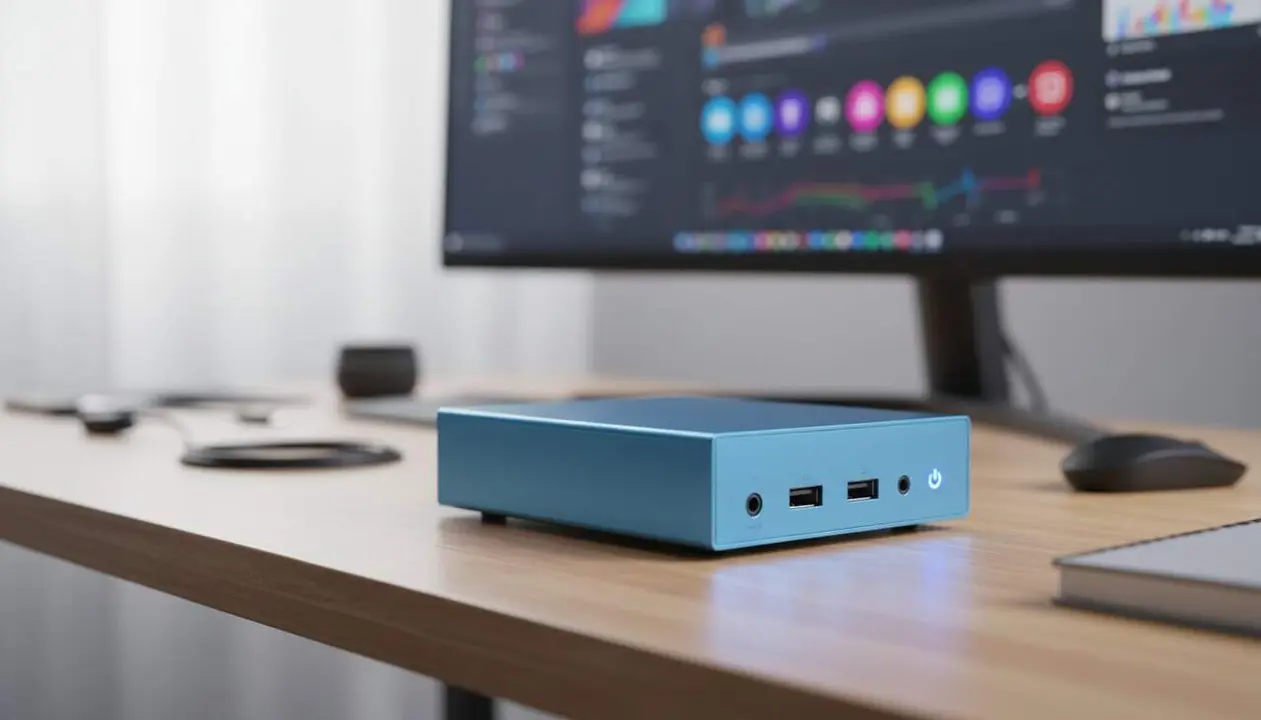

Mini PCs have evolved greatly and can now replace traditional computers without taking up much space. Many users consider them only for simple tasks, but the reality is that some models smoothly handle 4K video editing or demanding multitasking. This guide helps you identify the mini PC that best fits your daily routine and budget.
The information is from an analysis by Clara Sabater and is based on models available on AliExpress, which offer different configurations depending on the user: students, professionals, or content creators.
Mini PC for Light Use and Basic Tasks
Which models are suitable for browsing and studying without complications?
Essential computers don’t need high power or large spaces. Models like the SOYO Mini PC Y5 AIR with a fourth-generation Intel Core i5 processor, 8 GB RAM, and 128 GB SSD are ideal for browsing, video calls, and working on documents. The dual HDMI output allows connecting two monitors, very useful for teleworking or studying.
When is a bit more performance needed for daily use?
If you notice your PC is falling short, the SOYO M5 with AMD Ryzen 3 4300U, 16 GB RAM, and 512 GB SSD offers a smoother experience, especially when opening several applications simultaneously. It includes Windows 11 Pro for immediate setup and works very well for studies or remote work.
Mini PC for Productivity and Content Creation
Which Mini PCs allow multitasking and light editing?
The FIREBAT AM02 equips an AMD Ryzen 5 6600H, 16 GB DDR5, and 512 GB PCIe 4.0 SSD, perfect for working with multiple programs, editing photos, and basic videos. The integrated Radeon 660M graphics and WiFi 6 and Bluetooth 5.2 connectivity complete a powerful and compact setup.
What features does the CHUWI UBox offer for mixed uses?
The CHUWI UBox stands out for having the same Ryzen 5 6600H processor, 16 GB RAM, and 512 GB SSD, with support for 4K output and WiFi 6. It is very versatile for those looking for a mini PC that does not sacrifice performance in either work or leisure.
High-Performance Mini PC and Professional Uses
Which Mini PC is suitable for intensive work and multiple screens?
The GMKtec M8 supports long productivity sessions with Ryzen 5 PRO 6650H, 16 GB DDR5, and the ability to connect up to three 4K screens simultaneously. It is ideal for programming, design, and intensive multitasking, with advanced WiFi 6E and USB-C connectivity.
Which is the most powerful Mini PC for professional creation and editing?
The GMKtec K12 and Firebat MN56 are the most advanced. The K12 includes a Ryzen 7 H255 with DDR5 memory and external GPU support, ideal for demanding content creation and with room for upgrades. The Firebat MN56, with Ryzen 7 8745HS, up to 24 GB RAM, and 1 TB SSD, handles any complex task, from video editing to virtualization and development.
Which Mini PCs are special for Networks and servers?
The Topton Fanless Industrial Mini PC is not a home computer but a device for professional networks. It is fanless and has four 2.5 Gbps LAN ports, perfect for configuring firewalls, advanced routers, or home servers with software such as pfSense or OPNsense.
- To check if a mini PC is suitable, look at the processor configuration, RAM, and storage capacity.
- If you perform many tasks simultaneously, look for devices with DDR5 and fast SSD (PCIe 4.0).
- WiFi 6 or 6E and Bluetooth 5.2 connectivity improve speed and connection with other devices.
- Those who need support for multiple screens or 4K editing should choose models with compatible HDMI or DisplayPort outputs.
| Model | Processor | RAM | Storage | Recommended use |
|---|---|---|---|---|
| SOYO Y5 AIR | Intel Core i5 4th gen | 8 GB | 128 GB SSD | Basic use, study, and browsing |
| SOYO M5 | AMD Ryzen 3 4300U | 16 GB | 512 GB SSD | More comfortable daily use |
| FIREBAT AM02 | AMD Ryzen 5 6600H | 16 GB DDR5 | 512 GB PCIe 4.0 | Productivity and light editing |
| CHUWI UBox | AMD Ryzen 5 6600H | 16 GB | 512 GB SSD | Versatile for work and leisure |
| GMKtec M8 | AMD Ryzen 5 PRO 6650H | 16 GB DDR5 | 512 GB SSD | Advanced productivity |
| GMKtec K12 | AMD Ryzen 7 H255 | DDR5 (more than 16 GB possible) | SSD | Content creation and expandable |
| Firebat MN56 | AMD Ryzen 7 8745HS | Up to 24 GB LPDDR5 | Up to 1 TB SSD | Maximum power and extreme multitasking |
| Topton Fanless Industrial | Configurable | Configurable | Configurable | Professional networks and servers |
To keep a mini PC in optimal condition, regularly update the operating system and firmware, enable two-factor authentication (2FA) whenever possible, check application licenses and permissions, and make periodic backups. If you detect slow performance, connection problems, or constant errors, consult a professional technician before the problem worsens.
The reality is that these mini PCs offer the perfect balance between size, power, and versatility. Choosing the right model depends on your priorities and daily uses. With this guide, you will find a compact device that does not sacrifice performance or functionality.
Frequently Asked Questions
- Which mini PC is best for students and basic use?
- The SOYO Mini PC Y5 AIR is ideal for browsing, video calls, and working on documents without needing great power.
- Can mini PCs replace tower computers for video editing?
- Models like the GMKtec K12 or Firebat MN56 offer power for 4K video editing while maintaining a compact form.
- What connectivity is recommended in a current mini PC?
- WiFi 6 or 6E and Bluetooth 5.2 are recommended for connection speed and compatibility with modern devices.