Why does the phone take so long to charge when you connect it to the computer (and when this is good)
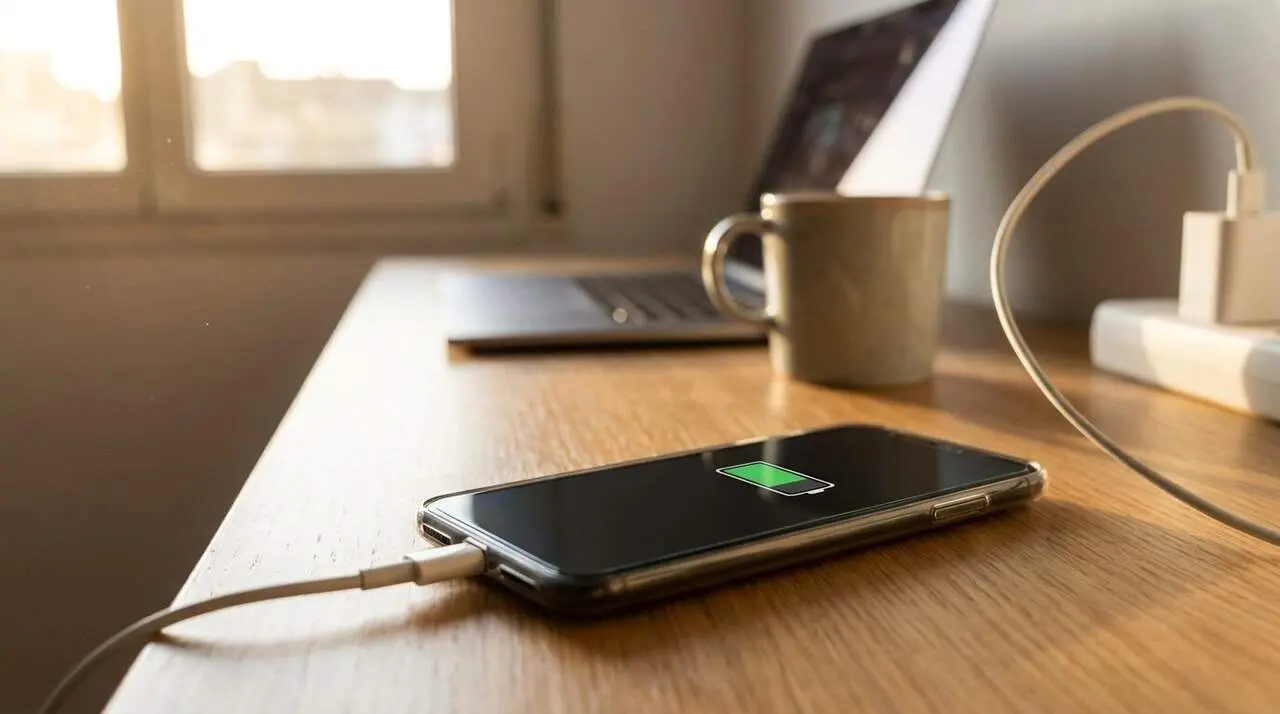

The speed at which your phone charges depends heavily on the device you use to do so. It is not the same to connect it to a wall charger as to a computer’s USB port, and this can affect both charging time and battery health.
In this article, we will explain why this happens and when it is better to choose one method over the other depending on your need and situation.
How does the charger’s power affect charging speed?
Why does the wall charger charge faster than a USB port?
Modern wall chargers can offer power above 100 watts on compatible devices, while a traditional USB-A port is limited to about 5 watts, since it was originally designed to transfer data, not power. Newer laptops with USB-C ports can offer higher power, but generally still fall short of a dedicated fast charger.
Therefore, when you connect the phone to a wall charger, it receives much more power and charges faster. In contrast, the computer’s USB port delivers lower power, which is why charging is slower.
How does the risk of overheating affect charging?
High power can cause the phone to heat up more, especially if you use it while charging. This heating accelerates the aging of lithium-ion batteries, which can reduce their lifespan.
Modern chargers include protection and temperature control systems, but slow charging via USB is a gentler option for the battery since it generates less heat.
When is it recommended to use a wall charger or a USB port?
When is a fast wall charger convenient?
If you are in a hurry and need to charge your phone quickly, a wall charger is the best option. For example, if you only have half an hour to charge before going out, this method maximizes charging in the minimum time.
When is it better to use the computer’s USB port?
If you’re not in a rush and can leave the phone charging for several hours, such as while you are working, the USB port is sufficient and even safer for the battery, avoiding excessive heating.
Tips to optimize charging and care for the battery
How to check if you are charging correctly?
- Does the phone get very hot? This may be a sign that the charging is very fast or that the charger is not suitable.
- Use original or certified chargers and cables to avoid safety issues.
- If your device supports fast charging, take advantage of it when you need to charge quickly.
- Avoid charging the phone on USB ports that only transfer data and not sufficient power.
Comparison of power and uses
| Charging device | Approximate power | Charging speed | Recommended use |
|---|---|---|---|
| Fast wall charger | Up to 100 W | Very fast | When you’re in a hurry |
| Computer USB-A port | About 5 W | Slow | Prolonged and safe charging |
| Modern computer USB-C port | 15-60 W depending on equipment | Medium | Comfortable charging while working |
To keep the battery in good condition, it is advisable to alternate between fast and slow charging depending on the situation, and to avoid heavy use of fast charging when it is not necessary.
If you notice the battery overheating too much or irregular charging, consult a professional to avoid possible major damage to the device.
Remember that proper use of the type of charging according to the moment can extend your phone’s lifespan and ensure optimal performance.
The power difference between wall chargers and USB ports is the key to understanding charging speed, but the fastest is not always the best for battery health. Knowing when to use each type will help you protect your device in the long term.
Frequently Asked Questions
- Why does the phone charge more slowly with a USB port?
- Because standard USB-A ports offer less power (around 5 W) compared to wall chargers, which can exceed 100 W.
- When is it convenient to use slow USB charging?
- When you are not in a hurry and want to avoid the phone overheating too much, for example while working at the computer for hours.
- Is it bad to always charge with a fast charger?
- Continuous use can increase heating and accelerate battery aging, so it is advisable to alternate with slow charging.