Which iPhones will be compatible with iOS 27 and which ones will be left out?
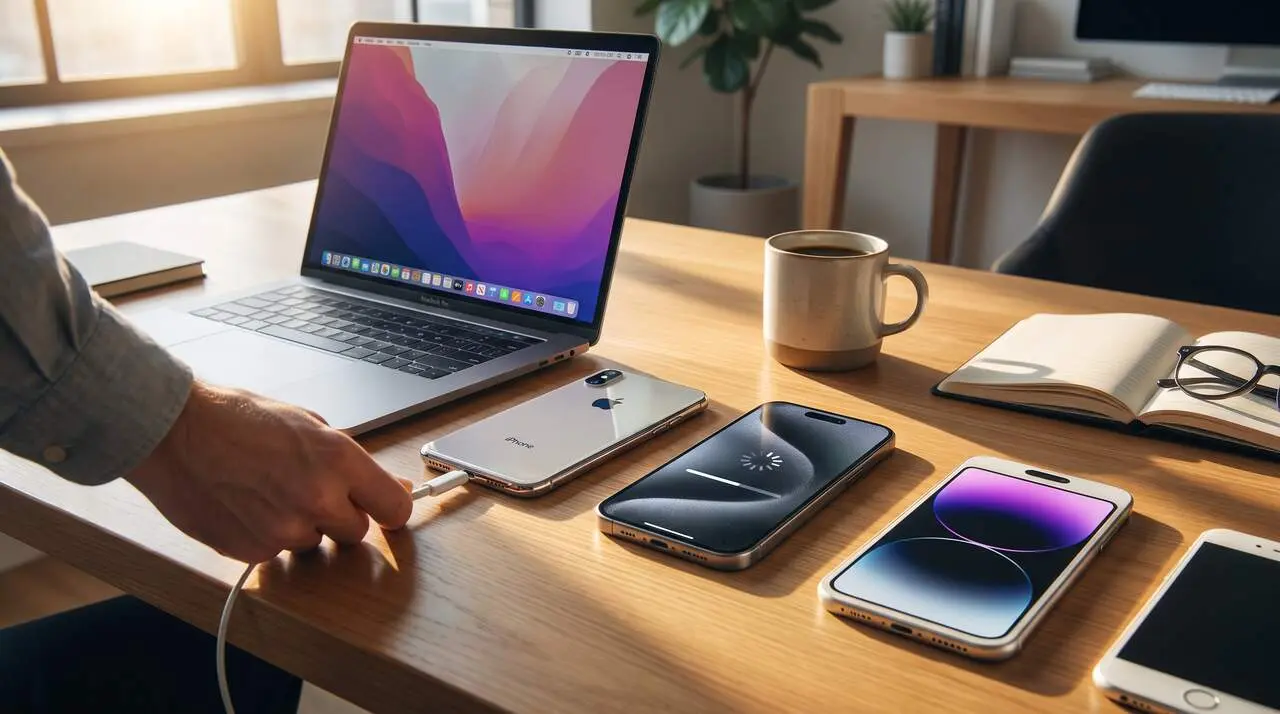

Apple maintains iOS 27 compatibility with the same iPhones that can run iOS 26, a total of 31 models ranging from the iPhone 11 to the most recent ones and the iPhone Air line. The source of this information is Apple, which has detailed the official list ahead of the planned release in September 2026.
The reality is that this decision allows millions of users to update without needing to change devices, but you must check if your model is included. Additionally, the most advanced features, especially those involving Artificial Intelligence (AI), will have stricter hardware requirements.
Models compatible with iOS 27
Which iPhones will be able to update to iOS 27?
The iPhones compatible with iOS 27 are the following 31 models:
- iPhone 17 Pro Max, iPhone 17 Pro, iPhone 17, iPhone 17e, iPhone Air
- iPhone 16 Pro Max, iPhone 16 Pro, iPhone 16 Plus, iPhone 16, iPhone 16e
- iPhone 15 Pro Max, iPhone 15 Pro, iPhone 15 Plus, iPhone 15
- iPhone 14 Pro Max, iPhone 14 Pro, iPhone 14 Plus, iPhone 14
- iPhone 13 Pro Max, iPhone 13 Pro, iPhone 13, iPhone 13 mini
- iPhone 12 Pro Max, iPhone 12 Pro, iPhone 12, iPhone 12 mini
- iPhone 11 Pro Max, iPhone 11 Pro, iPhone 11
- iPhone SE (3rd generation) and iPhone SE (2nd generation)
Which models will not receive iOS 27 and why?
The devices that will not be able to update to iOS 27 are:
- iPhone XS, iPhone XS Max, iPhone XR
- iPhone SE (1st generation)
These models, although still in use by many, do not have the power or capabilities needed to run the new functions, especially those related to Artificial Intelligence, and therefore will be left out of the update.
How to check if your iPhone is compatible?
How to know your iPhone's exact model?
If you have doubts about your device's model, Apple makes it very easy:
- Open the Settings app.
- Go to General.
- Select About.
- Check the Model Name field to know the exact model.
Why is it necessary to know the model to update?
The model determines the device’s technical capabilities and compatibility with iOS 27, especially for the new Apple Intelligence and improved Siri features, which require powerful hardware.
Which iOS 27 features depend on the iPhone model?
What new features will all compatible devices have?
All iPhones that can install iOS 27 will receive:
- Performance improvements, up to 30% faster app launch.
- Optimizations in AirDrop, with transfers up to 80% faster in some cases.
- New design and improved system stability.
Which models will support Apple Intelligence and advanced Siri?
The most powerful AI features will only work on models with at least 8 GB of RAM and newer processors:
- Apple Intelligence will be available on: iPhone 15 Pro, iPhone 15 Pro Max, the entire iPhone 16 family, the entire iPhone 17 family, and iPhone Air.
- Advanced Siri features, with more natural voice and better dictation, only for iPhone 17 Pro, iPhone 17 Pro Max, and iPhone Air.
The iPhone 15 and 15 Plus, with only 6 GB of RAM, will not be able to run these AI models locally.
Recommendations before installation
What requirements must the device meet to avoid problems?
Before installing iOS 27, Apple recommends:
- Having at least 15 GB of free space, ideally about 20 GB.
- Having a stable Wi-Fi connection during download.
- The device having more than 50% battery or being connected to power.
- Making a backup to iCloud or a computer to avoid losses.
What is the importance of these measures?
By following these steps, risks during the update are minimized and the process is ensured to complete without interruptions that could cause errors or data loss.
| iPhone Model | Compatible with iOS 27 | Apple Intelligence | Advanced Siri Features |
|---|---|---|---|
| iPhone 17 Pro Max | Yes | Yes | Yes |
| iPhone 15 Plus | Yes | No | No |
| iPhone 11 | Yes | No | No |
| iPhone XS | No | No | No |
The reality is that Apple has chosen to support a wide range of devices, but the most outstanding AI features are limited to the newest models with specific hardware. This leaves many users with a good device but without access to all the new features.
Checking the model and following the preparation recommendations avoids unpleasant surprises during the update, which is expected to be one of the most important releases for iPhone users this year.
Remember that keeping the device updated is key for security and proper functioning, and that backup is always your best ally against unforeseen events.