What is the blue dot at the top of your Android phone?
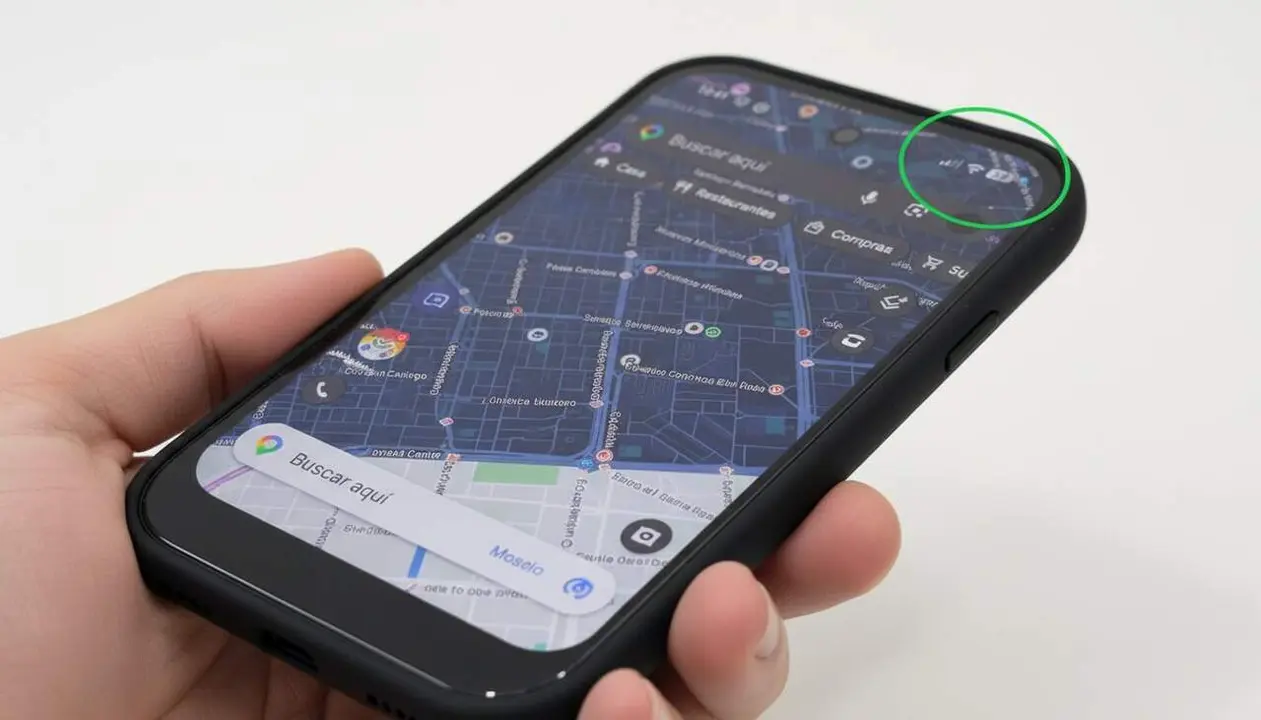

Imagine that one day, while using your Android phone, a small blue dot appears at the top of the screen. It is not an error or an insignificant detail: it is an indicator that alerts you that an app is using your location. This new privacy signal is an essential tool to monitor what happens with your data in real time.
You may not have noticed it until now, but this blue dot is part of a Google strategy to give you more control over privacy. We will explain exactly what it means, how it works, and what you can do when it appears unexpectedly.
What the blue dot on your phone's status bar means
Real-time location usage indicator
When you see the blue dot at the top right of the screen, your location is being used. That is, some app is accessing this information at that moment. When this action stops, the dot disappears. This is a clear and immediate way for the device to show you what is happening in the background.
Comparison with other privacy indicators
This blue dot joins two other indicators you already know that have similar functions: the green dot that alerts you when the camera is used and the orange dot that indicates microphone use. Thus, you have a complete system that shows you at all times when an app is accessing sensitive data.
How to manage the blue dot if it appears without an apparent reason
Review location permissions
If you see the blue dot and don’t have any app open that justifies this access, it’s possible that some app is using location in the background. It’s not dangerous, but it is a warning for you to check what is happening. To do so, go to Settings > Privacy & Security > Privacy Settings > Permission Manager > Location. Here you will see which apps have permission and you can revoke it if necessary.
Tips to protect your privacy
If you want to prevent your data from being used without control, modify location permissions so they only activate when you use the app. You can also choose to install apps that respect privacy more or configure the phone so that it only allows location access in specific cases.
The future of the blue dot and privacy on Android phones
Expansion to more devices
Although the blue dot is currently mostly available on some Pixel phones, like the Google Pixel 10a, it is planned to reach Samsung, Xiaomi, and other major brand devices. It is a move that reinforces transparency and the user’s control over their data.
Impact on security and trust
These kinds of indicators serve to curb the abusive use of data by unethical apps. When you know what really happens with your information, you can better decide which apps to install or keep. This also forces developers to be more transparent.
| Dot color | Meaning |
|---|---|
| Blue dot | Location use |
| Green dot | Camera use |
| Orange dot | Microphone use |
All these dots appear on the status bar to show you when an app accesses sensitive features. The clarity of this system makes it much harder for an app to do things behind your back.
If you haven’t seen this blue dot yet, don’t worry: it will soon be present on many more devices. In the meantime, you can already review permissions and make sure only trusted apps access your location.
The reality is that this small blue dot is a silent ally that protects you almost without you noticing. Bringing privacy control to the sleeve of your phone is now a reality that has come to stay.