How to get the Movistar WiFi 7 Router for free: surprise offer for old customers
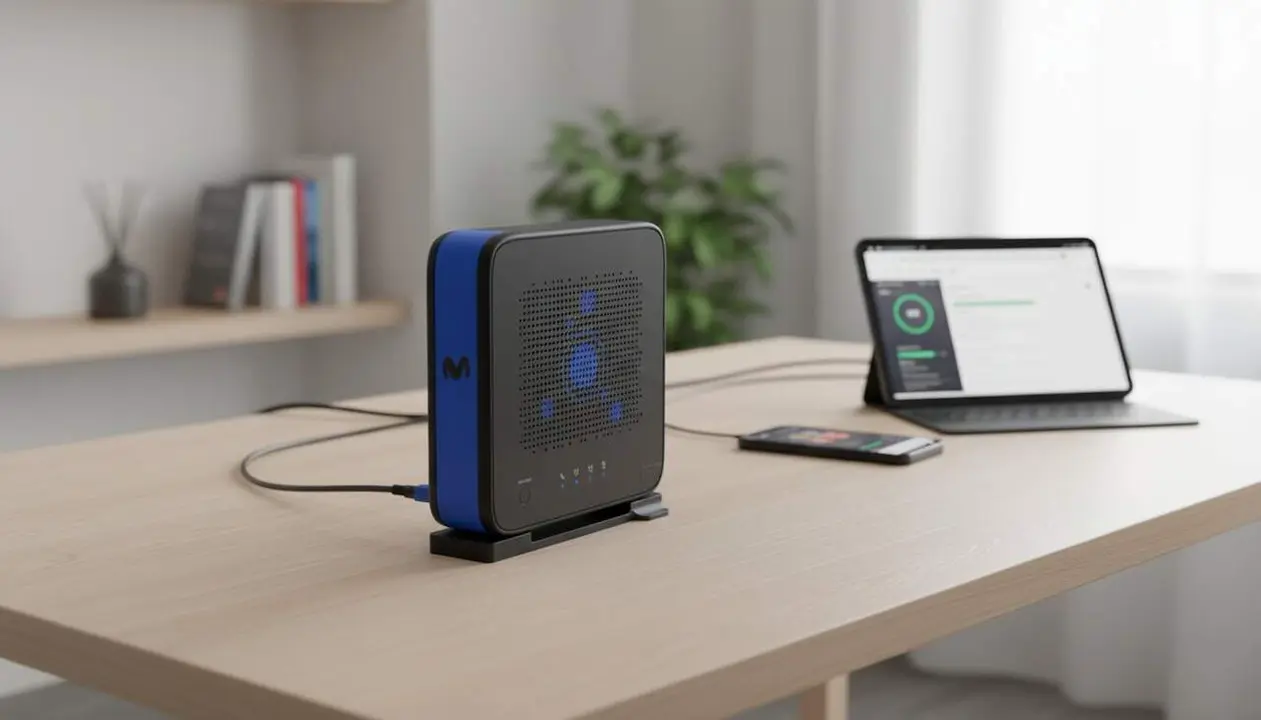

If you are an existing Movistar customer, you may have received an invitation to renew your router and get the Movistar WiFi 7 Router with no self-installation cost. This offer appears as a pop-up in the Mi Movistar app and redirects to a web section where the self-installation price is listed as €0.
Many customers who still have models like the HGU or the Smart WiFi 6 may see the offer, but the selection is internal and Movistar has not explained the criteria. It is a direct opportunity to upgrade equipment without paying the usual €60 self-installation fee.
The information comes from the provided source content: the tariff descriptions and the Help section on the Movistar website, plus observations collected from user forums and notices detected in the Mi Movistar app. The original text indicates the existence of a renewal campaign aimed at existing customers but does not specify the selection criteria.
What Movistar offers and who it is aimed at
This matters to the reader because it can save between €60 and €110 on equipment replacement depending on the case; having WiFi 7 improves the capacity and performance of the home network, especially with multiple devices. If you have an old router, this invitation could be the fastest way to upgrade it.
How does this affect my service?
This promotion makes it easier for existing customers to switch to the Movistar WiFi 7 Router with no self-installation cost; Movistar sends an invitation that allows the renewal to be completed online. If you do not receive the invitation, you cannot complete the promotion process.
Which models does the source mention?
The source names old models like the HGU and the Smart WiFi 6 as examples of equipment still in use among existing customers. New customers receive the Movistar WiFi 7 Router by default.
How to activate the renewal: practical steps
Practical advice for the reader: if you receive the invitation, the process is simple and can be completed without calling technical support; this allows you to close the transaction quickly and receive the equipment for self-installation. If you do not receive the invitation, the source indicates that only invitees can complete the operation.
What steps should I follow to accept the offer?
Open the Mi Movistar app, accept the pop-up and follow the link that takes you to the promotion page; press Renew and complete the self-installation if allowed. This applies only if you have received the prior invitation.
- Open the Mi Movistar app on your phone.
- If a pop-up appears, press the accept button or the Renew button.
- Follow the link to the indicated web section and verify that the self-installation price is €0.
- Fill in the shipping details and confirm the request; if the process completes, you will receive the router for self-installation.
- If you do not have a pop-up, you can try accessing the operator’s website, but the source warns that only invitees can finish the promotion.
What if I prefer technician installation?
The source states that the usual cost with a technician is €110 if the installation is not self-installable or if in-person assistance is required. The free promotion specifically refers to the self-installation option.
How to verify the status and what to check afterward
It is key for the reader to know how to confirm that they are really covered by the promotion: the verification prevents misunderstandings and allows deciding between self-installation or paying for a technical visit. Review the offer presentation in the app and the shipping confirmation.
How do I know if I really have the invitation?
If you see a pop-up in Mi Movistar offering the Movistar WiFi 7 Router at €0 with self-installation, this indicates that you have been invited and may try to complete the renewal.
What signs confirm the renewal has been completed?
You will receive a shipping confirmation or an order number in your user area; the promotion page should indicate the status. If the platform prevents completing the process, the source specifies that you are not one of the selected customers.
- You have received a pop-up in the Mi Movistar app.
- The promotion page shows €0 for self-installation.
- You can press Renew and reach the shipping form.
- If the process gets blocked before reaching the form, you are probably not selected.
| Platform / Model | Affected | Fix available |
|---|---|---|
| Movistar WiFi 7 Router | No (already delivered to new customers) | Included by default for new customers |
| HGU | Yes (example of old model) | Invitation promotion: free self-installation renewal according to the source |
| Smart WiFi 6 | Yes (example of old model) | May be eligible for the campaign; selection criteria not detailed |
Preventive and maintenance tips: keep the Mi Movistar app updated, check the Help section on the website, and review your user area periodically. Back up the current router configuration before the change and keep the order number of the renewal. If you detect irregularities (unexpected payments, offers different from the information displayed in the app), contact customer service or seek professional technical assistance.
Warnings and when to seek help: if the promotion is not completed and an unannounced cost appears (for example €60 or €110), save screenshots and request written clarifications from the operator. If you have device compatibility doubts or connection problems after installation, consult a certified technician.
To conclude: the Movistar renewal campaign may be an opportunity to upgrade your equipment to WiFi 7 with no self-installation cost; confirm the invitation through the app and act quickly if it appears. If you do not receive the invitation, the usual way remains to pay the amounts indicated by the source or wait for future communications from the operator.
Frequently Asked Questions
- How can I know if the offer is available to me?
- Check the Mi Movistar app for a promotional pop-up; the source indicates the invitation arrives this way and redirects to the promotion page.
- What does it cost to replace the router if I don’t have the invitation?
- According to the source, self-installation usually costs €60 and technician installation €110; the promotion reduces self-installation to €0 for invitees.
- Can I force renewal by entering the website even if I don’t have the pop-up?
- The source states that although any customer can try pressing Renew, only those who have received the invitation can complete the process.