Restart or turn off Android: which is better and how often should it be done?
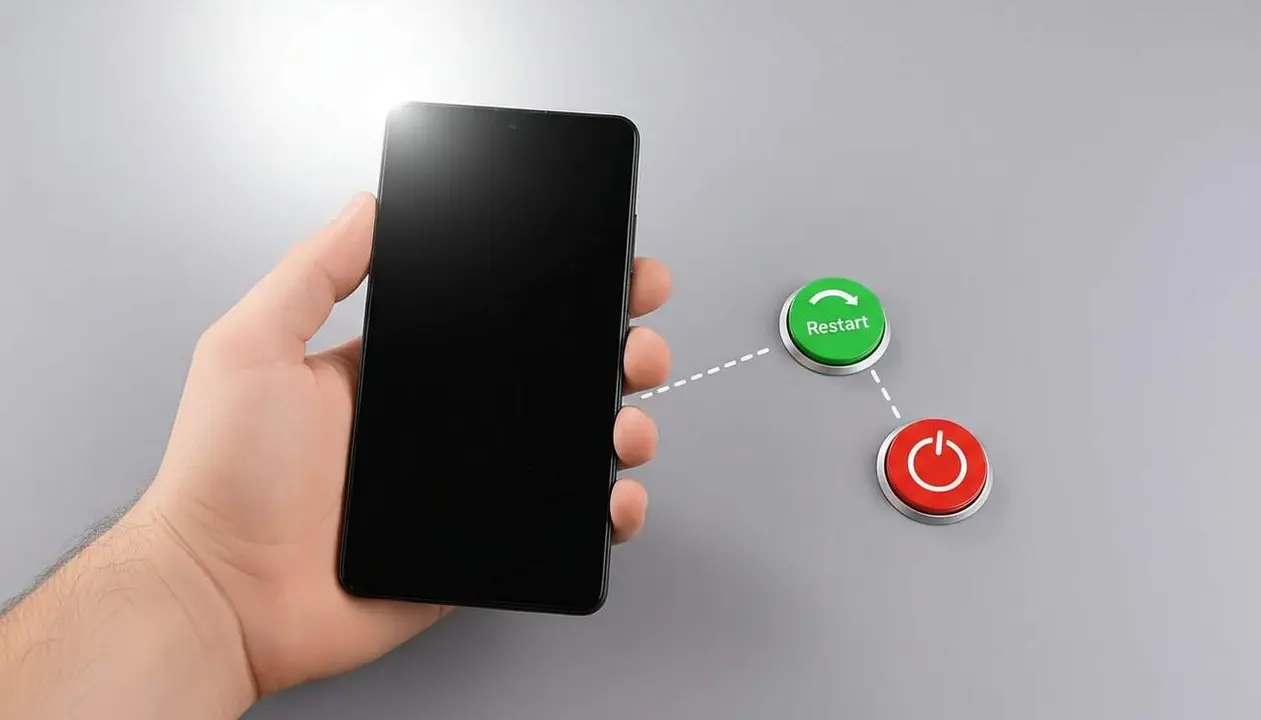

Imagine that your Android phone starts running slow, freezing, or the battery drains faster. Many users wonder if it’s better to restart it or to shut it down completely, but the answer isn’t as obvious as it seems.
The truth is that both restarting and shutting down the device have different functions and impact performance and security in different ways. Do you want to know which method to choose and how often to do it? Here is the answer that will help you get the most out of your Android.
Why is restarting the best way to optimize your Android?
What happens when you restart your phone
When you restart the phone, it turns off and on automatically, which causes a complete clearing of the RAM and the termination of unnecessary processes. This helps restore smoothness and improve performance without wasting time on a full shutdown.
Restarting is a simple but powerful gesture: it eliminates small errors and frees resources that could be slowing down the device. In fact, according to experts, restarting is enough to keep the phone in optimal condition.
The myth of deep shutdown
Many think that shutting down the phone offers a deeper cleaning, but that’s not the case. Both restarting and shutting down stop all processes, but the difference lies in how long the device remains off.
Studies carried out by specialists confirm that shutting down provides no additional benefit in cleaning the system. So, if what you’re looking for is speed and convenience, restarting is the better option.
When is it advisable to shut down the phone and how often?
Situations where shutting down is the best option
Shutting down the phone is optional, but there are times when it is necessary. For example, if the battery is low and you want to save power, or if the device overheats too much, shutting it down quickly prevents internal damage that could be serious.
Also, when performing technical tasks or repairs, it’s advisable to shut down the phone to minimize risks. In these cases, shutting down is more a matter of use and necessity than frequency.
How often should you restart or shut down?
Experts recommend restarting the phone at least once a week to ensure memory is cleaned and the system runs smoothly. Some even do it daily to guarantee optimal performance.
Shutting down the device isn’t necessary regularly, only when the mentioned circumstances occur. Restarting is the simplest and most effective gesture to keep your Android phone in shape every day.
Restarting and shutting down: impact on security and durability
Security against cyberattacks
The NSA and other security entities recommend restarting the phone because it helps close processes that could be vulnerable to persistent attacks. A periodic restart is key to protecting data and preventing intrusions.
Although it was previously thought that only shutting down was enough, it is now clear that restarting is the best defense against many types of digital threats. A good practice that costs nothing and can prevent big problems.
Increasing device lifespan
Restarting the phone prevents errors and unnecessary processes from accumulating that can wear out the system over time. This results in a longer lifespan and a more pleasant user experience.
Shutting down should only be done when you need to avoid overheating or save battery in extreme situations. Combining both habits depending on the situation is the smartest strategy.
| Action | Benefits | When to do it |
|---|---|---|
| Restart | Cleans memory, improves performance, protects against cyberattacks | At least once a week or daily for more smoothness |
| Shut down | Prevents overheating, saves battery in emergencies | When battery is low or phone overheats too much |
Remember that good maintenance of your Android phone involves knowing when to restart and when to shut down. They are not synonyms, but different tools for specific needs that, when used well, will make you enjoy your device more and better.
What do you prefer? Restart quickly every day or shut down only in case of emergency? Either way, now you have the keys to decide.