The 2 surprising ways to update the Movistar Router and improve its performance
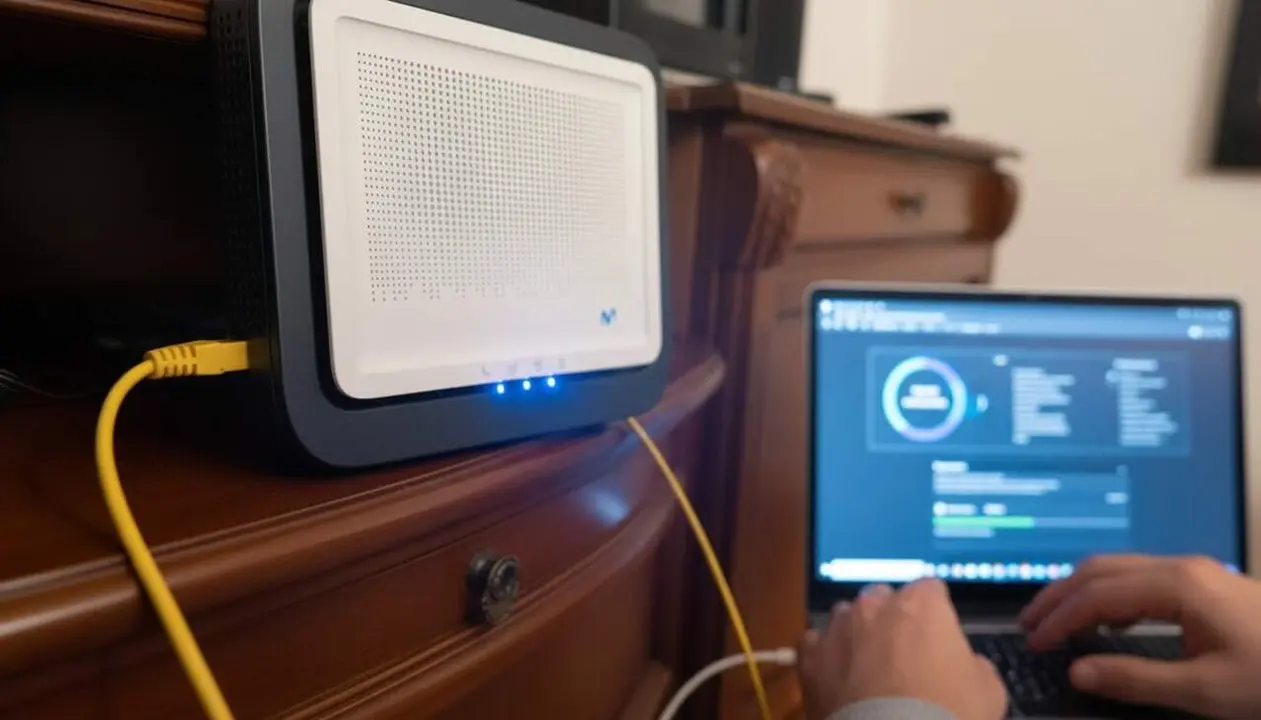

Updating the Movistar router is essential to avoid errors and improve security. With these two methods, you can ensure that your device always runs the best version of its firmware, which is the router’s internal operating system. These updates fix problems and bring new features, but they’re not always as simple as updating a phone.
The information is based on analysis and guides from Xataka, which offer a clear overview of how to do it without risking the connection or the device.
Automatic Update
What is it and why is it important?
This is the most convenient and secure way for most users. Movistar releases firmware updates and the router installs them automatically, without you having to intervene. This ensures your router receives improvements and security fixes hassle-free.
How does this affect the user?
The main drawback is that you can’t choose when it updates, nor is there a button to force checking for updates, unlike phones or computers. You have to wait for Movistar to distribute the update and for it to reach your device.
Manual Update
How does it work and who is it for?
This option is for those who need to install a specific firmware version, for example, to fix a particular problem or have a new feature before it arrives automatically. Although the official Alejandra website, which facilitated the process, closed in 2024, manual installation can still be done by uploading the firmware file.
Step-by-step guide
But beware: doing it wrong can disable the router. And Movistar does not officially distribute these files, so you must look for them on reliable portals and avoid fraudulent versions.
- Access the router configuration by typing 192.168.1.1 in your browser. The password can be found on a label stuck on the router itself.
- Look for the Firmware Updates option within the main menu or in sections like Administration, Management, or Update Software, depending on the model.
- Upload the firmware file .bin by clicking Select File and upload it from your computer.
- Press the Update button and let the device install the new firmware without disconnecting it from power or Ethernet.
How to check if the Router is updated or at risk?
Steps to verify
Although there is no direct button to check for updates, you can check the firmware version you have and compare it with the version expected according to Movistar or reliable sources.
- Enter the configuration at 192.168.1.1.
- Check the firmware version on the main screen or in the System Information section.
- Compare with known versions to detect if you need to update.
- Watch out for erratic router behaviors, such as freezes or slow connections, which may indicate obsolete firmware.
| Platform / Version | Automatic Update | Manual Update |
|---|---|---|
| Movistar Router 2023 | Yes | Yes (with risk if not done correctly) |
| Movistar Router WiFi 7 | Yes | Yes (recommended only for experts) |
Remember that automatic updating is the safest and most recommended for most users, while manual updating requires more attention and precautions.
To avoid problems, keep the router updated, enable two-factor authentication if available, periodically review permissions and settings, and back up the configuration when possible.
If you notice strange signs like constant connection losses or abnormal behaviors, don’t hesitate to seek professional help before performing a manual update. The security and reliability of the router are key for a good internet experience.
Updating the Movistar router may seem complicated, but with patience and knowledge, you can ensure the device operates with maximum security and performance. The key is to choose the appropriate method according to your needs and be very careful with manual processes.
Frequently Asked Questions
- How can I know if my Movistar router is updated?
- Access 192.168.1.1 and check the firmware version in the configuration to compare it with available versions.
- Is it safe to perform a manual firmware update?
- Only if reliable files are used and instructions are followed step by step; otherwise, the router can become unusable.
- What should I do if the router freezes during the update?
- Do not disconnect the device and contact Movistar technical support or a professional to avoid further damage.