What does the double WiFi symbol on Android mean and why is it a great idea to keep it active
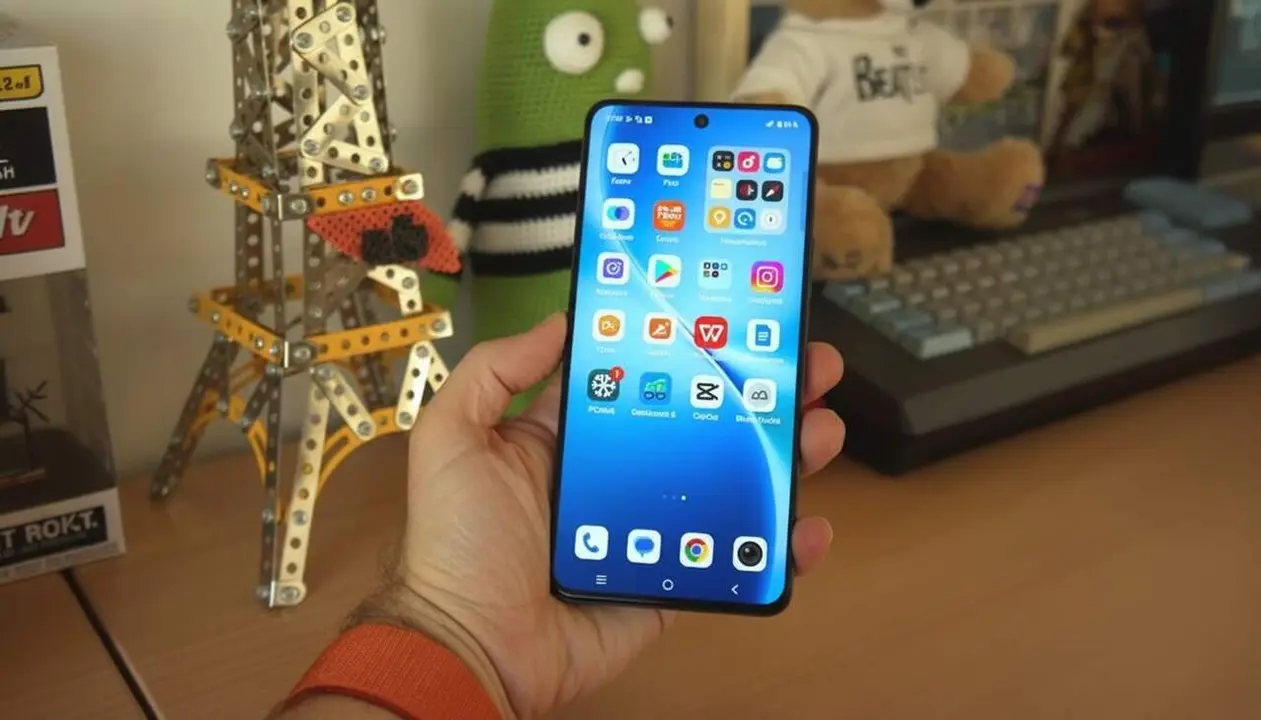

The double WiFi symbol in the top bar indicates that your phone is connected to two bands simultaneously to optimize the connection. This feature, little known but very useful, takes advantage of the best of the 2.4 GHz and 5 GHz bands of your router to offer you more speed and stability.
Many users wonder what this little extra WiFi that appears on some Android devices means. It is not an error or a duplicate notification, but an innovation that is transforming the way we connect wirelessly.
What is double WiFi and how does it work?
This functionality, known as Dual WiFi, allows the phone to connect at the same time to the two bands offered by a modern router: the 2.4 GHz band and the 5 GHz band. But why does this matter?
Why is it relevant that the phone uses Dual WiFi?
It is key because each band has advantages and disadvantages. The 2.4 GHz offers more range but more interference, while the 5 GHz provides higher speed but less coverage. The phone can manage them simultaneously to guarantee a more consistent connection.
How is the double WiFi symbol displayed on Android?
When Dual WiFi is active, a small additional WiFi icon appears in the top bar, next to the traditional icon. This signal indicates that the device is taking advantage of both bands complementarily.
Advantages and disadvantages of baby WiFi
Activating double WiFi translates into a better daily experience, especially when performing tasks that require stability, such as video calls or online gaming.
What benefits does the Dual connection provide?
- More stability: if one band is saturated or drops, the other automatically takes over.
- Improved speed: combined use of both bands for a faster connection.
- Smart management: the phone decides when to use each band according to signal quality.
Is there any disadvantage to having it activated?
The main downside is a slight increase in battery consumption because the device maintains two active connections. Also, some apps are not yet optimized to take advantage of Dual WiFi, so you may not always notice the improvement.
How to Activate and make the most of the double WiFi symbol
Many Android devices, such as those from Xiaomi, Oppo, or Vivo, already include this feature enabled by default. This means you don’t need to do anything to enjoy it, but it is good to know where to check and how to manage it.
Where to find the Dual WiFi option on Android?
Usually in the advanced WiFi configuration options within the phone settings. Here you can see if it is enabled or disabled and adjust it according to your preferences.
Recommendations to improve WiFi connection at home
- Use dual-band routers: to take advantage of Dual WiFi your router must offer both 2.4 and 5 GHz bands.
- Place the router in a central location: to maximize the range and quality of the signal on all bands.
- Update the phone’s software: so you can benefit from the latest improvements in dual connectivity.
| Feature | 2.4 GHz Band | 5 GHz Band |
|---|---|---|
| Range | High | Limited |
| Speed | Medium | High |
| Interference | More frequent | Less frequent |
| Saturation | High | Low |
Having the double WiFi symbol active means that your phone is intelligently managing the best possible connection, combining the best of both bands to avoid drops or speed losses.
Such a connection is especially valuable in environments with many connected devices or with common interference, such as apartments with many neighboring WiFi networks.