7 amazing Android 17 features on Google Pixel that improve your Experience

Android 17 transforms Google Pixel with new features that improve performance and daily usability. This update aims for a smoother integration between hardware and software, delivering a richer and more efficient experience.
If you have a Pixel, get ready to discover tools that facilitate multitasking, optimize gaming, and enhance privacy. The novelties are not just technical: they change the way you interact with the phone.
Main features of Android 17 on Google Pixel
What makes multitasking special with Floating Windows?
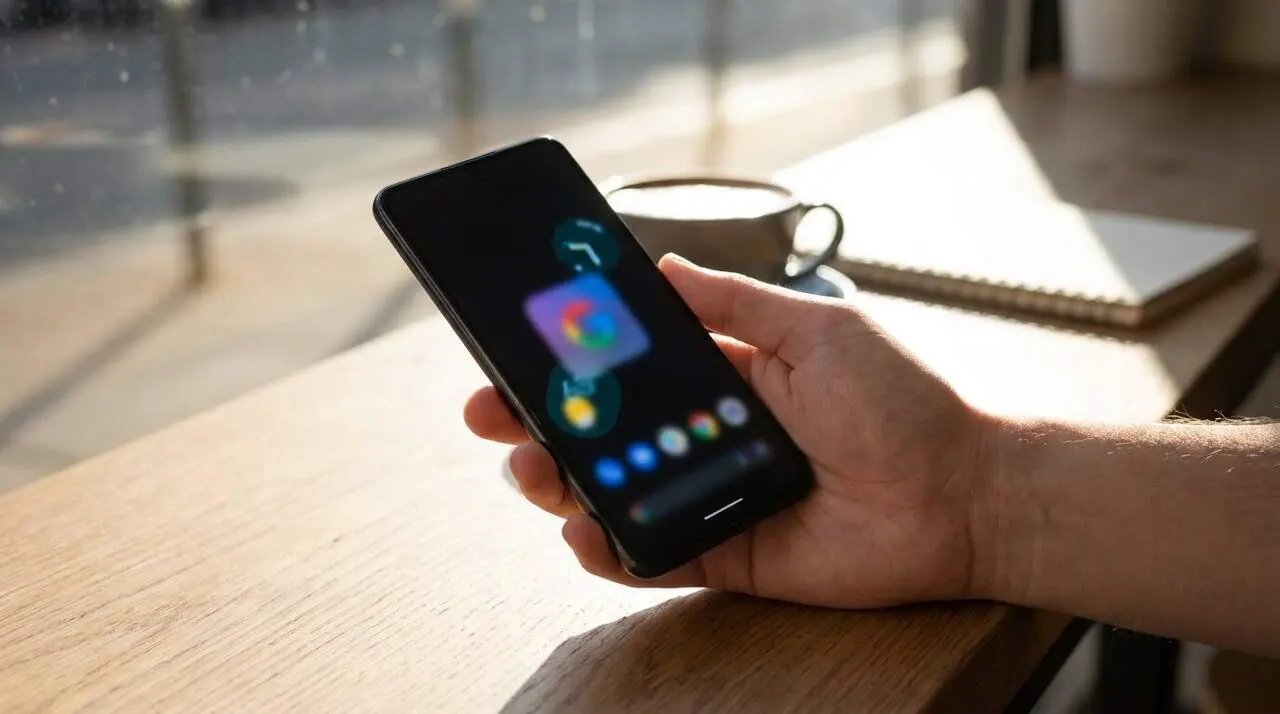
The ability to use apps in floating windows, or bubbles, allows working on multiple tasks without losing sight of the main app.
Why does it matter? Because it makes replying to messages, checking maps, or reviewing notes easier without having to switch screens. Just long-press the icon of a compatible app to turn it into an independent window that can be moved and resized. On devices with large screens, such as tablets, these bubbles are placed on a lower bar, making multitasking more intuitive.
How does Android 17 improve hardware-software integration?
Android 17 deepens the connection between the Google Tensor G4 processor and the operating system, improving the device's responsiveness and overall efficiency.
This translates into smoother operation and a more coherent user experience, especially during demanding tasks and managing multiple applications.
Enhancements in gaming and entertainment with Android 17
How does Android 17 affect gameplay on Pixel?
Android 17 offers optimized memory management that reduces interruptions and frame drops, ensuring more stable and fluid gameplay.
For foldable phone users, Foldable Gaming Mode splits the screen to show the game on the upper part and a virtual controller on the lower part, adapted to different games.
What’s new for external controllers?
For the first time, the system allows reassigning buttons on external controllers directly from the system without needing third-party apps.
This feature simplifies game customization and removes extra steps, improving comfort and flexibility for players.
Content creation and security on Android 17
What tools does Android 17 offer for content creators?
The new simultaneous screen and front camera recording function is key for tutorials and videos with real-time reactions.
Additionally, the revamped toolbar facilitates quick editing with annotations and basic adjustments without having to switch apps, making professional content creation more agile.
How is security and privacy reinforced on Pixel with Android 17?
Android 17 updates Find Hub to allow marking the phone as lost and require biometric authentication for sensitive actions, adding an extra layer of protection.
It also introduces stricter controls over access to location, contacts, and blocks repeated PIN guessing attempts to protect personal data in risky situations.
| Feature | Description | Benefit |
|---|---|---|
| Floating windows | Apps in independent windows | Improves multitasking and usability |
| Foldable Gaming Mode | Split screen for gaming on foldable phones | More immersive gaming experience |
| Screen+camera recording | Simultaneous video capture and reaction | Ideal for content creators |
| Rambler in Gboard | Voice dictation with real-time editing | Faster and more natural writing |
| Enhanced Find Hub | Advanced anti-theft protection | Greater security and privacy |
The novelties of Android 17 on Google Pixel offer a qualitative leap in how we interact with the mobile, both for professional tasks and for leisure and security. Its multitasking features, gaming improvements, and enhanced protection make the difference in the current competition.
If you have a Pixel, take advantage of these tools to get the most out of your device: they will change the way you work, play, and create content, with more comfort and guarantees.
Frequently Asked Questions
- How can I activate floating windows on Android 17?
- Just long-press the icon of a compatible app and select the option to turn it into a floating window.
- Which Pixel phones support Foldable Gaming Mode?
- This feature is designed for models with foldable screens compatible with Android 17.
- Is it possible to customize buttons on external controllers without additional apps?
- Yes, Android 17 allows reassigning buttons directly from the operating system.