Where is the WhatsApp trash bin and how to empty it to free up space on the phone
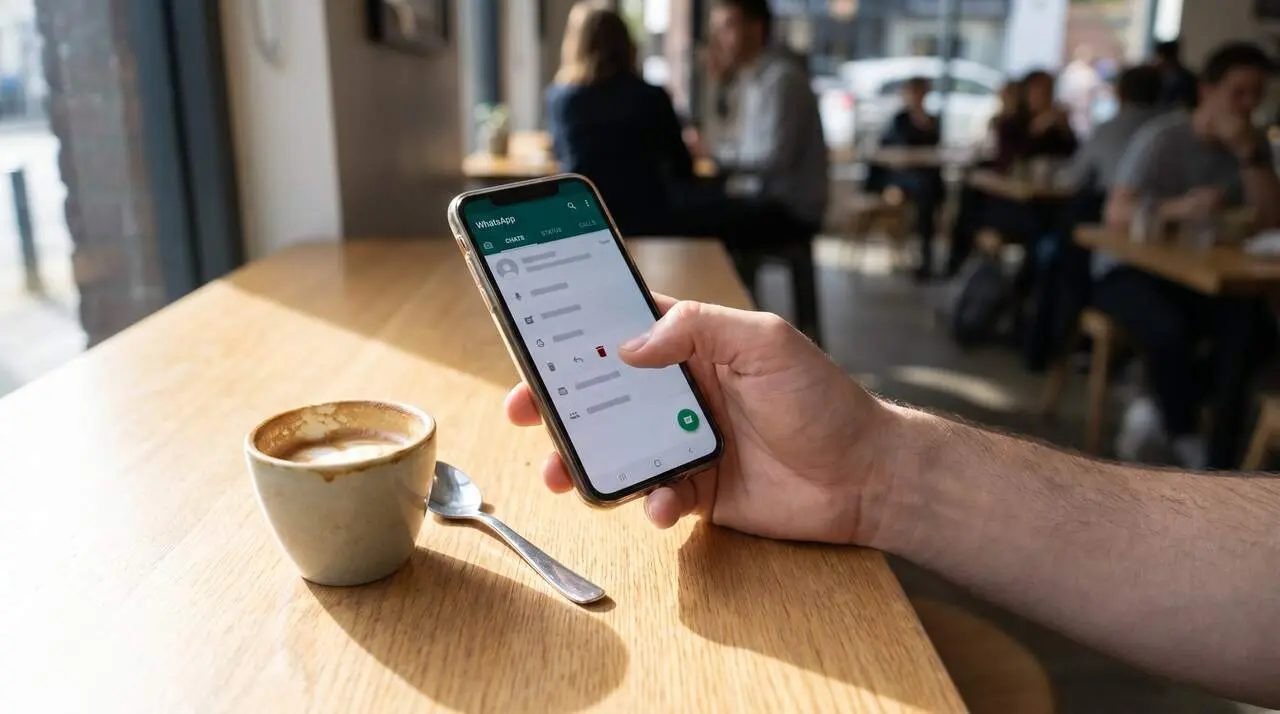

WhatsApp does not have a traditional recycle bin, but there are effective ways to free up space on your phone by deleting unnecessary files. The accumulated content on the platform can severely affect the available memory and the device's performance.
Many users wonder where this "recycle bin" is and how to empty it to free up space. The key is to properly manage WhatsApp's storage center and to know where files are stored on the phone.
How WhatsApp storage works and why it matters
If you wonder why this happens, the answer is clear: WhatsApp automatically saves photos, videos, audios, and documents to your phone's memory. It is a practice that, over time, takes up a lot of space, especially in groups where many files are shared.
Why does so much content accumulate on WhatsApp?
Group chats and multiple forwards create duplicates that take up more memory. Additionally, backups generate temporary files that also count.
How does this affect your device?
A phone with little free memory runs slower and can have errors. Therefore, keeping storage organized is vital for a smooth experience.
Where is WhatsApp's "recycle bin" and how to empty it
Contrary to what many think, WhatsApp does not have a recycle bin like on computers. But it has a storage manager that makes it easy to delete heavy or unnecessary files.
How to access WhatsApp files on an Android phone?
Open the file explorer, look for the "WhatsApp" folder, and access subfolders like "Media," where images, videos, and documents are located. Here you can manually review and delete what you don't need.
How to use WhatsApp's storage manager?
Inside the app, go to "Settings" > "Storage and Data," WhatsApp shows the largest and unnecessary files for quick deletion. It is an intuitive tool to free up space without complications.
Practical tips to keep your phone free of unnecessary files
Why is it convenient to clean periodically? You avoid memory problems and improve device performance, especially on phones with limited storage capacity.
Which files should be deleted regularly?
High-resolution videos, duplicate photos, old documents, and useless voice notes are the main space consumers. Deleting them makes a big difference.
How to prevent WhatsApp from filling up so quickly?
Disable automatic file download in very active chats. This way, you only download what you really want to keep, avoiding unnecessary accumulation.
| Action | Advantages | Where to do it |
|---|---|---|
| Check WhatsApp folder on the phone | Manually delete unnecessary files | Android file explorer |
| Use storage manager | Quickly identifies large files | WhatsApp Settings |
| Disable automatic download | Prevent file accumulation | WhatsApp Settings |
| Delete viewed videos and photos | Recover space quickly | Explorer and WhatsApp |
Spending just a few minutes on this routine prevents memory saturation and keeps the device in optimal condition.
The reality is that despite not having a traditional recycle bin on WhatsApp, the tools it offers are enough to manage space effectively. Don’t let accumulated files affect you more than necessary.