Netflix makes VOID official, the model that removes objects and people
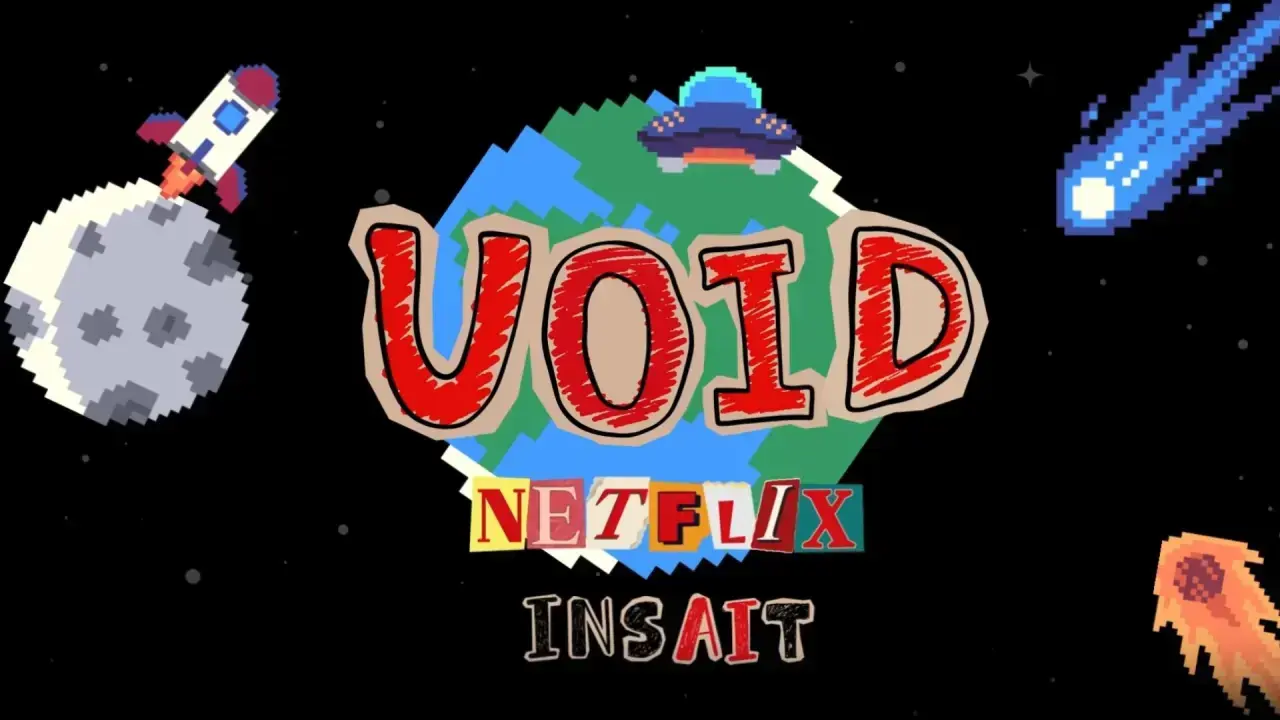

Netflix has made official the launch of the VOID model, an open-source artificial intelligence system designed to remove objects and people from videos, reconstructing scenes with precision. According to the official information from the Hugging Face repository, VOID is based on the CogVideoX architecture and uses a quadruple mask conditioning that differentiates the target to be removed, the overlapping zones, the interacting parts, and the background to be maintained.
This technology avoids traditional methods that require manually filling in content and correcting shadows or reflections. VOID makes a first pass to remove the object and its interactions and, if it detects errors, performs a second pass to stabilize the shape following the analyzed trajectory.
What is VOID and how does it work
The model and its technology
VOID stands for Video Object and Interaction Deletion, and it is an open-source model accessible on platforms such as GitHub and Hugging Face. It allows removing people or objects in videos and modifying them according to users’ needs, thus facilitating the creation and experimentation with audiovisual content.
Training and collaborations
The development of VOID has involved collaboration between Netflix and Sofia University (Bulgaria), which used datasets such as HUMOTO to simulate human interactions and Kubric for object interactions, applying models rendered in Blender with physical simulation to ensure realism in the results.
Who can benefit from VOID
Users and creatives
Creatives, researchers, and developers working with video can use VOID to easily and freely remove unwanted elements. The model offers a powerful tool for advanced editing and post-production without the need for tedious manual processes.
Risks and precautions
Despite the possibilities, VOID also poses risks. Misuse could facilitate the creation of manipulated content, making misinformation or video forgery possible. Therefore, responsibility must be exercised and the origin of modified content verified.
How to test and activate VOID
Access and installation
- Visit public repositories such as Hugging Face or GitHub where the VOID code is available.
- Download and install the necessary dependencies to run the model.
- Prepare the video you want to modify, ensuring it is in a compatible format.
Basic use
- Load the video into the VOID model.
- Mark the areas or objects you want to remove with the quadruple mask provided by the system.
- Run the first pass to remove the objects and check the result.
- If errors are detected, activate the second pass to stabilize and improve the reconstruction.
How to know if you are affected or can take advantage of VOID
- You regularly work with video editing or post-production.
- You want to remove objects or people from videos without complicated manual processes.
- You are looking for an accessible, open-source model to experiment with artificial intelligence.
- You are concerned about the possibility of manipulating or forging videos.
| Platform / Version | Affected | Solution Available |
|---|---|---|
| GitHub and Hugging Face repositories | Yes | Available |
| Traditional videos without AI editing | No | Not applicable |
To ensure safe and effective use, always keep your software and AI models updated, enable enhanced authentication on your work platforms, and review your access permissions to avoid abuse. Back up original videos before editing and watch for suspicious signs, such as strange visual results or inconsistencies in movement, which may indicate errors or unwanted manipulations. If you detect anomalies you cannot resolve, consult professionals specialized in audiovisual editing or digital security.