Kodi 22 Piers Beta 1: 7 key new features and how to install it without errors
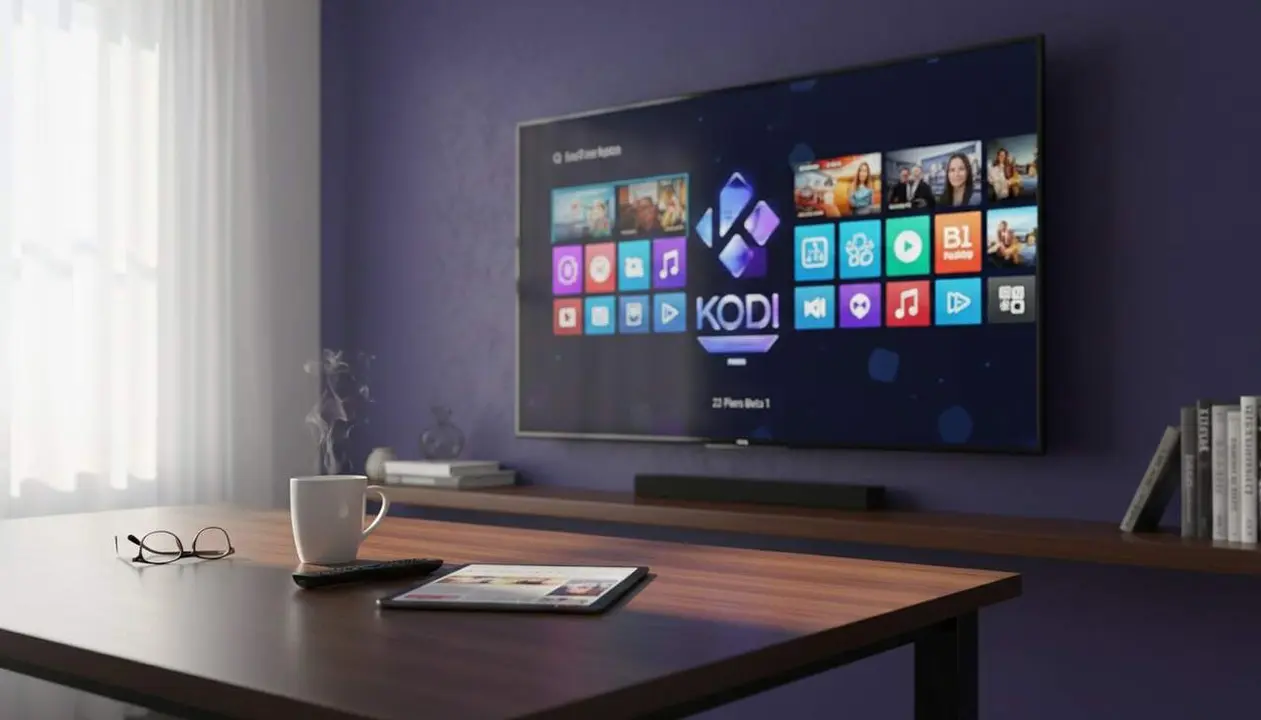

Official source: Kodi has announced Kodi 22 “Piers” Beta 1 and the download is available from its official website. This beta already leaves behind the Alpha stage and serves to test new features before the stable version. If you have Kodi installed on a device you use every day, the wisest thing is to first read what changes and decide if it’s worth trying now or waiting a little longer.
Here’s the key: a beta is not a finished product. That’s why it can run smoothly in many cases and, in others, show errors, strange jumps, or minor details that are still being polished. And yes, this matters more than it seems when Kodi is the heart of your living room or the app that plays movies, series, and music at home.
What does Kodi 22 Piers Beta 1 bring?
Why does this beta matter so much?
This beta matters because it marks the most visible step towards the next stable version of Kodi. If you use the program to watch content, the goal of this update is clear: improve playback, refine subtitles, and make the library more convenient.
And that, in the end, shows in real usage. When a media player fails on an episode, delays the audio, or displays library data incorrectly, the problem is not a “technical” one in the abstract: it breaks your flow. This is where this beta wants to gain points.
What changes are there in video, audio, and subtitles?
Kodi 22 “Piers” Beta 1 introduces changes in three very specific areas. In video, it updates FFmpeg 8.1.2 (the engine that helps process and play multimedia content) and adds new live bitrate information tags (the amount of data used per second during playback).
It also improves accuracy in chapter changes, control of chapters read by FFmpeg, and integration of markers in forward and backward skips. Furthermore, it fixes issues like AV1 playback with certain settings and an OSD error on DVDs that appeared after Alpha 3. In audio, it fixes a possible unexpected shutdown during DTS-HD playback and the delay that could occur in live TV with AC3/EAC3 passthrough (direct sound pass without re-encoding).
Subtitles are not left behind either. There are improvements in visibility and synchronization, and also a new feature that pleases more detail-oriented users: now you can see the codec of the subtitles of the video being played. *Small detail?* Not so much. For those who notice differences between formats, it is truly useful information.
How to install it without hassle
What is the official way?
The correct way to install Kodi 22 “Piers” Beta 1 is to go to the official Kodi website, enter the downloads area, choose your platform, and look for the “Prerelease” section. From there, you download the beta corresponding to your operating system.
This is important because it avoids installing files from dubious sources. And, since this software can be part of your digital living room, it’s better not to play with fire. If it doesn’t come from the official website, just ignore it. That simple.
How is it installed on each device?
Once you have the installer, you must run it like any other update. The process may vary slightly depending on the platform, but the logic is the same: download the correct beta and follow your system’s usual flow.
- Android: download the corresponding beta version from the Prerelease section and install it as a manual update.
- Windows: open the official installer and follow the wizard steps.
- Linux: use the appropriate package for your distribution, always from the official source.
- macOS: download the build for Mac and drag the app or run the installer if applicable.
- webOS and tvOS: use the system-specific beta and verify it matches your device.
There is no magic path or hidden option. The key point is to download the appropriate beta and not confuse the platform, because a mistake here could leave you with an installation that doesn’t start or work correctly.
How to know if it’s worth trying it now
What signals indicate you’re a candidate for the beta?
If you like trying features before anyone else, this beta might fit you. It’s also a good option if you want to check if errors that bothered you in previous versions are fixed, especially in video, audio, or subtitles.
- You care about audio synchronization in live TV.
- You have had errors with DTS-HD or DVD playback.
- You notice problems with chapters, markers, or subtitles.
- You like to review the technical details of the library and HDR formats.
When is it better to wait?
If you use Kodi as your main player and don’t want surprises, waiting for the final version is the most prudent decision. A beta can bring very useful improvements, but it can also open the door to issues not yet fully fixed.
| Platform / version | Affected | Available solution |
|---|---|---|
| Kodi 22 Piers Beta 1 | Yes, it is the test version | Download from the official website under Prerelease |
| Previous Alpha versions | May have errors already fixed in this beta | Update to Beta 1 if you accept testing |
Before touching anything, make a backup of your settings and library if you use Kodi every day. Check permissions, keep the system updated, and enable two-factor authentication on linked accounts when possible. If after installing you notice unexpected shutdowns, audio errors, or playback problems, revert to the previous version and, if necessary, seek technical support before continuing to test combinations. With betas, there is room for trial and error. And prudence, too.
Frequently Asked Questions
- Is it safe to install Kodi 22 Piers Beta 1?
- It is an official beta, but not a final version. You can try it if you accept possible occasional errors and, beforehand, it’s recommended to make a backup.
- Where can I download Kodi 22 Piers Beta 1?
- It is downloaded from the official Kodi website, within the downloads section and the Prerelease area. You must choose the correct platform.
- What are the main new features in this beta?
- It includes improvements in video, audio, subtitles, and library, as well as technical updates like FFmpeg 8.1.2 and playback fixes.
- Is it worth installing if I use Kodi every day?
- Only if you’re interested in trying new features and tolerate some errors. If you rely heavily on Kodi, it may be better to wait for the stable version.