How to watch Netflix and Prime Video on Smart TV using only your phone and without a password
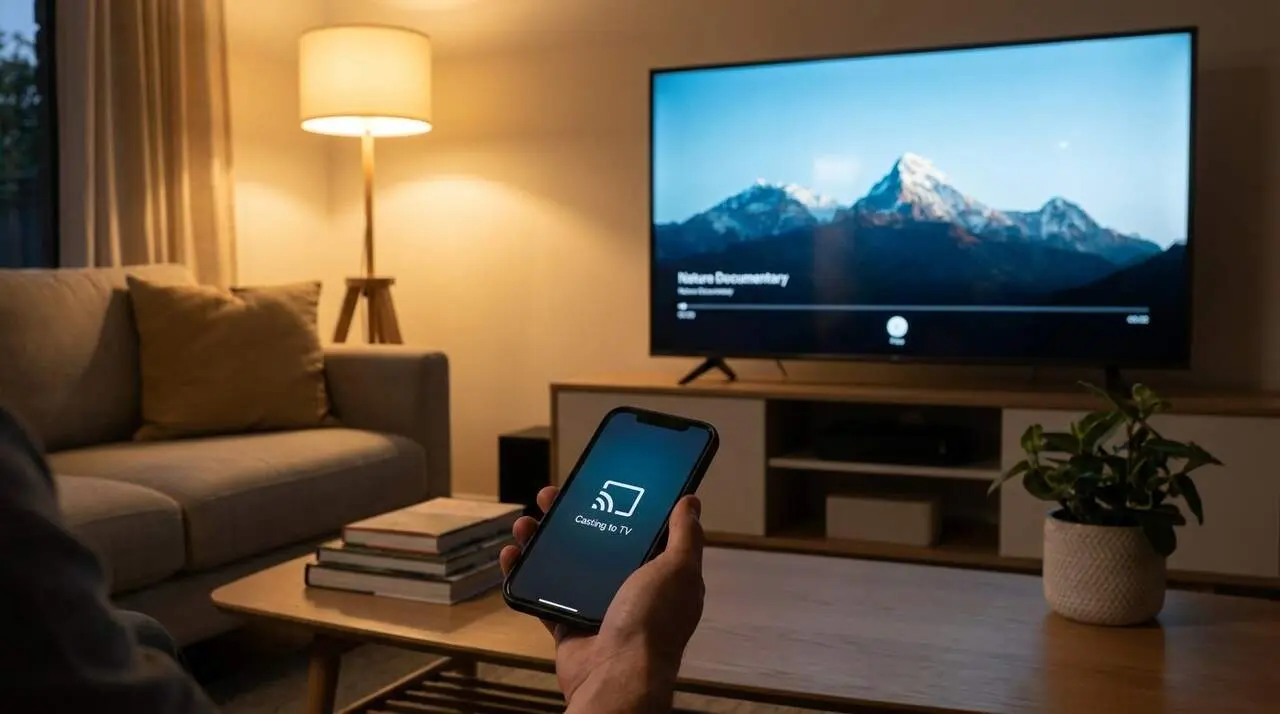

Playing Netflix or Prime Video on the Smart TV using only the mobile phone and without a password is a reality thanks to streaming technologies that protect privacy. This system takes advantage of the shared connection to the same Wi-Fi network so that the phone controls the playback, eliminating the need to enter username and password directly on the TV.
The information presented comes from Europa Press, which details the process and the main advantages of this functionality.
How the Mobile Connection with the Smart TV Works
What requirements must be met?
For the method to work, the mobile and the Smart TV must be connected to the same Wi-Fi network and the TV must have the official app of the streaming platform (Netflix, Prime Video, Max, etc.) installed. It is not necessary to log in on the TV, but the app must be ready to play content with the phone’s command.
How to make the Connection in a few steps?
The process is quick and simple, ideal for situations where you don’t want to waste time or expose personal data. The summary:
- Turn on the Smart TV and leave it on the main menu, without manually opening the streaming app.
- Open the Netflix or Prime Video app on the mobile, making sure it is connected to the same Wi-Fi as the TV.
- Choose the content you want to watch.
- Tap the cast icon, which appears as a rectangle with Wi-Fi waves.
- Select the Smart TV from the list of available devices.
- Click Play and watch as the video starts automatically on the TV.
Advantages of watching streaming without entering a password on the TV
Why is it safer to use the mobile as a control?
The system avoids the user having to enter the password on an unfamiliar device, reducing the risk that third parties access this information, especially in public or temporary places such as hotels. This protects against malicious software that can record keystrokes (keyloggers) and prevents leaving the session open on the TV.
What benefits does it add to the user experience?
The mobile phone acts as a touch control, allowing much faster navigation through platforms than with a traditional remote control. You can also pause, fast forward, change the language, or adjust the volume from the mobile, making playback more comfortable and agile.
Tips to ensure smooth and secure streaming
How to check that everything is ready?
Before starting playback, it is advisable to verify that the mobile and TV are on the same Wi-Fi network and that the streaming app is updated and properly installed on the Smart TV. In environments with multiple TVs, such as hotels, it is helpful to correctly identify the device name to avoid errors.
What signs indicate that the Connection is correct or has problems?
- The TV appears in the list of available devices on the mobile.
- The content plays automatically on the big screen.
- The mobile controls playback without delays or freezes.
- If no devices are detected or playback does not start, they are probably on different networks or the TV does not have the correct app.
| Platform / Version | TV Installation Requirement | Wi-Fi Connection |
|---|---|---|
| Netflix | Updated official app | Same Wi-Fi network |
| Prime Video | Updated official app | Same Wi-Fi network |
| Other platforms (Max, Disney+) | Updated official app | Same Wi-Fi network |
To keep this functionality secure and effective, we recommend always keeping the device and TV updated, enabling two-step authentication on the platforms, and periodically reviewing authorized permissions and connections.
Watching security alerts and closing the mobile’s Wi-Fi connection when playback stops prevents unauthorized access or open sessions. If anomalies or suspicious access are detected, an expert or the platform’s official support service should be consulted.
The reality is that this way of using the mobile as a control for the Smart TV is not only convenient, but also protects privacy and avoids common risks on shared or public devices. The combination of technology and security makes watching Netflix, Prime Video, and other services much easier and calmer.
Frequently Asked Questions
- How can I play Netflix on the Smart TV without entering a password?
- You only need the mobile and Smart TV to be on the same Wi-Fi network, have the app installed on the TV, and use the cast icon from the mobile to send the content.
- What happens if my Smart TV does not appear in the device list?
- The mobile and TV are probably not connected to the same Wi-Fi network, or the TV does not have the correct app installed or updated.
- Is it safe to use this system in hotels or public places?
- Yes, since there is no need to enter the password on the TV and the session automatically closes when the mobile disconnects from Wi-Fi, protecting privacy.