Google Gemini creates Excel, PDFs and more: the secret to saving time
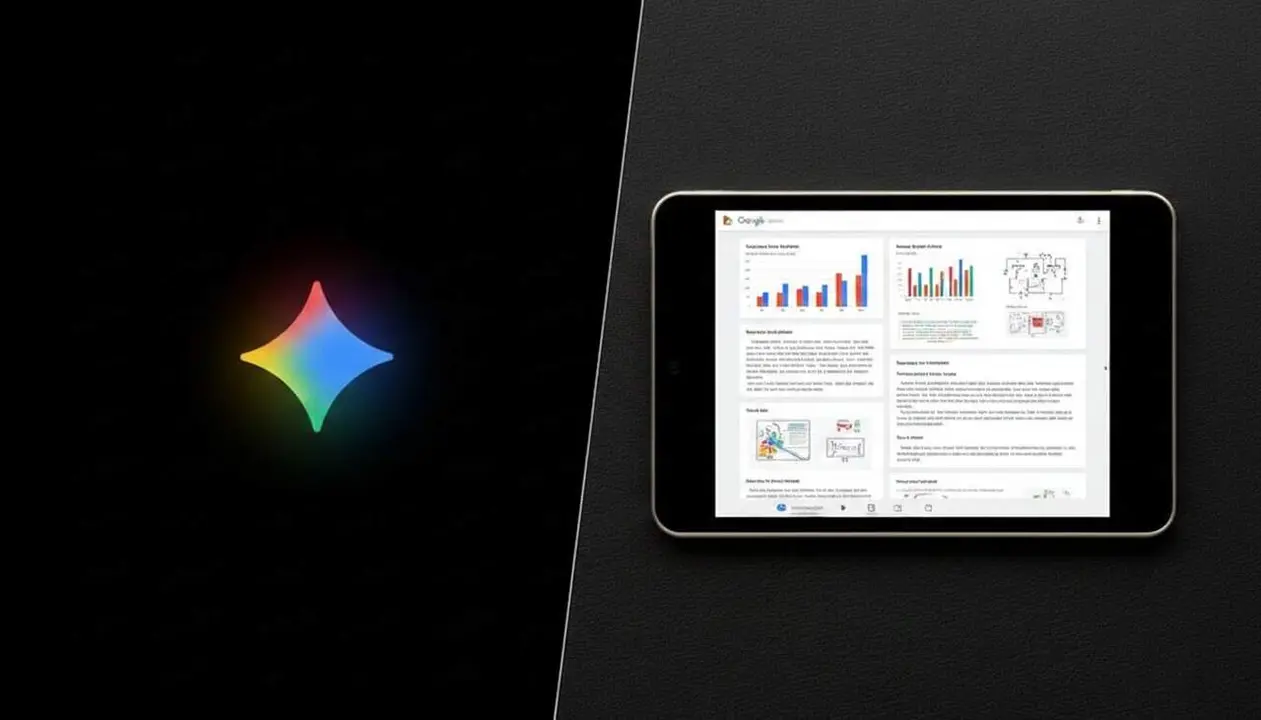

Imagine asking an assistant to help you and, instead of just receiving a response, you get a file ready to use immediately. Google Gemini has made this leap and now not only talks but also creates Excel files, PDFs, and Word documents directly. A small revolution for everyday tasks.
How many times have you had to copy and paste information from a chat into a document? This little annoyance seems insignificant but adds up to minutes that could be productive. Now, with Gemini, this gap disappears because it generates the documents you need without intermediate steps.
The new era of Gemini: generating files directly
Features that make a difference
Google has announced that Gemini can create a wide variety of files directly from the chat, greatly facilitating work. We’re talking about PDFs, Microsoft Word documents, Excel spreadsheets, Google Docs, Sheets and Slides files, and formats like CSV, TXT, RTF, Markdown, or LaTeX.
For example, if you need a presentation, you just ask Gemini to generate it and you’ll get organized slides ready to use. This level of versatility makes it much more than a standard chatbot.
Compatibility that doesn’t limit
This doesn’t stay only within the Google ecosystem. Gemini works with Microsoft Office formats and other common file types in professional and academic settings. Thus, it adapts to multiple workflows and user preferences.
Therefore, it doesn’t matter if you work with Google Workspace or Microsoft Office: Gemini can connect with both worlds seamlessly. This freedom is a great advantage for those who want to streamline processes.
Practical examples that will surprise you
From theory to usable file
- Transforming a budget proposal into a complete Excel sheet.
- Organizing ideas into a well-structured Word document.
- Summarizing an extensive collaboration into a clear and concise PDF.
- Converting class notes into a study guide PDF.
- Creating slide presentations with a professional and visual style.
These cases are just the tip of the iceberg. The magic lies in being able to go directly from conversation to file.
How does it work in practice?
You can upload files like notes for Gemini to transform into study guides or presentations. With a simple command, you’ll get a final product that you previously took time to prepare manually.
For example, if you ask “Create a presentation of about 8-10 slides with the main ideas,” Gemini organizes the content and visual style automatically. This feature is a huge time saver.
Always review, but with less work
Creation is not the end
It’s important to keep in mind that, even though Gemini generates a document, it is always recommended to review the content. Not all details are 100% perfect, and tone or format may require adjustments.
That doesn’t take away from the fact that this new function tackles one of the most invisible yet constant time wastes in daily life.
Current opinions and challenges
Users highly value the possibility of directly editing what Gemini prepares. But they also mention that information about plans and pricing can be confusing.
Others compare Gemini to other models that already generate documents, but what makes Gemini unique is its ability to adapt to multiple formats and uses, from programming to marketing.
| Format | Typical use | Main advantage |
|---|---|---|
| Reports, summaries, guides | Standard format, easy to share | |
| Excel / Sheets | Budgets, data, calculations | Direct data manipulation |
| Word / Docs | Text documents, proposals | Editable and organized text |
| Markdown / LaTeX | Technical, academic documentation | Advanced structure and formatting |
Key points: Gemini helps you with various formats and does not limit you to a specific ecosystem.
The reality is that Gemini’s evolution means fewer steps and more productivity. The future seems to be speaking to create, not just to ask for information.