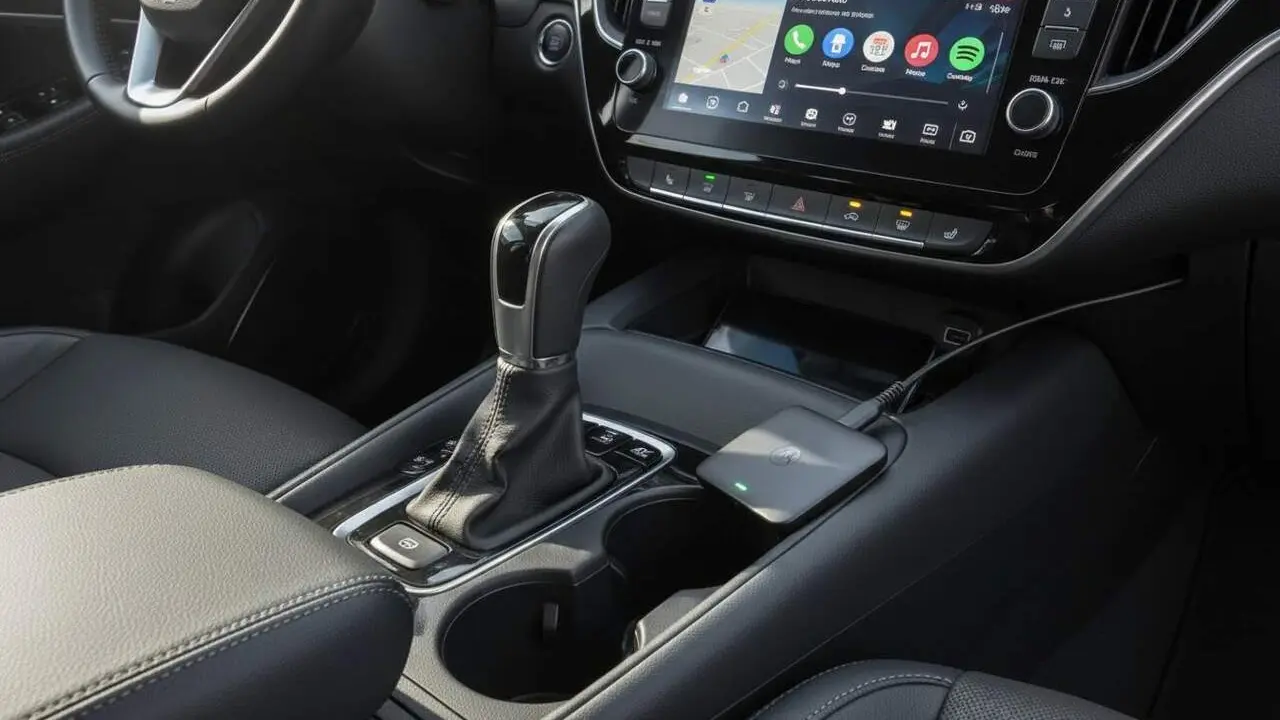
Android Auto and Gemini: the problem with Home and Work locations
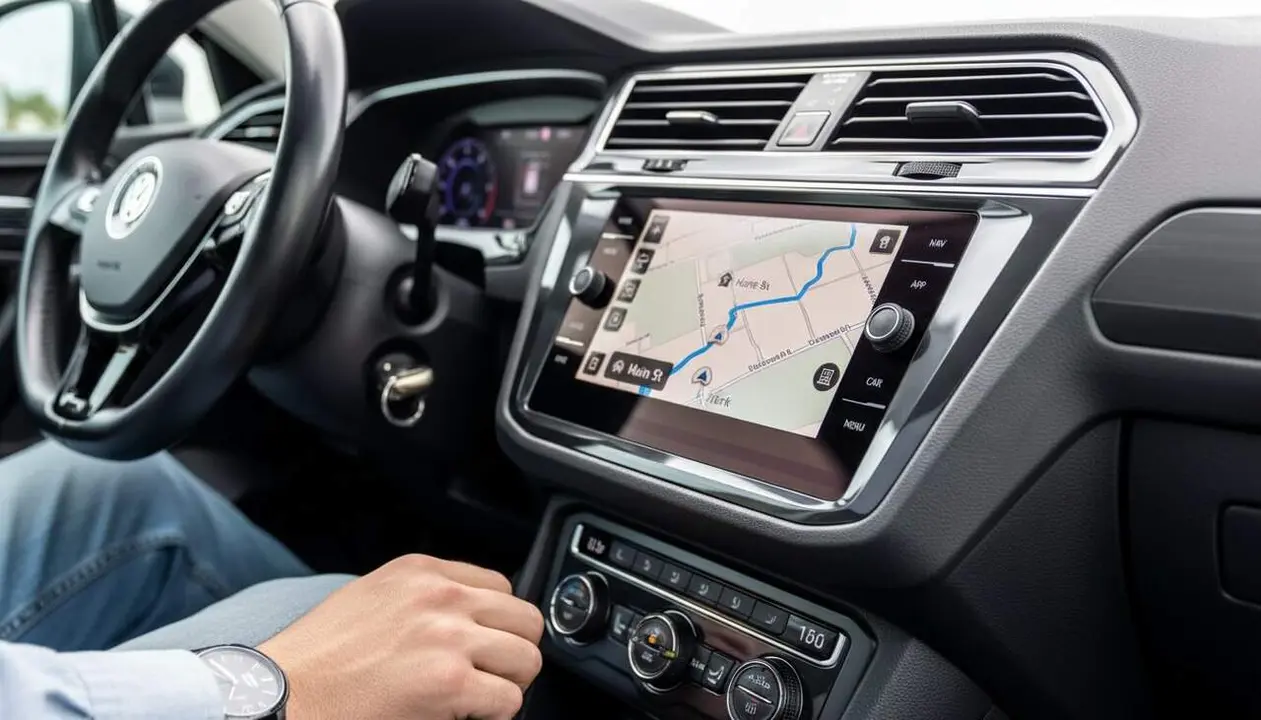

Imagine you are in the car, ready to go, and suddenly your most useful shortcuts disappear. This is what many Android Auto users are experiencing after the integration of Gemini, Google's new AI.
Many drivers use Google Maps to quickly access their home and work locations, but now these key features have been hidden, leaving them frustrated and forced to enter addresses manually. What is really happening?
Why has Android Auto changed Google Maps features with Gemini?
The disappearance of Home and Work shortcuts
Google Maps shortcuts are a convenience that many consider essential. Pressing a button to start navigation to home or work saves time and simplifies the trip. However, after updating to Gemini, these buttons no longer work as before.
Users report that, despite having saved the locations with the corresponding labels, the Android Auto system does not recognize them. This means that although the information is not lost, the vehicle cannot access it automatically.
How does this affect the user experience?
For many, this loss translates into a less smooth and more frustrating experience, especially when driving and time cannot be wasted entering addresses manually. Moreover, the function that indicates traffic and estimated time to the destination automatically disappears, leaving the driver without key information.
It's a change that has surprised and angered many, as Google had promised a gradual improvement with Gemini. But now the reality is very different.
What is the response to this problem?
Users express their complaints
Forums and social networks have filled with comments from dissatisfied users who cannot access their preferred shortcuts. The debate focuses on the lack of immediate solutions and uncertainty about when Google will fix this error.
For now, the only alternative is to enter addresses manually, a task most wanted to avoid.
Possible solutions and expectations
There is not yet any official solution. However, it is expected that Google will work on an update to restore functionality. This could come through a new software version or a server-side fix.
Since Google Maps is one of the main reasons to use Android Auto, the pressure to fix it will be great. We just have to wait and see when the problem is resolved and if Gemini can finally meet expectations.
How does this situation affect the relationship between Android Auto and Gemini?
Gemini, a broken promise to Android Auto
Gemini has been presented as a revolutionary AI that would improve the experience on various devices. But in Android Auto, its arrival has been toxic for some features.
The fact that it works better on smartphones and smartwatches but presents problems in vehicles highlights a significant difference in the implementation of this technology.
Impact on daily use by drivers
The disappearance of quick access to key locations causes many drivers to lose confidence in the platform. For many, convenience and safety are fundamental, and having to resort to manual processes can lead to distraction and inconvenience.
Until Google fixes this setback, the integration of Gemini into Android Auto will receive negative evaluations from users.
| Feature | Before Gemini | After Gemini |
|---|---|---|
| Home and Work Shortcuts | Available and easy to access | Hidden, manual access only |
| Label Recognition | System recognizes and uses labels | Label saved but not recognized |
| Traffic Information | Available automatically | Nonexistent with shortcuts |
| User Experience | Smooth and comfortable | Frustrating and manual |
It is clear that this update has represented a setback for many users who depend on these features daily.
Android Auto and Gemini need to find balance to regain trust and offer an experience that really facilitates driving, not complicates it.
We will need to stay alert for new updates and see how the situation evolves. Meanwhile, it is advisable to prepare for a bit more patience when using navigation services in the car.