Android Auto 17.2 now available: what changes for users connecting with a USB cable?
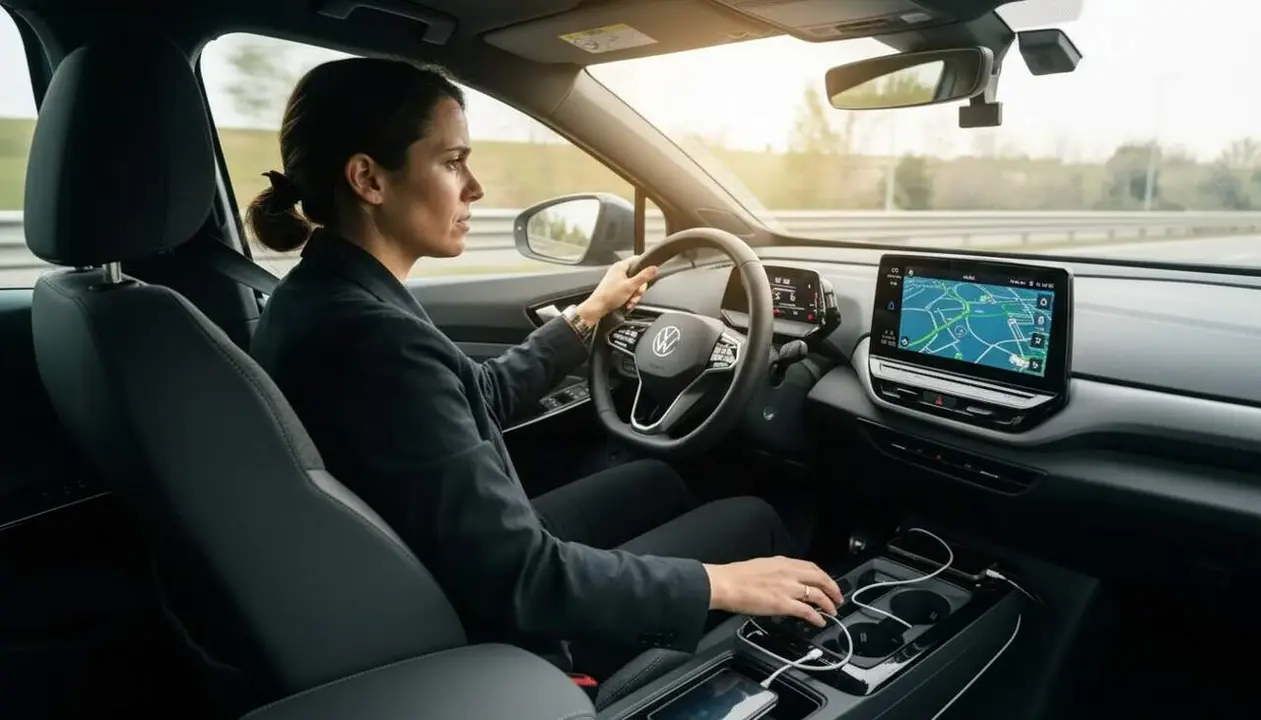

Android Auto 17.2 is now available and resolves important doubts about the USB cable connection. This update improves communication with the user when the security system limits access to the phone connected to the vehicle.
Many users found themselves in the frustrating situation where Android Auto did not start with the phone locked, causing confusion and misunderstandings. Now, with this version, Google makes it clear what is happening.
How to update to Android Auto 17.2 and what it involves
What is the easiest way to update to the new version?
The fastest way is to check the Google Play Store, where the update button will appear when version 17.2 is available for your device. This can take days or weeks, as the rollout is gradual. For the more impatient, the APK can be downloaded from reliable repositories and installed manually by allowing external installation sources.
Why is it crucial to update especially if you connect with a USB cable?
Because this version fixes a very annoying problem that affected users of cable connection: the phone had to be unlocked to start Android Auto due to the advanced protection mode that limits data access. The update clearly informs when you need to unlock the device, avoiding confusion.
The advanced protection mode: what it is and how it affects Android Auto
What exactly is Android's advanced protection mode?
It is a security feature that restricts access to the phone when connected via USB to other devices to prevent unauthorized intrusions into your personal data. This causes Android Auto not to start if the device is locked.
How does this mode affect drivers' experience?
Many users misinterpreted that Android Auto wasn't working when they connected the locked phone, since the app allows starting locked, but the protection mode specifically prevents this via USB. This generated confusion and frustration.
Improvements and news in the communication of Android Auto 17.2
How does the new version inform when the protection mode limits the connection?
Android Auto 17.2 displays explanatory messages on screen indicating that the phone must be unlocked to continue the session. This adds transparency, preventing users from thinking there is a technical or compatibility error.
What new options appear in the app settings?
The configuration now includes detailed information making it clear that the automatic USB cable connection is restricted while the security mode is active. This helps better understand the system's behavior.
| Aspect | Before Android Auto 17.2 | With Android Auto 17.2 |
|---|---|---|
| Error messages | Confusing or nonexistent when the phone is locked | Clear messages indicating that unlocking is required |
| Security feature | Active but not transparent to the user | Active with additional information in the app |
| User experience | Frustration and confusion | Improved understanding of operation |
Google has not removed the security restrictions, but has made them more understandable for drivers who connect their phone to the car with a cable. This avoids misunderstandings and makes Android Auto more reliable.
USB cable connection is very common, and this update brings much-anticipated relief for many drivers. Although not a major revolution, it makes the technology friendlier and safer.
If you often use Android Auto with a cable, this version is an update you can’t miss. It will simply make your life easier and avoid unnecessary headaches.
Finally, Android Auto 17.2 closes a chapter of confusion that you may never have fully understood, and does so by offering a clearer experience, which is what every user expects when behind the wheel.