Why the mobile charger heats up and how to avoid it
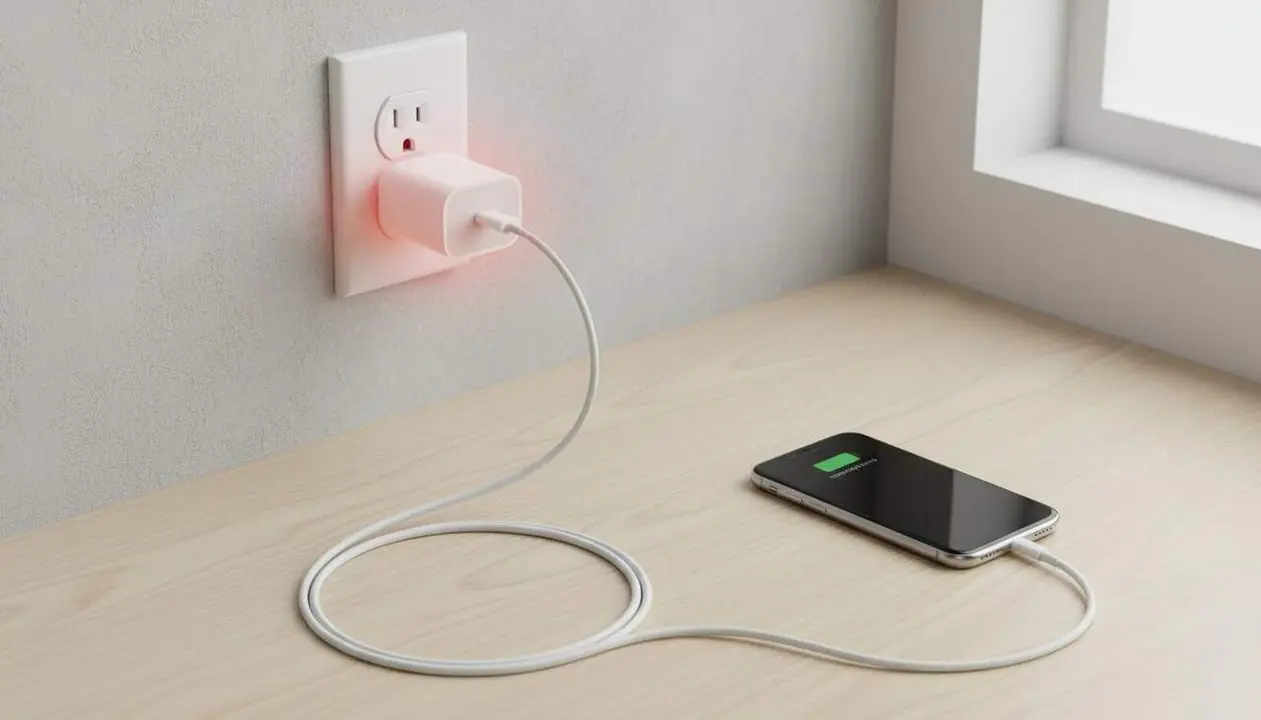

When you connect the mobile charger to the socket, electricity is transformed into energy that charges the battery, but part of this energy is converted into heat. That is why it is common for the charger to warm up slightly. This explanation is based on information provided by Huawei and Ugreen, experts in electronic accessories.
But if your charger overheats beyond what the device can handle, this can cause damage to the cable, the mobile phone, or in extreme cases, cause a fire. The secret is to control the temperature to avoid risks.
How does heating work and why is it dangerous?
The technical process behind the heat
The charger transforms electric current into the energy the phone’s battery needs. During this process, some components generate heat as a byproduct. If the charger is low quality, the dissipation of this heat is insufficient, causing the device to heat up more than it should.
When is the heat a real problem?
If the charger heats up almost like a hot frying pan, the situation is already worrying. This can damage the USB cable, melt parts of the charger, or affect the phone itself, creating a safety risk. Not all chargers tolerate the same temperature.
How to protect your charger and mobile phone
Materials and technology that make a difference
- Choose chargers with GaN chips (gallium nitride), which better control voltage and reduce generated heat.
- Opt for chargers with aluminum casings, as they dissipate heat better than plastic ones, which can deform or melt.
- Prefer models with internal conductive adhesives that distribute heat more efficiently while keeping components fixed.
Practical tips to avoid excessive heating
- Place the charger in a well-ventilated location and avoid covering it while in use.
- Never connect the charger if it is wet or in high-humidity areas.
- Replace the USB cable if it shows any visible damage or wear.
- Avoid leaving metallic objects, magnets, or magnetic stripe cards nearby while charging.
- Always use original or certified quality components to avoid problems.
How to check if your charger is at risk
Signs the charger may be failing
- Extreme heating during charging, almost uncomfortable to touch.
- Presence of deformations or melted parts on the casing or cable.
- Irregular charges or ones that stop unexpectedly.
- Burnt smell or unusual noises while operating.
Comparative table of accessories by quality and heating
| Charger type | Prone to heat up | Recommendation |
|---|---|---|
| Charger with GaN chip and aluminum casing | Low | Ideal for intensive and safe use |
| Traditional plastic charger | Medium | Regular use, monitor heating |
| Cheap charger without certifications | High | Avoid prolonged use or replace |
The final recommendation is to replace the charger if it heats up too often or very noticeably.
To ensure a long life for both charger and phone, keep your accessories up to date, use authenticity as a rule, and monitor the temperature during charging. The use of two-factor authentication (2FA) does not apply here, but checking permissions and making periodic device backups is important to protect data in case of failures.
If you detect signs of burnt smell or deformations, stop using it immediately and consult a professional to avoid major accidents.
The reality is that controlling the charger’s temperature is key to saving yourself problems and ensuring optimal device performance.