Why USB Power Delivery Can Cut Charging Time from Hours to Minutes: The Secret of Fast Chargers
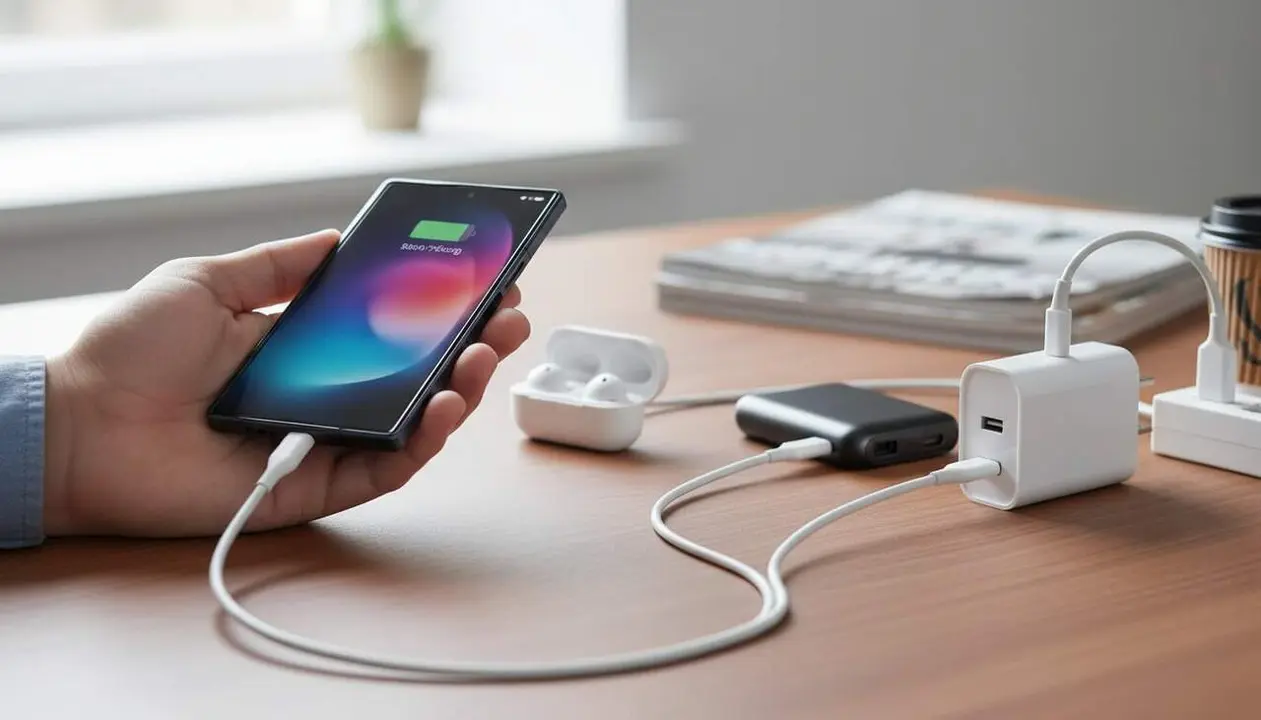

USB Power Delivery is the secret behind charging times that go from hours to just minutes. This technology, developed by the USB Implementers Forum, regulates how power is transmitted through the USB-C port. The most interesting part is that it doesn’t depend on specific brands but is a universal standard that allows using the same charger for very different devices, from small earphones to powerful laptops.
The operation is based on constant communication between the charger and the device. Before charging begins, they exchange information to adjust the power precisely and safely. This prevents the phone from receiving more power than it can handle, which not only speeds up charging but also protects the battery and internal components.
How does USB PD work in a modern charger?
What exactly is USB Power Delivery?
USB PD (USB Power Delivery) is a specification that allows managing the power sent over USB-C intelligently and safely. Thanks to it, the power adapts to each device, reaching up to 240 W with Extended Power Range (EPR) technology. This means the same charger can automatically adjust to charge anything from earphones to a high-end laptop.
What technology makes this adaptation possible?
One key is the PPS (Programmable Power Supply) function, which allows modifying voltage and current in small steps according to the device’s needs. This makes charging more efficient and reduces heat generation, protecting the battery and extending its lifespan.
Why can USB PD make the difference between charging in 20 minutes or 2 hours?
Which factors influence charging speed?
Device compatibility, charger power, and cable quality are decisive. A phone that supports 45 W won’t charge quickly if the charger only delivers 10 W or if the cable isn’t certified for that power. For this reason, it is essential to use components compatible with USB PD to take full advantage of fast charging.
How does USB PD’s universality help the user?
USB PD prevents you from having to buy a charger for every device or brand since it is interoperable. Furthermore, it allows reverse charging, for example, charging a phone from a laptop. This bidirectional feature has driven its mass adoption and makes daily life easier by reducing the number of necessary accessories.
| Platform / Version | USB PD Compatible | Maximum Power |
|---|---|---|
| Modern Android Phones | Yes | Up to 65 W |
| iPhone (from recent models) | Yes | Up to 27 W |
| Professional USB-C Laptops | Yes | Up to 240 W (EPR) |
How to check and take advantage of USB PD on your device?
How do I know if my device supports USB PD?
Check the device’s technical specifications or manual. You can also see if the original charger is USB PD or if the manufacturer recommends this type of charger. Many modern phones and laptops already include it.
What steps should you follow to use USB PD correctly?
- Use a charger with USB PD certification.
- Make sure the USB-C cable supports the power you need.
- Connect the charger and the device and let them adjust automatically.
- Avoid charging with uncertified cables or chargers that may limit speed or damage the battery.
- Update the device firmware if possible to ensure compatibility with the latest standard versions.
How do I know if you are taking advantage of USB PD?
- The device charges noticeably faster than with conventional chargers.
- The charger and device indicate USB PD compatibility in their specifications or labels.
- There is no excessive rise in temperature during charging.
- The device doesn’t remain at 100% for long but quickly reaches full charge.
- If you use a compatible laptop or phone, you can charge multiple devices with a single charger.
To ensure USB PD charging is safe and effective, always keep devices and chargers updated, enable two-factor authentication on your accounts to protect information, and periodically review app permissions that might interfere with power management. It is also advisable to back up data to prevent losses in case of unexpected events. If you notice irregular charging, the device heating up, or strange behavior during charging, seek professional help to avoid greater damage.
Understanding USB PD is not only a technical matter but a way to optimize time and protect your technology. This standard not only makes charging faster but also opens the door to a more comfortable and versatile experience, with a single charger for multiple devices. If you are not yet taking advantage of it, maybe it’s time to reconsider your charging accessories.
Frequently Asked Questions
- What does it mean for a charger to be compatible with USB Power Delivery?
- It means the charger can adjust the power it delivers according to the device’s needs, allowing faster and safer charging.
- Why doesn’t my phone charge quickly even if the charger is powerful?
- It may be because the phone, cable, or charger are not compatible with USB PD or because the device limits power to protect the battery.
- Can I use the same USB-C charger for my phone and laptop?
- Yes, if both support USB PD, you can use a single charger for different devices without problems.