Google updates Pixel 7 to 10 to Linux kernel 6.12 to improve performance and battery
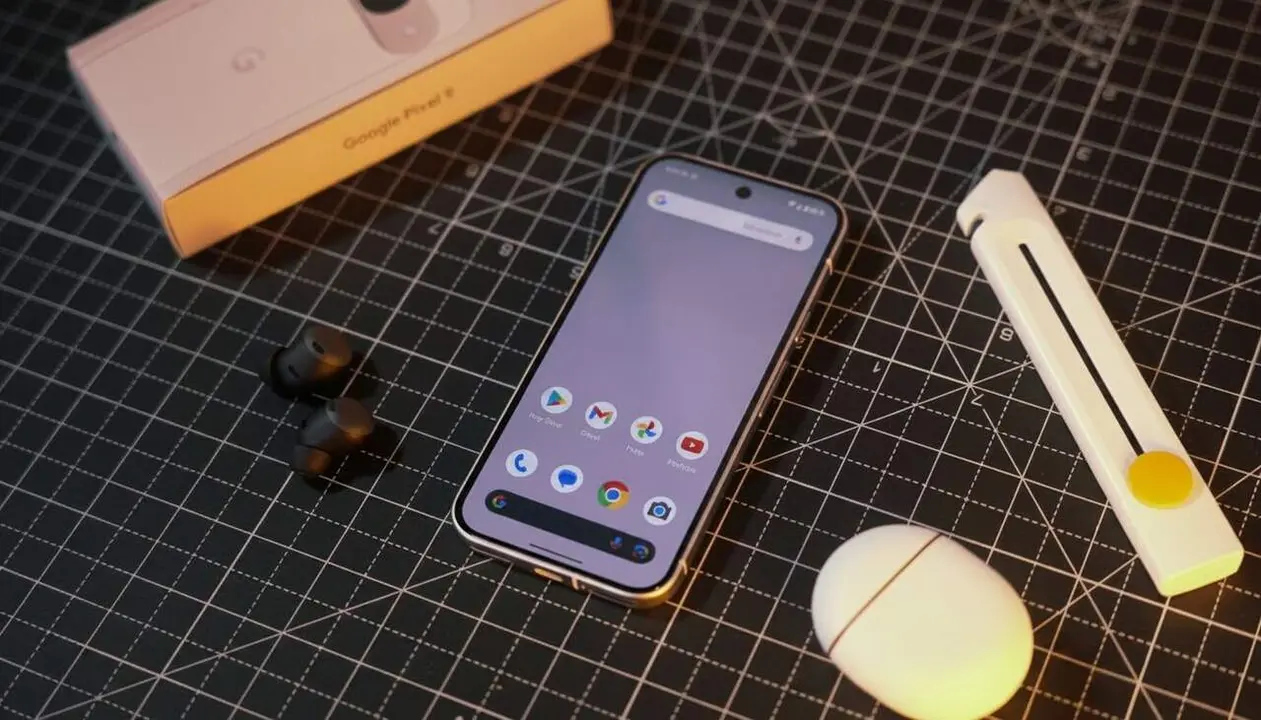

Google is preparing a Linux kernel update for its Google Pixel devices that promises to boost the power of their Tensor processors. This improvement particularly affects the Pixel 7, 8, 9, and 10 models and aims to optimize the device's overall performance, battery management, and background responsiveness.
Users of these devices may notice smoother operation in demanding applications and a better everyday experience, especially in situations with multiple active processes running simultaneously.
The Linux kernel and its importance for Google Pixel
Why is this update relevant?
This change matters because the Linux kernel is the core of the Android operating system, responsible for managing the processor and hardware resources. Improving it means the device’s components can work more efficiently, which directly impacts speed and stability.
Which Pixel devices benefit and which do not?
The Pixel 7, 8, 9, and 10 models will receive this update, moving to kernel version 6.12, while the Pixel 6 will not be part of the plan. This limits the improvement to the newest devices, leaving behind older models that are already ending their software support with Android 17.
How does the update arrive and what does the new Linux kernel version 6.12 offer?
How is this update implemented?
Google will gradually roll out version 6.12 of the kernel to different regions and models. No manual action is needed from the user, as the update arrives through system updates scheduled by Google.
What technical changes does version 6.12 bring?
The main changes are:
- Implementation of AutoFDO, which improves task scheduling and reduces system flickering.
- Improvement of the proxy to better manage background tasks.
- Multishot feature for better CPU response in simultaneous processes.
- A new memory profile that prevents leaks and improves efficiency.
How does this update translate into daily use?
What advantages will the user notice?
With this update, the waiting time to open or load apps is slightly reduced, making the phone feel more agile. It also helps keep the device’s temperature lower when performing multiple tasks at the same time and optimizes battery life.
How to check if your Google Pixel has the new kernel?
To verify the kernel version on your Google Pixel, follow these steps:
- Open Settings.
- Go to About phone.
- Select System information or Status.
- Look for the line indicating the Linux kernel version.
If it shows version 6.12 or higher, your device already has the new update implemented.
| Pixel Model | Previous kernel version | New kernel version | Expected update |
|---|---|---|---|
| Pixel 7 | 6.1-android14 | 6.12-android16 | Rolling out |
| Pixel 8 | 6.1-android14 | 6.12-android16 | Rolling out |
| Pixel 9 | 6.1-android14 | 6.12-android16 | Rolling out |
| Pixel 10 | 6.6-android15 | 6.12-android16 | Rolling out |
| Pixel 6 | 6.1-android14 | Not applicable | Not updated |
As a recommendation, always keep your Google Pixel updated to the latest Android and kernel version to ensure the best experience and security. It is also advisable to review permissions and keep periodic backups.
If you notice abnormal performance or technical problems after the update, consider contacting official support or a specialized technician to avoid major issues.
With this update, Google makes a difference by offering performance improvements at the kernel level, something that other manufacturers do not usually do. This could change the perception of Tensor processors and their capabilities in future devices.
Frequently Asked Questions
- What is the Linux kernel in a Google Pixel?
- It is the core that manages system resources and the processor, fundamental for the device’s performance and stability.
- Why won’t the Pixel 6 receive this update?
- The Pixel 6 has reached the end of its software support program, so it will only receive updates up to Android 17 and not the new kernel version.
- How will this update affect battery life?
- It will improve processor efficiency, helping to reduce energy consumption and keeping the phone cooler.