CapCut and Gemini: the ultimate collaboration for video and photo editing
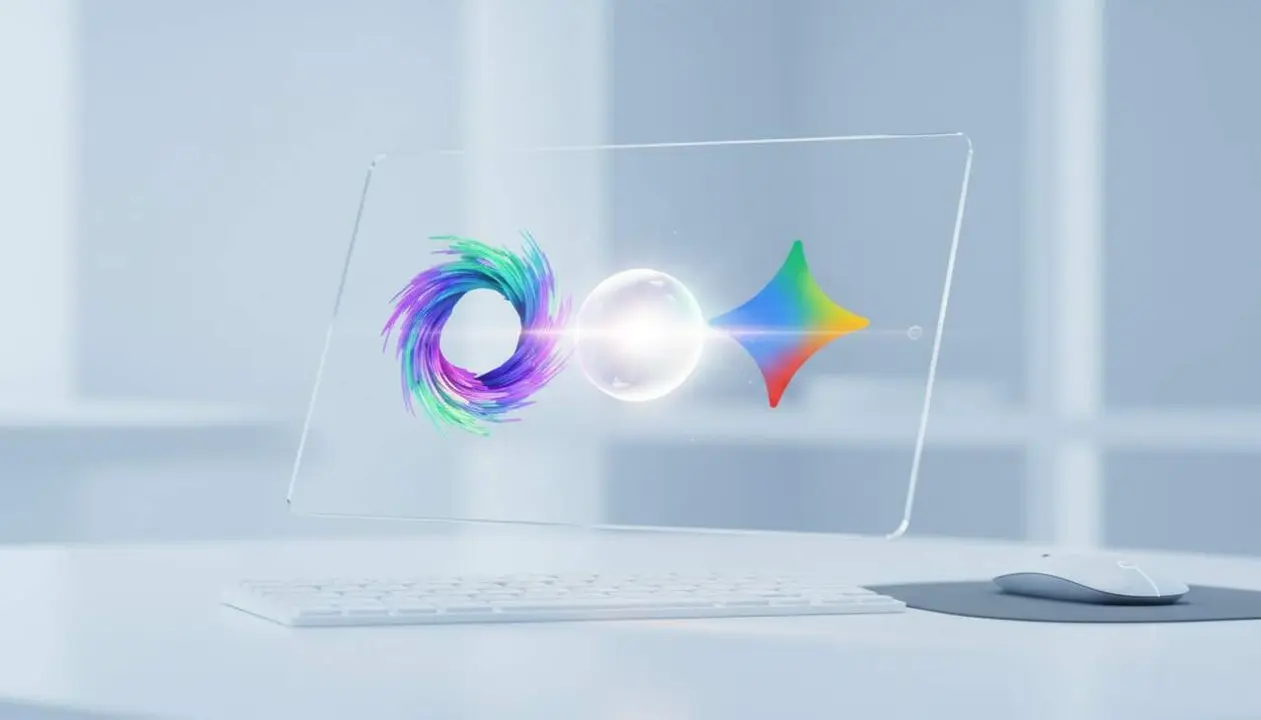

Source: official announcements from CapCut and Gemini through their social networks and public statements from Google.
The collaboration between CapCut and Gemini represents a key evolution for content creators using these platforms. The goal is to group the entire creative process in one place, avoiding the need to constantly switch apps. This is achieved by integrating CapCut's advanced video and image editing features within the Gemini app, which is known for its artificial intelligence capabilities to generate ideas and content.
This integration not only simplifies the workflow but also provides a more intuitive and conversational experience, as indicated by CapCut in their statement. Gemini's artificial intelligence, which can already create videos, is now complemented with powerful creative editing tools that were previously only available outside Gemini.
How to activate integrated CapCut editing in Gemini
What you need to know before starting
There is not yet an official date for the rollout of this feature, but when available, the integration will allow editing videos and images without leaving the Gemini app.
Step-by-step to access integrated editing
- Open the Gemini app on your mobile device or tablet.
- Select or create a new project with photos or videos.
- Find and tap the edit option which will now include CapCut tools.
- Use the advanced editing features to trim, add filters, adjust color, or insert text and effects.
- Save or export content directly from Gemini, with no need for other apps.
How to check if the feature is active and who can use it
Indicators that you have access to the integration
- You see the CapCut edit icon or tab inside Gemini.
- You can apply filters and advanced effects with a CapCut interface.
- Videos or images can be modified without leaving Gemini.
Who benefits most from this union
Mainly content creators, influencers, YouTubers, and digital marketing professionals looking to optimize time and resources. Also, any user who wants to make simple video and image edits with professional tools integrated into a single app.
Access comparison by device and version
| Platform / Version | Available | Version with functionality |
|---|---|---|
| iOS (iPhone and iPad) | Upcoming | Gemini v5.4 + integrated CapCut |
| Android | Upcoming | Gemini v5.4 + integrated CapCut |
Google has also announced that Gemini Omni, the enhanced version, already offers video creation, sketches, and voice notes, thus expanding creative possibilities that will now be complemented with integrated CapCut editing.
To avoid problems or incompatibilities, it is essential to keep the Gemini app updated and periodically check Google notifications about new features.
Reviewing camera and file access permissions can ensure proper use of all creative features and prevent unexpected editing errors.
If you find that you don’t have access to the integration or a function doesn’t work, check the installed version and wait for official activation or contact technical support.
The reality is that this collaboration greatly simplifies creators’ lives, allowing a more natural and continuous creative process without interruptions between apps. The future of content editing is just that simple and accessible.