3 surprising ways to connect devices with Ethernet at home
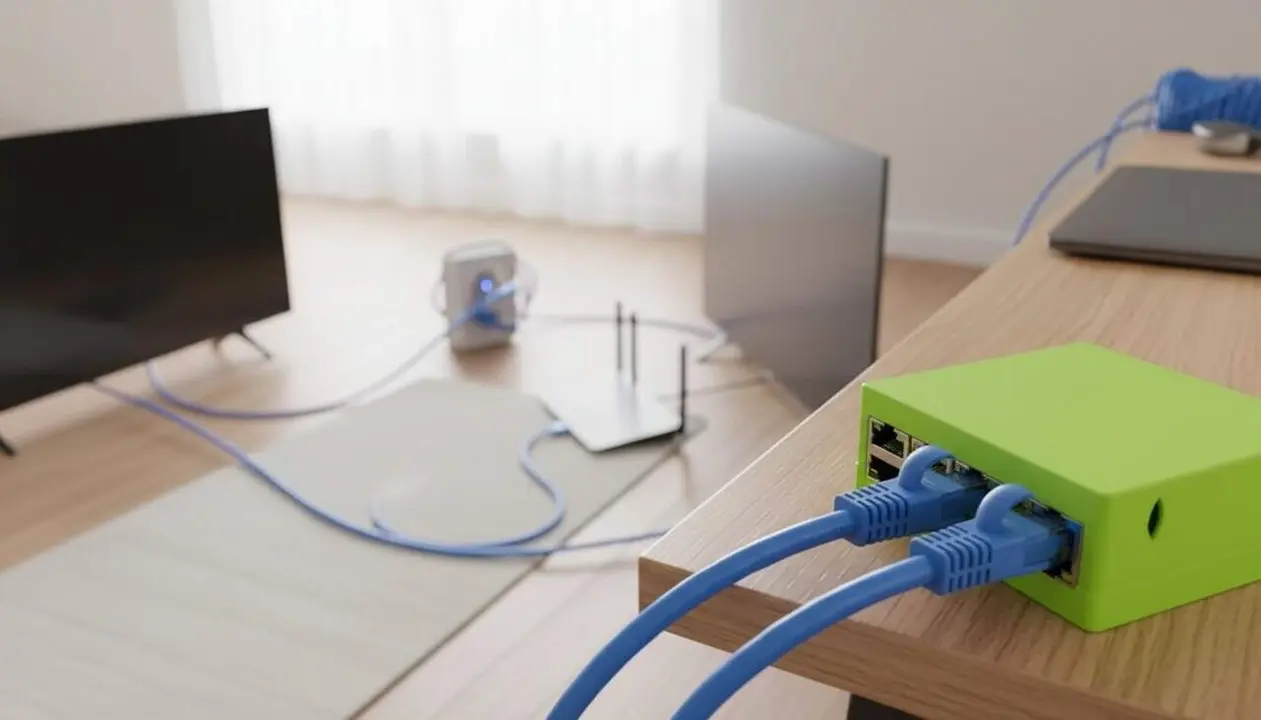

Imagine you are watching your favorite series and, suddenly, the WiFi connection fails right in the room where you are. Many of us have experienced this frustration, but the solution is not always to complicate life with a thousand tricks or extend the network without guarantees.
The reality is that WiFi does not need to reach every room to have a stable connection on almost any device. With Ethernet, speed and reliability are guaranteed, and here we explain how to achieve it without having to cable the entire house.
Using a PLC adapter with Ethernet
How does a PLC adapter work?
PLC adapters use the existing electrical installation to send Internet signals through the home’s power outlets. One adapter connects to the router with an Ethernet cable and sends the information through the electrical cables to other adapters located in different rooms.
These nodes can offer wired connection or create a local WiFi point, ideal for devices without an Ethernet port. It is an easy-to-install solution and, if the electrical installation is relatively modern, the performance is usually excellent.
Advantages and limitations of PLC
- Advantages: No need for construction or rewiring, easy installation, stability superior to WiFi.
- Limitations: Depends on the condition of the electrical installation, may suffer interference and occasional speed drops.
Using a coaxial cable adapter with Ethernet
What is it and how is it used?
Many homes already have coaxial cables for television distributed in different rooms. With adapters that convert the coaxial cable signal to Ethernet, it is possible to create a wired network without the need to run new cables.
These adapters connect one end to the wall coaxial cable and the other to the router or device via an Ethernet port, using the coaxial cable as a bridge to carry the connection.
Benefits and possible drawbacks
- Benefits: Uses existing wiring, very stable and with good speed, ideal for homes with cable TV installation.
- Drawbacks: Not all homes have coaxial cable in every room, may require prior installation or specific adapters.
Using a USB to Ethernet adapter
When is a USB to Ethernet adapter necessary?
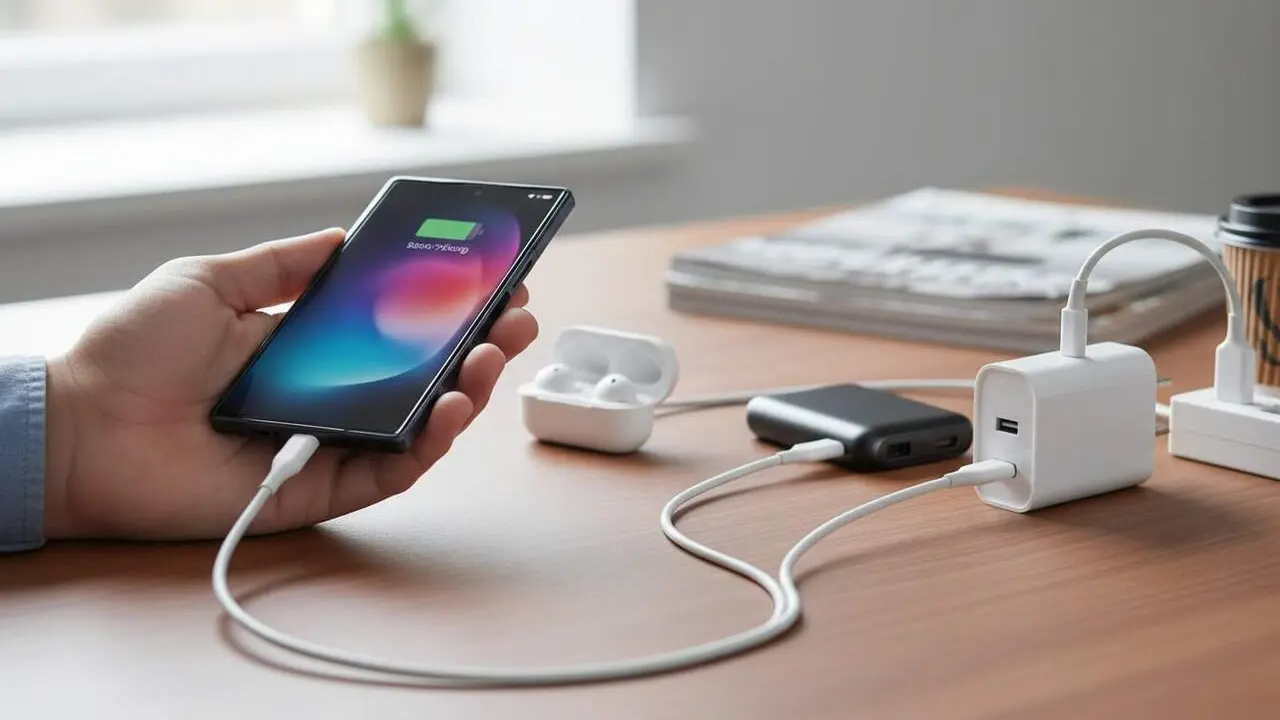
Many modern devices, such as ultrathin laptops, tablets, or phones, no longer have an Ethernet port. In these cases, a USB (or USB-C) to Ethernet adapter allows them to connect by cable, gaining stability and speed compared to WiFi connection.
This type of adapter is easy to find and affordable, but it is necessary to ensure compatibility with the specific device before purchasing.
Aspects to consider
- Compatibility: Each device may require specific adapters; for example, Lightning adapters for iPhone or USB-C for Android.
- Mobility: You lose the convenience of wireless connection, but gain a stable connection without interruptions.
| Method | Advantages | Disadvantages |
|---|---|---|
| PLC adapter | Uses existing electrical installation, easy installation, can offer local WiFi | Depends on electrical condition, possible interference |
| Coaxial cable adapter | Uses existing TV wiring, very stable, high speed | Requires coaxial cable in rooms, may need specific adapters |
| USB to Ethernet adapter | Ideal for devices without Ethernet port, improves speed and stability | Loss of mobility, compatibility must be ensured |
If WiFi does not reach a room, there is no need to despair. With these three methods you can connect almost all your devices via Ethernet, improving the connection and avoiding annoying disconnections.
Try choosing the system that best adapts to your home and devices, and enjoy the peace of mind of a stable and fast connection where you need it most.