The day has arrived: Change your old Movistar Plus+ decoder
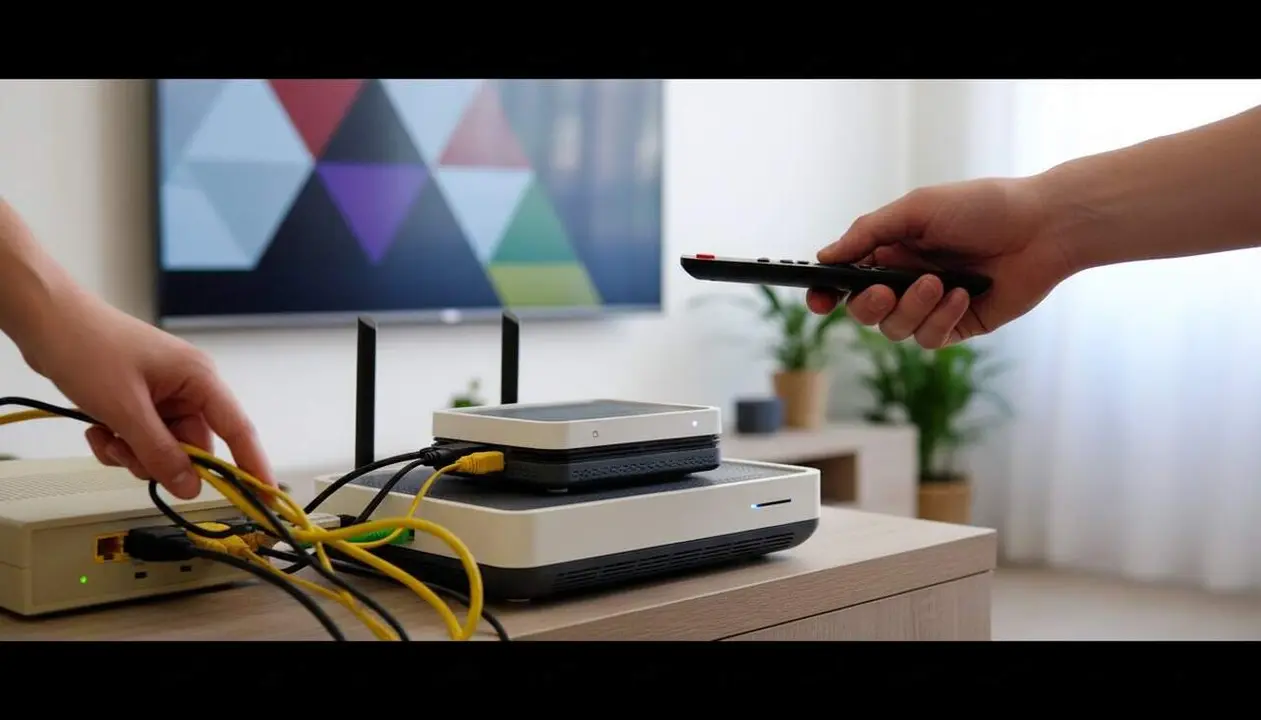

According to the latest information provided by Movistar, users with old decoders, especially the 'HD' models, will need to replace them with a more modern UHD model before June 1st. This change is essential to continue watching the channels and accessing the updated features.
The reason is clear: the UHD decoder offers access to 4K UHD content, improvements in the search function, and enables the use of streaming applications such as Netflix or Amazon Prime Video, as well as support for Dolby Atmos surround sound. Old models, on the other hand, will stop working, which may leave the customer without service if they do not act in time.
How to know if your decoder is affected
Identification of old decoders
If you have a decoder that does not support 4K, usually connects via HDMI but does not have access to applications, it is probably an 'HD' model that will stop working.
Movistar has sent notifications via email and bills, with messages like "Your current decoder will stop working." You can also check by calling 1004.
How to proceed upon receiving the notice
When you receive the notice, you must contact Movistar to arrange the switch to the new UHD decoder at no cost. If you do not, the service will no longer be available after June 1st.
How to exchange your old decoder for a new one
Step-by-step to request the exchange
- Call 1004 and explain that you want to change your decoder for a UHD model.
- Alternatively, visit a Movistar store and request the new equipment.
- Specify that you do not want any cost, as the exchange is free.
- Once you receive the new decoder, follow the instructions to replace the old one.
Potential problems with old TVs
The UHD decoder only connects via HDMI. If you have a TV older than 15-20 years without an HDMI input, you will need to purchase an adapter or consider upgrading your television, as you will not be able to connect the new device by other means.
Verification and maintenance after the change
How to ensure everything works correctly
- Verify that the new decoder displays content in 4K UHD high definition.
- Check that you can access applications like Netflix and Amazon Prime.
- Ensure that Dolby Atmos sound is active if you have compatible equipment.
- Confirm that you do not receive error messages or service interruption warnings.
Table of affected versions and solutions
| Decoder model | Affected | Solution |
|---|---|---|
| Old HD model | Yes | Free replacement with UHD model |
| UHD model (Ethernet or WiFi) | No | Continues working |
Finally, remember to keep your equipment updated and periodically review your connection data. Activating two-factor authentication (2FA) on your Movistar account and reviewing the permissions of installed applications also helps prevent unexpected problems.
If you notice that the decoder does not respond, the picture freezes, or you cannot access certain features, do not hesitate to contact specialized technical support to avoid being left without TV.
The reality is that making this change now ensures you continue enjoying your favorite channels without interruptions, with the best quality and access to the latest multimedia innovations. Don’t let June 1st catch you with a black screen.